27
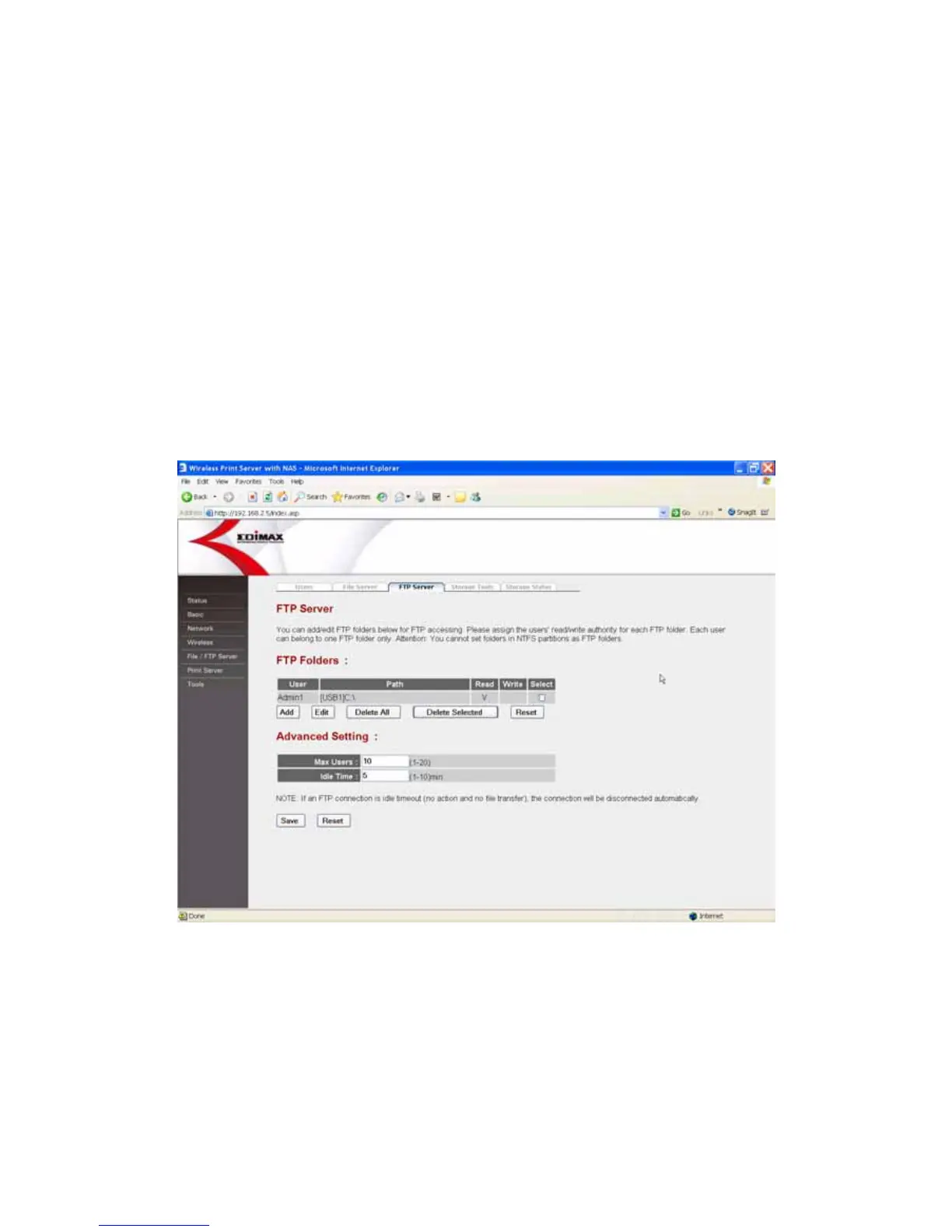
3. Set the shared folders of the USB storage device which are allowed to
access by authorized users in the “FTP Server” menu of “FTP/File Server”
page.
Please assign the shared folders and the user’s read/write authority.
User: Select the user who has the right to access the FTP Server.
Path: Designated the shared folder path.
Read/Write: Select “Read Only” or “Read/Write”.
Note: You can not set sharing policy here for folders in NTFS partitions.
4. Open your web browser and enter “ftp://IP Address of the Server”, for
example: ftp://192.168.2.5.
5. Enter user name and password to logon to the FTP Server.















 To Next Page