14
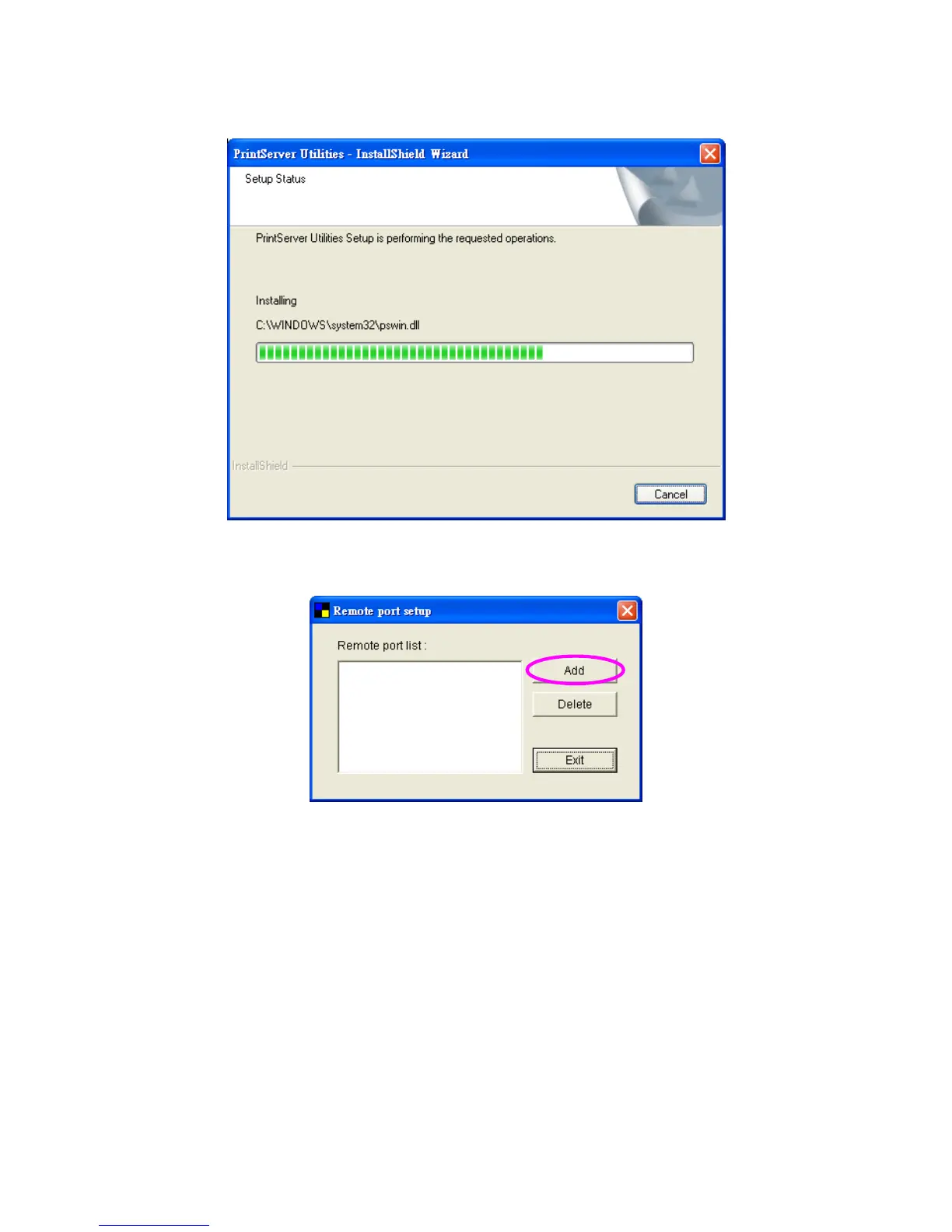
5. The system will start to install the utilities automatically.
6. The “Remote Port Setup” is for you to add the network port of the print
server to your computer. Please click “Add”.
7. Enter the “Print Server Name” and the “IP Address” of the server and also
select the port number, then click “OK” to add the print server port to your
computer.
Print Server Name: It is the last 6-digit of MAC ID with prefix “PS”.
IP Address: By default, it is “192.168.2.5”.
Port: Designate the printer port name for each port. By default, it is “lpt1”
for USB port 1 and “lpt2” for USB port 2.















 To Next Page