24
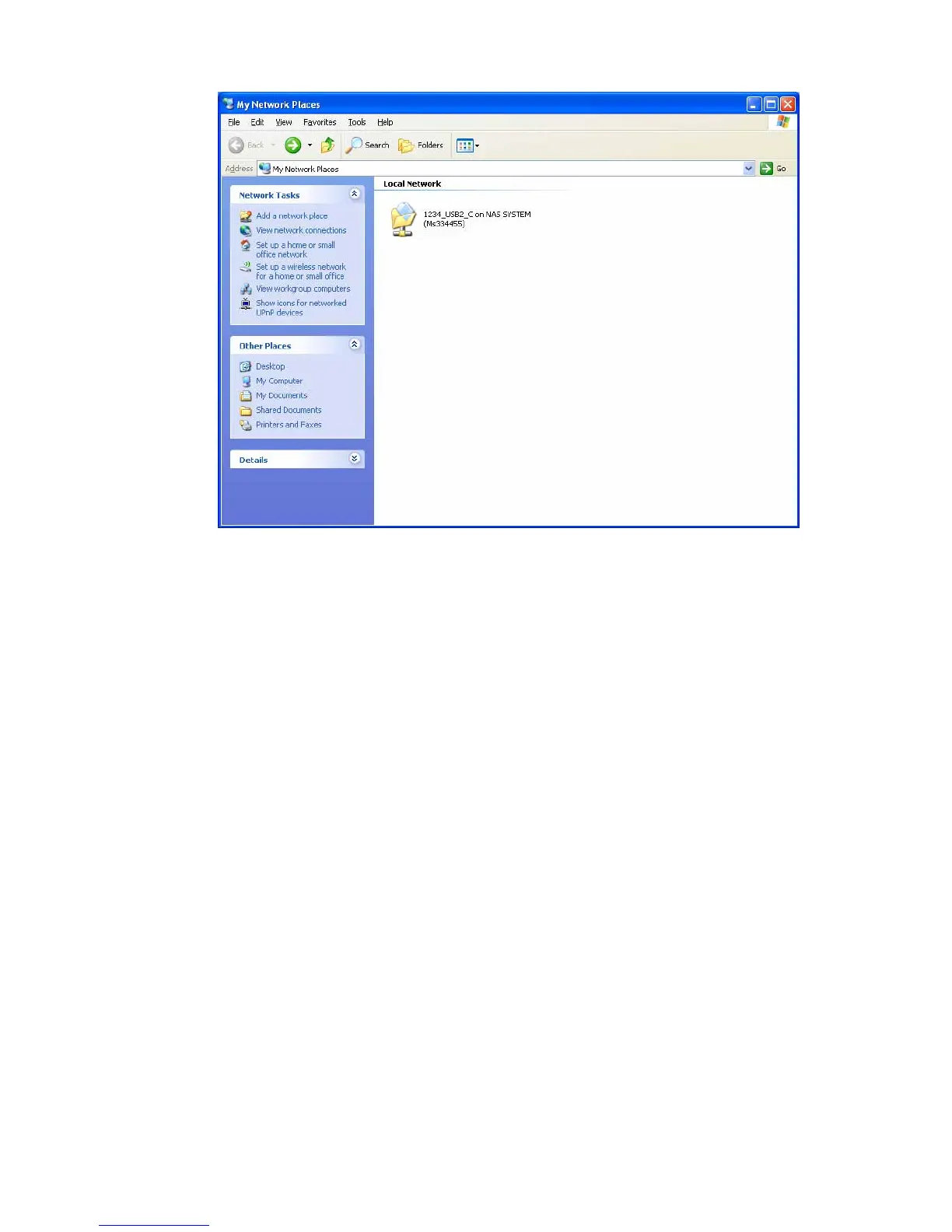
Double click the device to logon to the folder.
User Name: Please enter the user’s name who has been allowed to
access the folder.
Password: Please enter the user’s password.
Note1: In Windows, multiple connections to a server or shared resource
by the same user, using more than one user name, is not allowed. Please
make sure that you use one user name for one computer to access the
same shared resource.
Note2: If you cannot logon to the shared folder, it is recommended to
enter “Storage Name or IP Address of the server\User Name” (for
example: MS334455\test or 192.168.2.5\test) in the “User Name” field.















 To Next Page