62
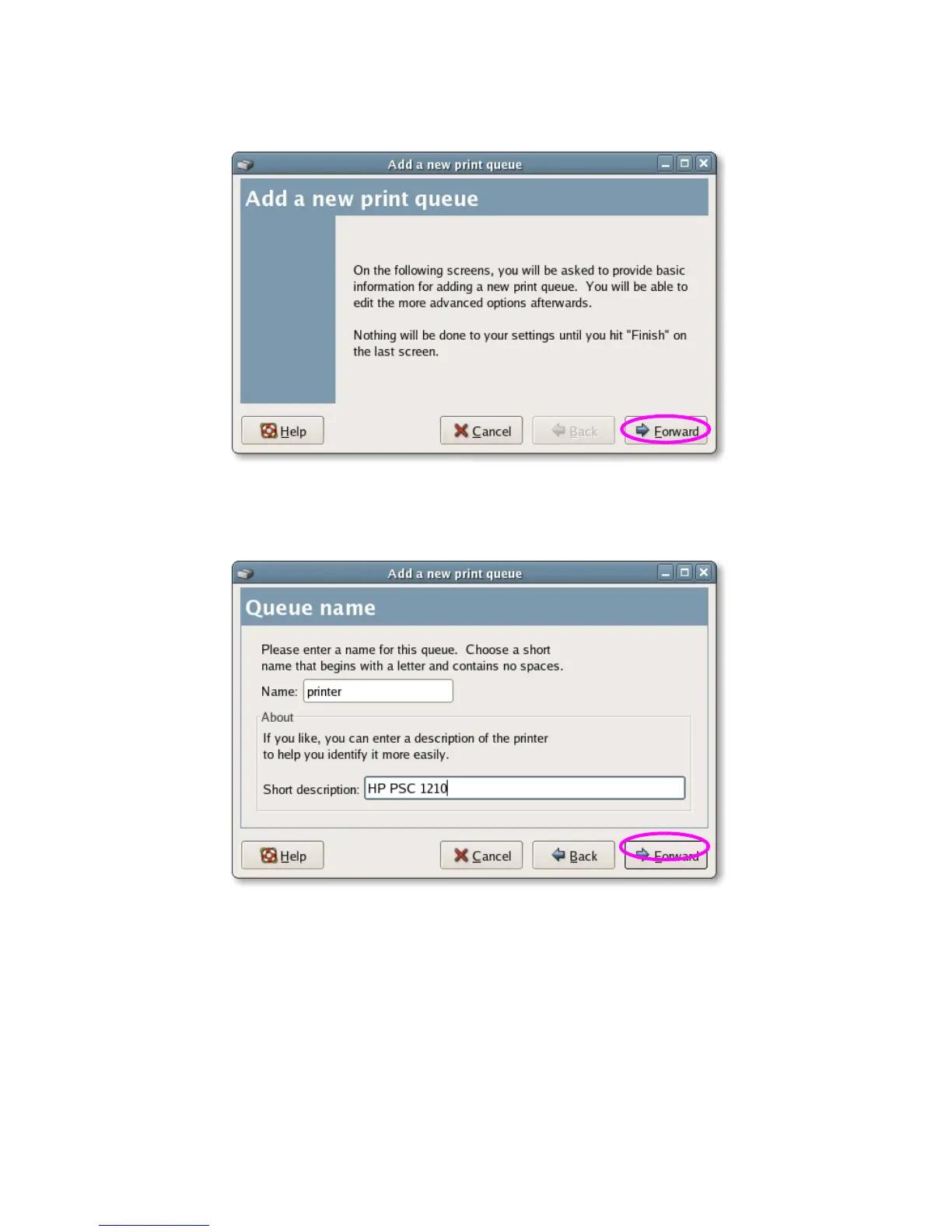
3. Click “Forward”.
4. Set the printer queue name and the short description of the printer and
click “Forward”.
5. In the following screen, please configure as below. Then click “Forward” to
continue.
Select a queue type: Select “Network Unix (LPD)” as the queue type.
Server: Enter the IP Address of the server, for example: 192.168.2.253.
Queue: Set the queue name to lpt1 or lpt2.















 To Next Page