20
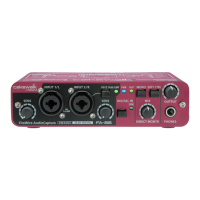
Before you begin using the FA-66 with your Macintosh (Mac OS X users)
* Depending on the model of Macintosh you are using, starting
up the Macintosh when the FA-66 is connected may cause
operation to become unstable. In this case, start up the
Macintosh and then connect the FA-66.
* If you want to change the FA-66’s sample rate, turn the FA-66
off, change the sample rate, and then turn the FA-66 on again.
If, in the Mac OS System Preferences - Sound - Output, the
EDIROL FA-66 is not shown in the “Choose a device for
sound output” setting, this means that the FA-66 is
completely powered down.
FA-66_e.book 20 ページ 2006年1月12日 木曜日 午前11時32分


 To Next Page