10
►CONFIGURATION EXTRACTION (CFG)
For an advanced conguration of the HDMI modulator Xtend, you must extract the conguration le
to a USB drive, modify it and import it again in the HDMI modulator Xtend. To extract the conguration
le named jedi_cong.txt*, you must connect a USB drive** to the USB slot, enter the Main Menu,
select CFG and press key UP to extract the le to the USB drive.
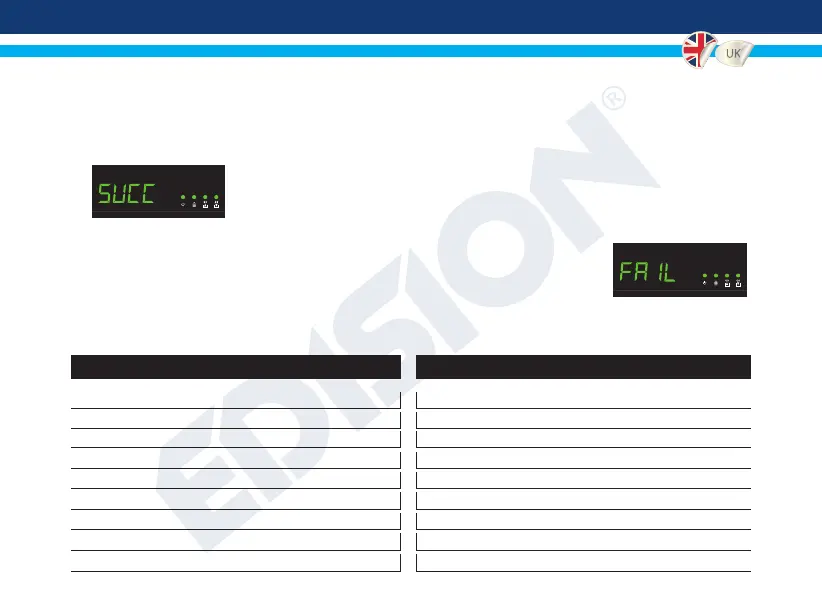
When the message SUCC appears, the process has been successfully
completed.
*IMPORTANT: Τhe conguration le jedi_cong.txt should not be renamed!
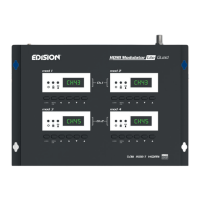
**IMPORTANT: Use only FAT32 partitions! In any other case, the message FAIL
will indicate that the process has not been completed.
Conguration le details (jedi_cong.txt)
<attribute>value<attribute> Description: Allowed values
<constellation>2<\constellation> Constellation: 0 QPSK, 1 16QAM, 2 64QAM
<channel>43<\channel> RF channel: 05 to 12 & 21 to 69
<bandwidth>8000<\bandwidth> Channel Bandwidth: 7000 or 8000 KHz
<FEC>2<\FEC> FEC: 0 , 1 , 2 , 3 , 4
<FFT>1<\FFT> FFT: 0 2Κ, 1 8Κ
<GI>0<\GI> Guard Interval: 0 , 1 , 2 , 3
<Name>TV-1<\Name> Channel Name: Max 12 characters
<RF
_
Level>0<\RF
_
Level> RF Level: 6,4,2,0,-2,-4,-6,-8,-10,-12,-14
<LCN
_
Type>1<\LCN
_
Type> LCN Type: 0 ITC, 1 Italy


 To Next Page