2. Installation
2.1 First-time setup
Before powering on the 5GEE Router, you need to insert a SIM card.
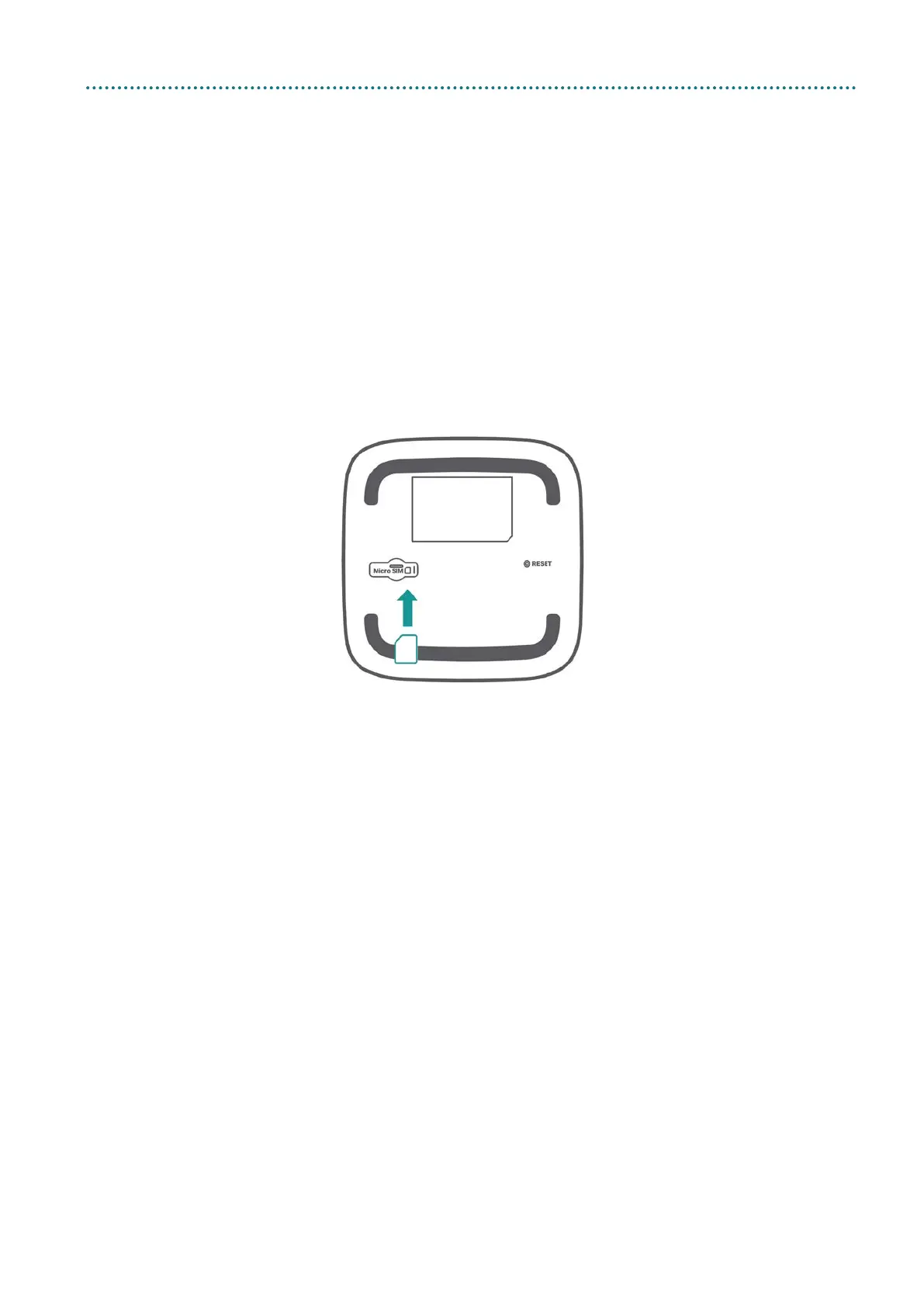
2.1.1 Insert the SIM card
Step 1: Use a flat object to gently lift the SIM door.
Step 2: Insert the SIM card into the slot with the gold contacts facing
downwards.
Step 3: Fully insert the SIM card until it clicks into place. For more help
setting up, visit ee.co.uk/simstart.
Note: Push the SIM into the slot smoothly with your finger. Do not use
any tool, as it may damage the SIM.



 To Next Page