3.1.1 Status bar icons
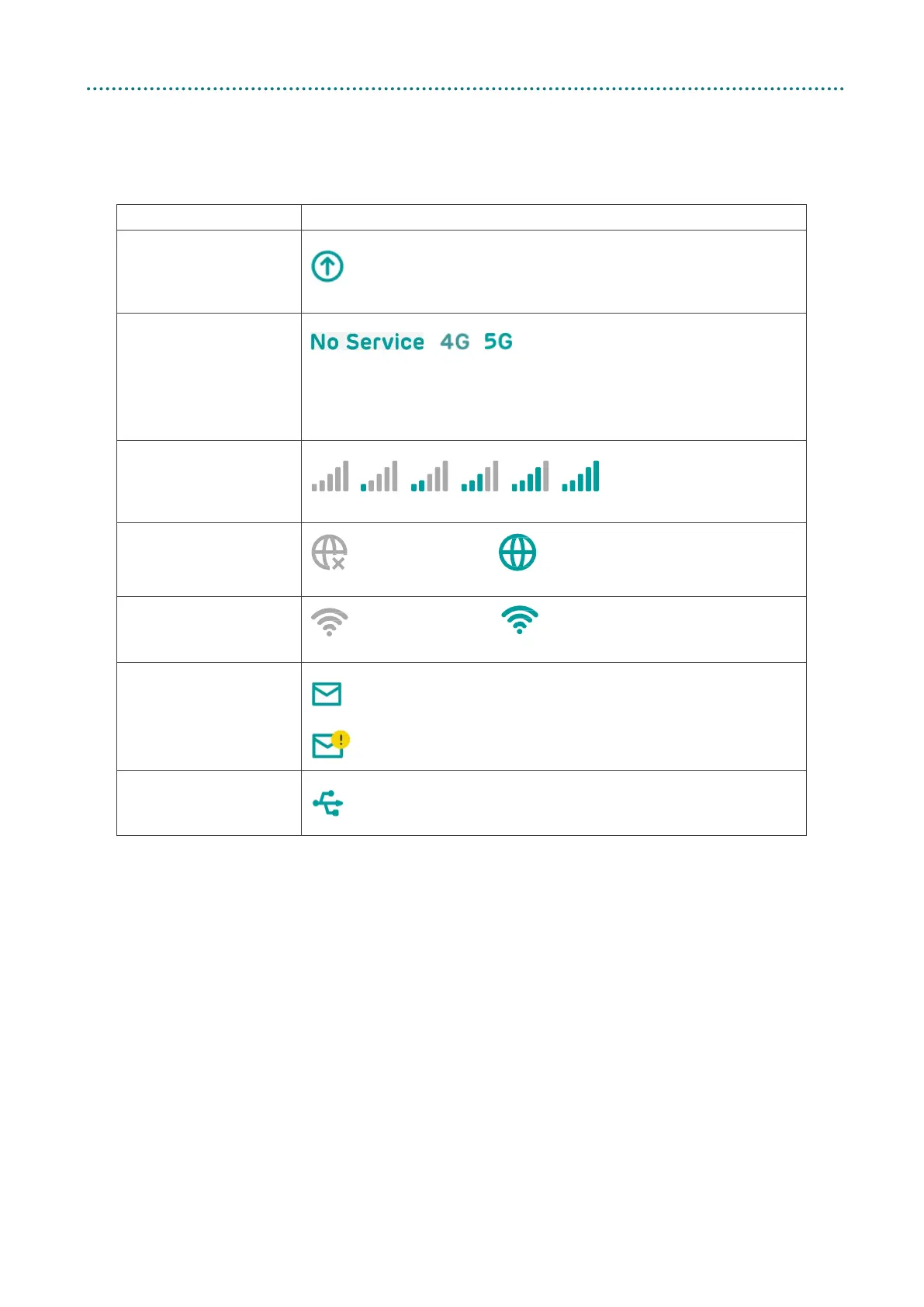
The following table shows the status bar icons and its description.
Description Icon displayed
Firmware upgrade
A new firmware is available.
Network type
4G or 5G will be displayed, depending on the network type
available. No service will be displayed when there is no
network available or the SIM is disconnected
Signal indicator
From no signal to excellent
Connection status
Disconnected
Connected
WiFi status
WiFi is disabled WiFi is enabled
SMS
New message / Unread message(s) in inbox
SMS inbox is full
USB
USB device is connected



 To Next Page