6.2 Device management
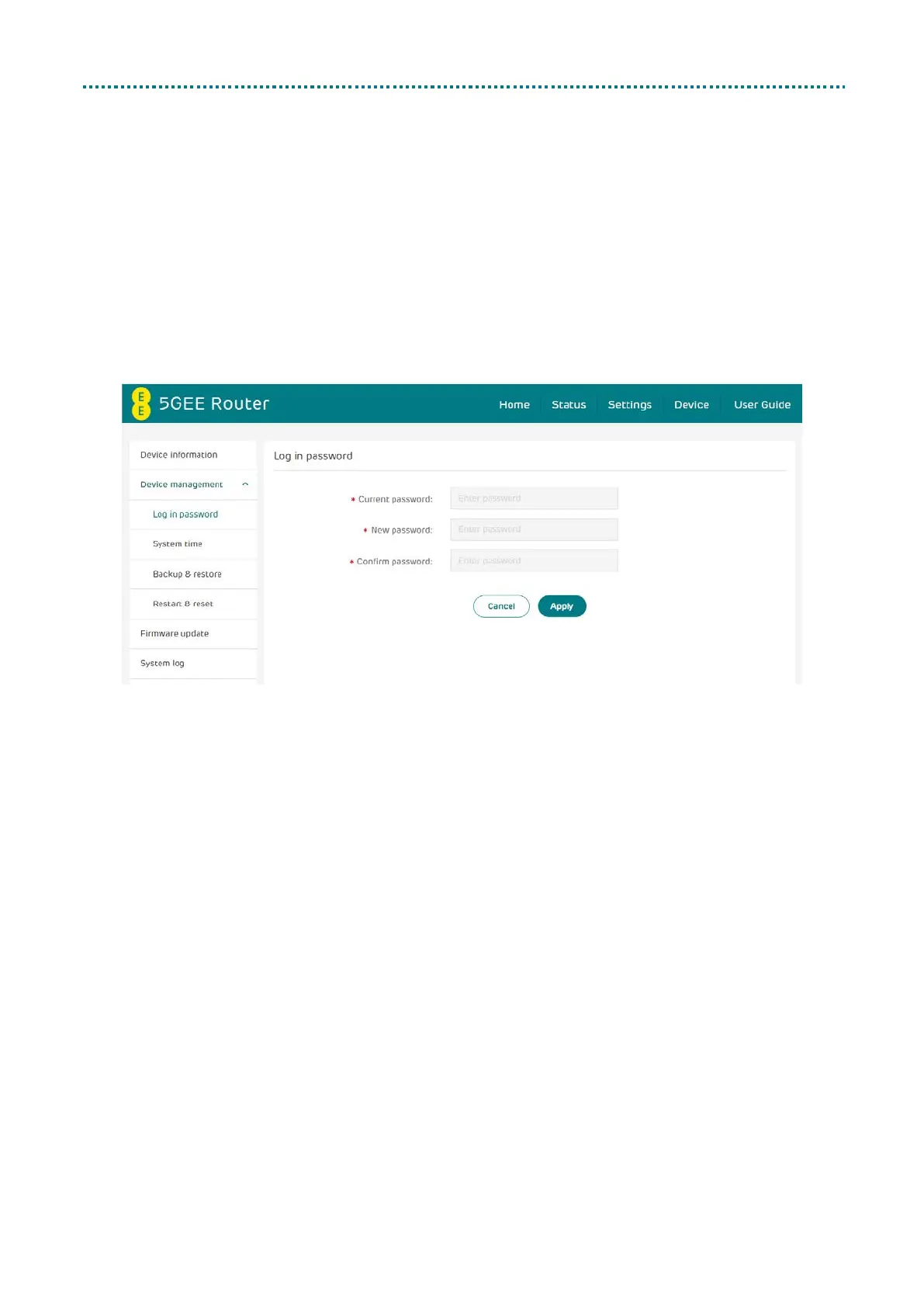
Log in password
Enter your current password and confirm a new password. Your chosen
password must be between 8-64 characters long.
Note: For security it is recommended your password should contain a
mixture of upper-case letters, lower-case letters and numbers. The
password should not be easily guessed, or a word from the dictionary.



 To Next Page