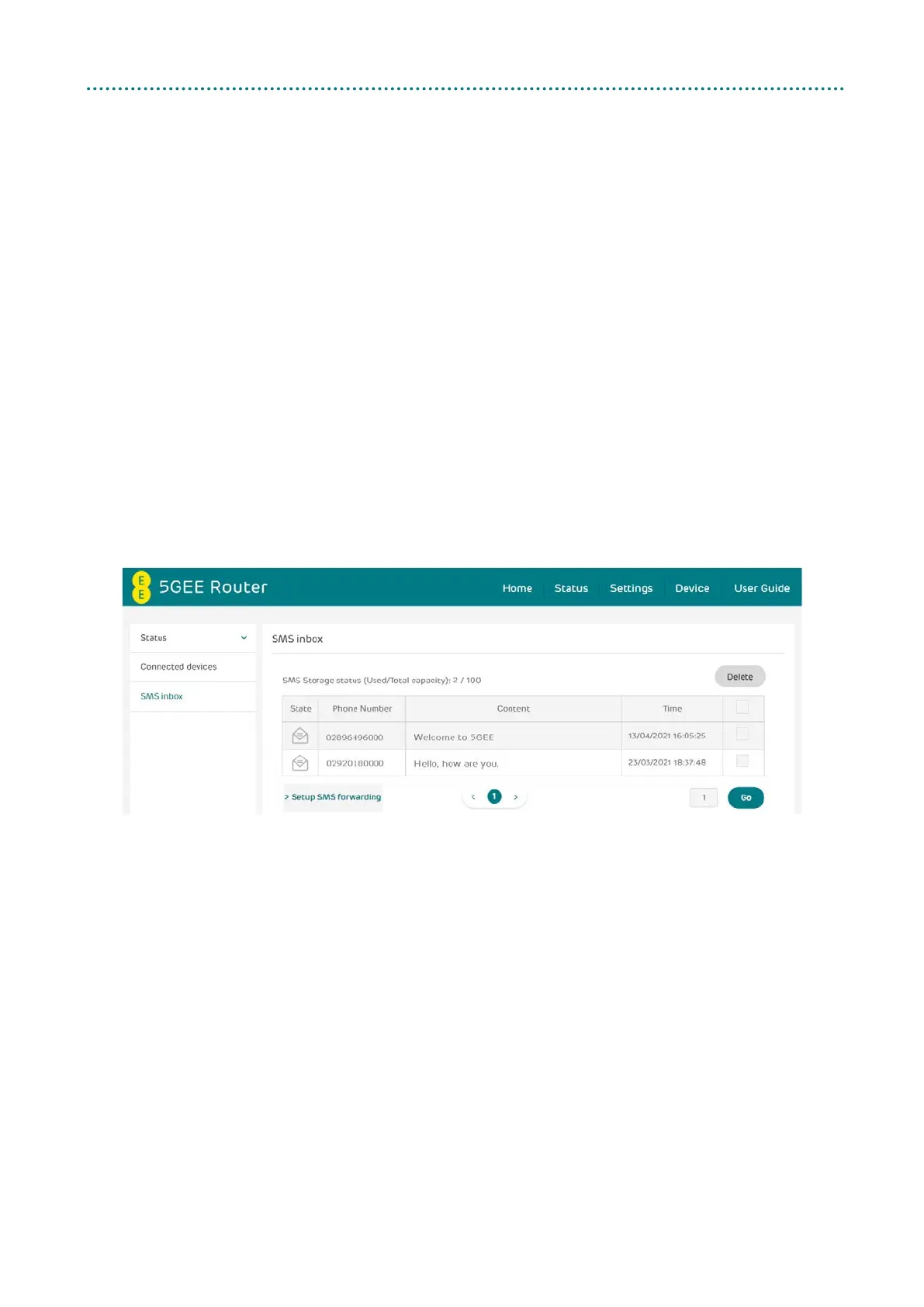
4.3 SMS inbox
How to read an SMS message: Left-click the content of the message you
wish to read.
How to delete an SMS message:
1. Find the message you wish to delete in the Inbox.
2. Tick the box in the far-right column for the message(s) that you
wish to delete.
3. Click Delete.
How to delete all SMS messages:
1. Left-click at the top of the column to select all.
2. Click Delete.
How to reply to an SMS message:
1. Left-click the content of the message you wish to read.
2. Write the reply message in the reply text box.
3. Click Send.



 To Next Page