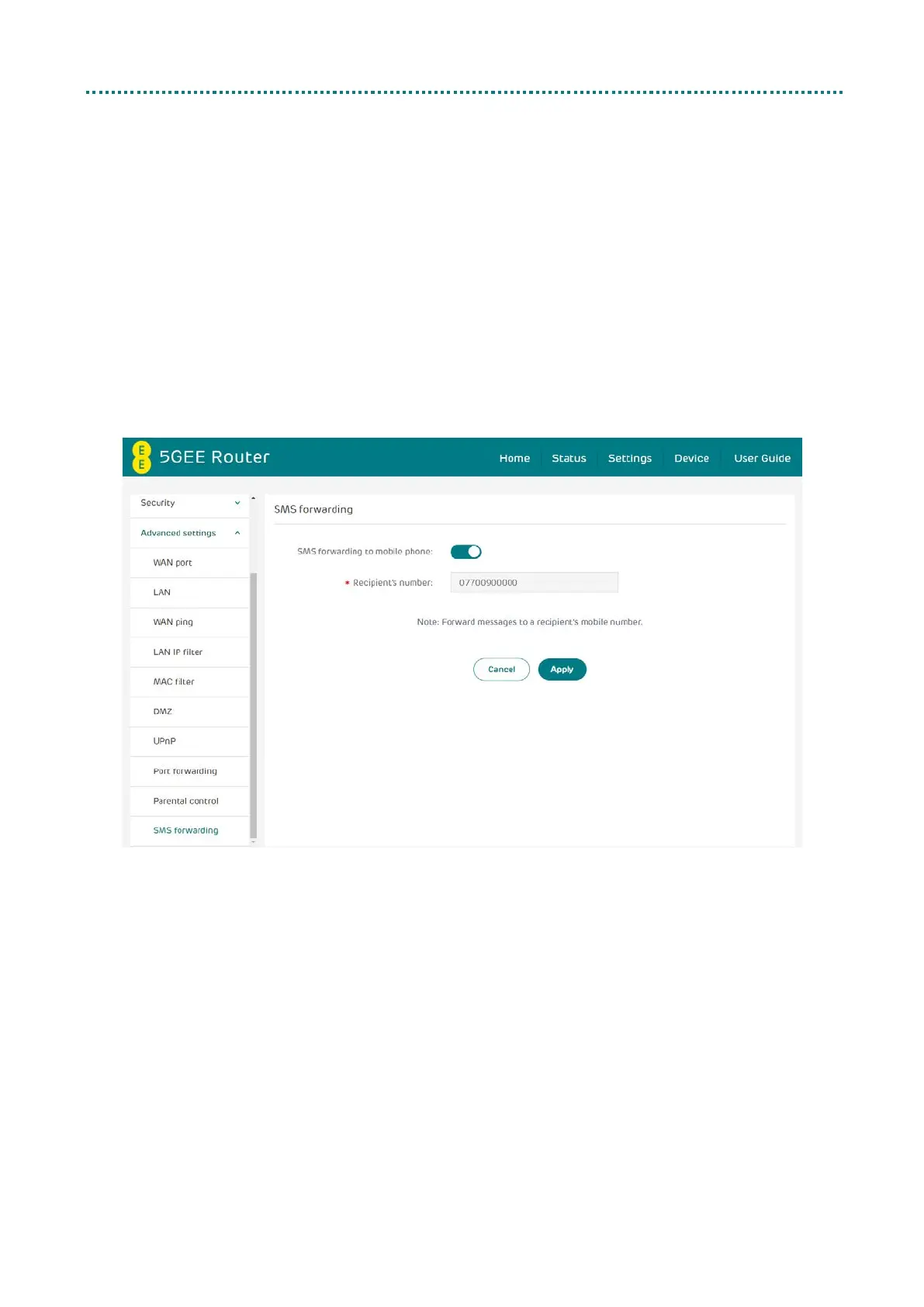
SMS forwarding
SMS forwarding allows you to forward SMS messages sent to your 5GEE
WiFi to another mobile phone.
1. Enable SMS forwarding to mobile phone.
2. Enter the phone number you wish to have messages forwarded
to.
3. Click Apply.
4. After clicking Apply, all incoming SMS will be forwarded to that
mobile phone number automatically.



 To Next Page