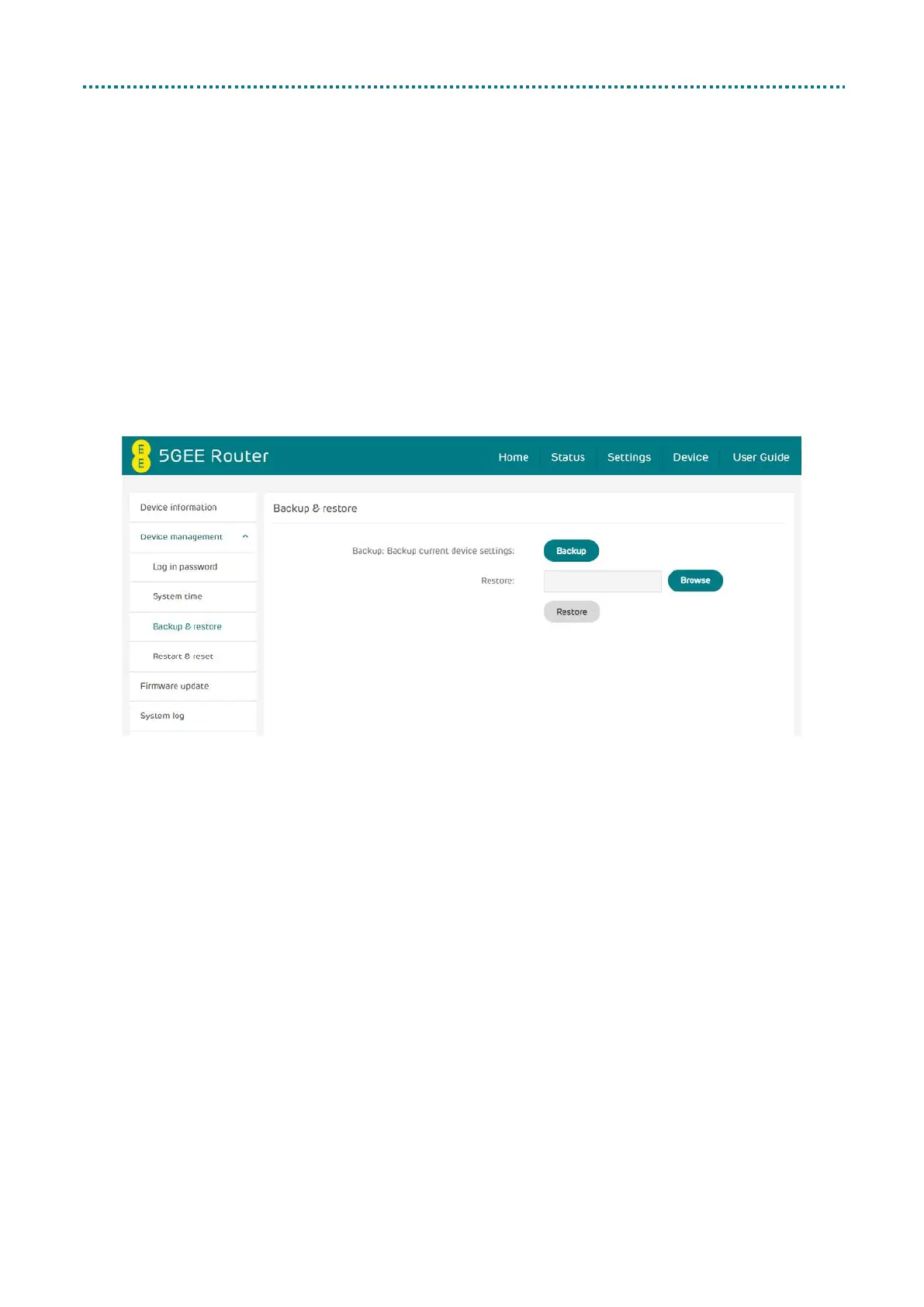
Backup & restore
• How to backup and save device configurations:
1. Click Backup to back up the current device configuration.
2. On both Windows and Mac OS, the default path is to save
configurations to your Downloads folder and the file name will
be configure.bin.
• How to restore the backup configurations:
1. Click Browse to select a previously backed up configuration file.
2. Click Restore.



 To Next Page