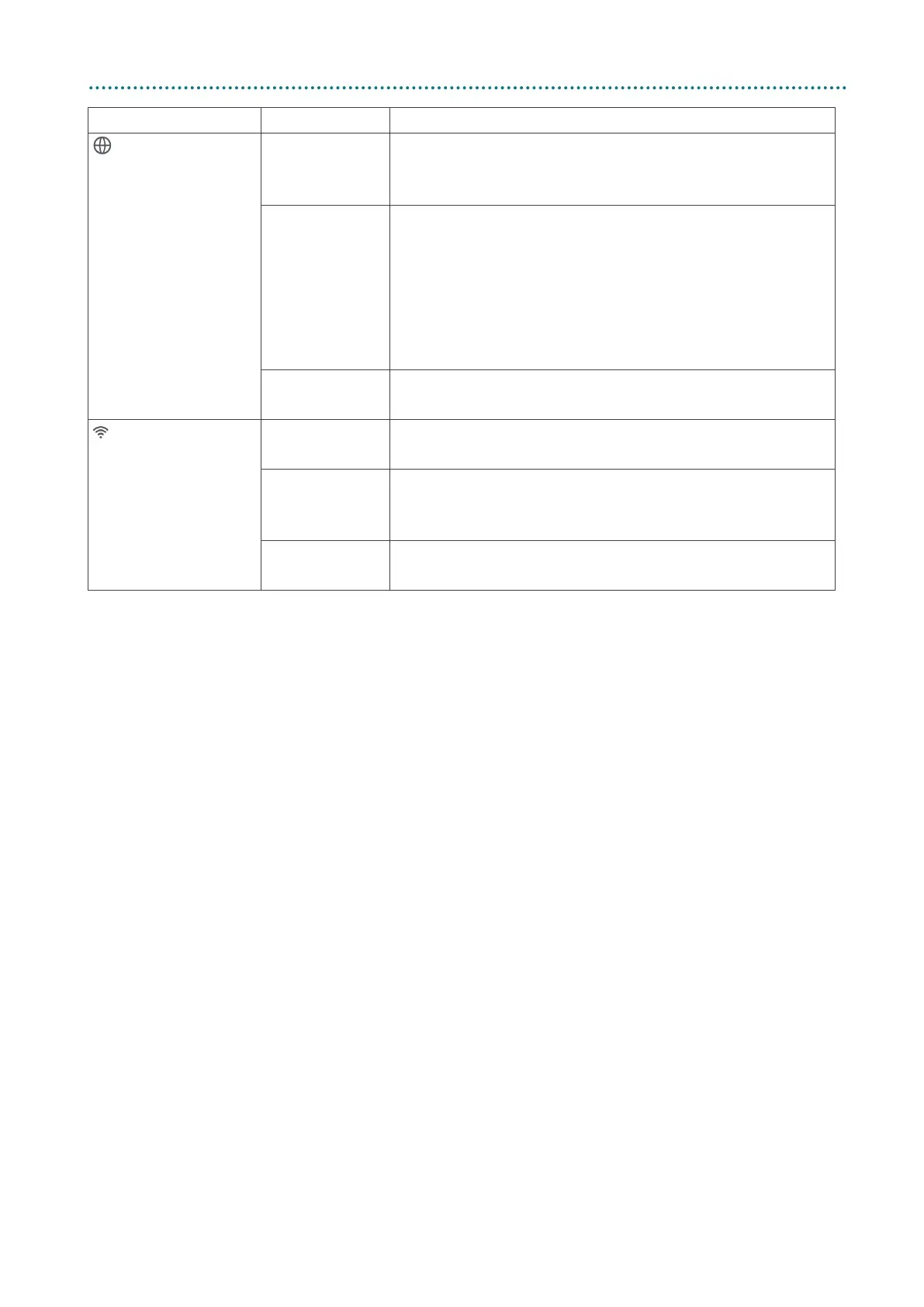
LED Type Status Description
Internet
Blue
5G cellular
The 5GEE Router has an internet connection over the
Green
4G cellular
The 5GEE Router has an internet connection over the
4G network, or is connected over Ethernet WAN (see
Advanced settings).
Ethernet WAN
The Ethernet WAN connection is up if Network type
Red
Internet data disconnection
The internet is disconnected.
WiFi / WPS Green
WiFi on
Flashing Green
WPS
You can connect a device to the 5GEE Router using
No light
WiFi off



 To Next Page