Time Set
SETTING THE TIME AND DATE
The energy meter must be programmed with the correct time and date in order to give accurate
information. Setting the time and date:
STEP 1
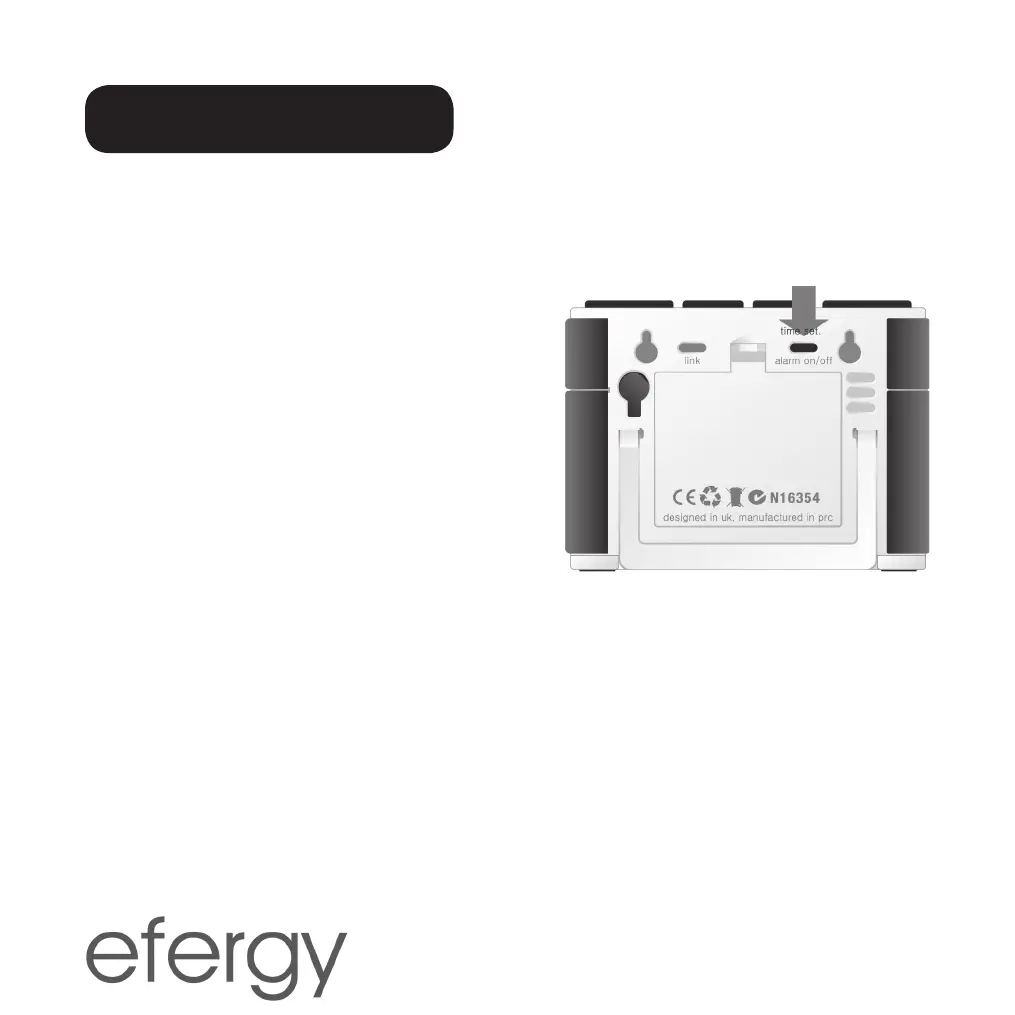
On the back of the display there is a settings button
[Time set]. Depress this button for two seconds.
The date display will begin to flash.
STEP 2
Set the correct date using the [Bwd] and [Fwd]
buttons. Press [Mode] to confirm and to continue
on to setting the month. Repeat this procedure
to set the year. Press [Mode] to confirm and to
continue with setting the time.
STEP 3
Set the correct hour using the [Bwd] and [Fwd] buttons. Press [Mode] to confirm and to
continue. Repeat this procedure to set the minutes. Press [History] to confirm the setting.


 To Next Page