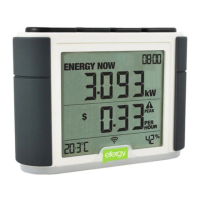
15
History
BWD FWD Mode
History
BWD FWD Mode
DUAL TARIFF
If you have an electic meter with dual tariffs, you need to program the energy meter for this function.
STEP1. ACTIVATING DUAL TARIFFS
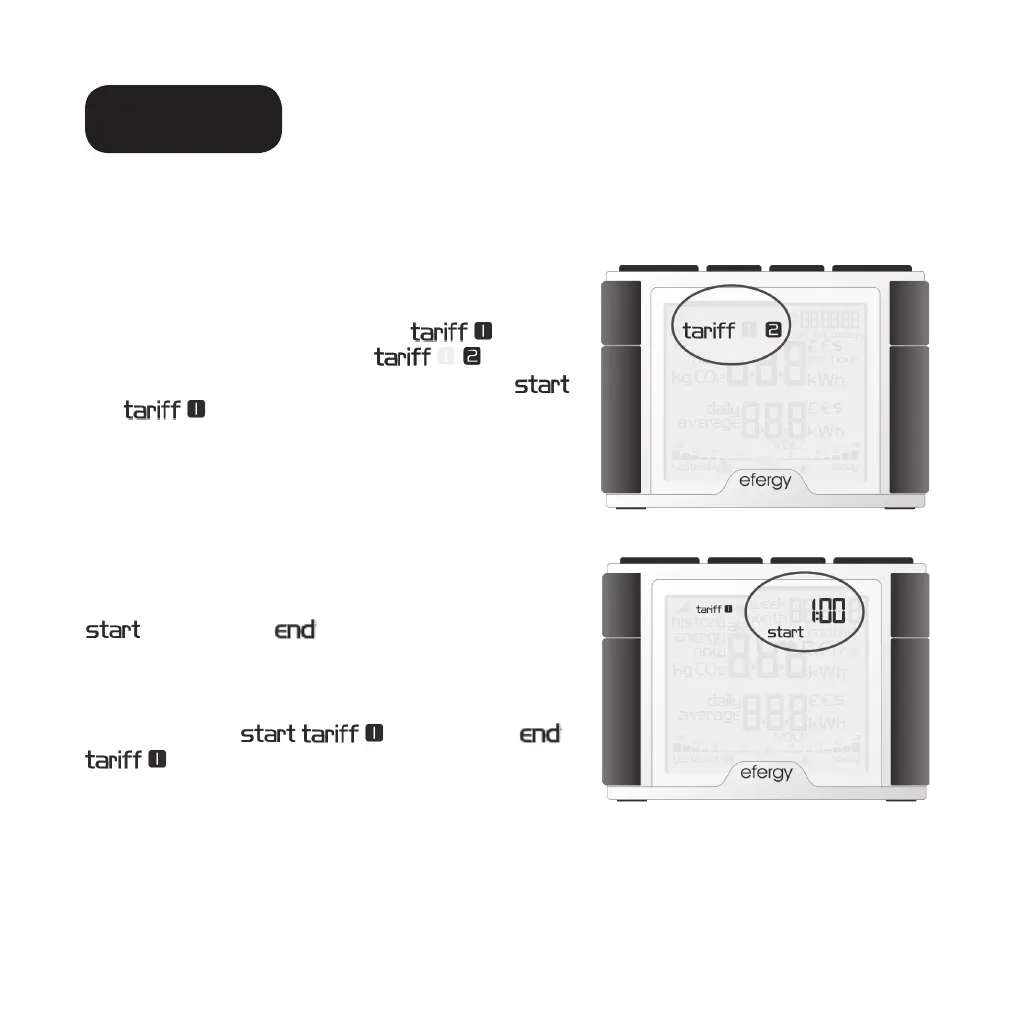
Depress [Mode] for two seconds. The value for the set
voltage (230) will begin to flash. Press [Mode] two times
to open the dual tariff settings mode.
will flash
twice on the display. Advance to
with the
[Bwd] or [Fwd] buttons. Press [Mode] to confirm.
and
will begin flashing.
STEP 2. SETTING THE START & STOP TIMES
FOR TARIFF 1
Set the start time for tariff 1 with the [Bwd] or [Fwd]
buttons. First set the start time by setting the hours and
press [Mode] to confirm. Continue setting the minutes
using the same process. Press [Mode] to confirm.
is replaced by on the display. Set the stop
time for tariff 1 using the same process.
Example: You are on an Economy-7 tariff from 01.00
to 08.00. Set the
01.00 and the
08.00. Press [Mode] to confirm. Then set the
currency and tariff per kWh for both tariffs for both day
and night.


 To Next Page