Electronic device DMU2000 - DMU3000 - DMU3000 PLUS
2
Electronic device DMU2000 - DMU3000 - DMU3000 PLUS
To use the program “DMU Suite 1.3” you need a computer with the following minimum system
requirements:
- PC with Pentium 100 MHz processor
- CD-ROM drive
- Microsoft Windows operating system 98 or a more recent version
- Ram 32 MB (64 MB recommended)
- 100 MB of free space on hard disk
- Video card that supports a 800x600 monitor resolution or higher
- Monitor (laptops) 13’’ or higher
- n. 1 Standard free serial port (see p. 8 for more information)
In addition, it requires:
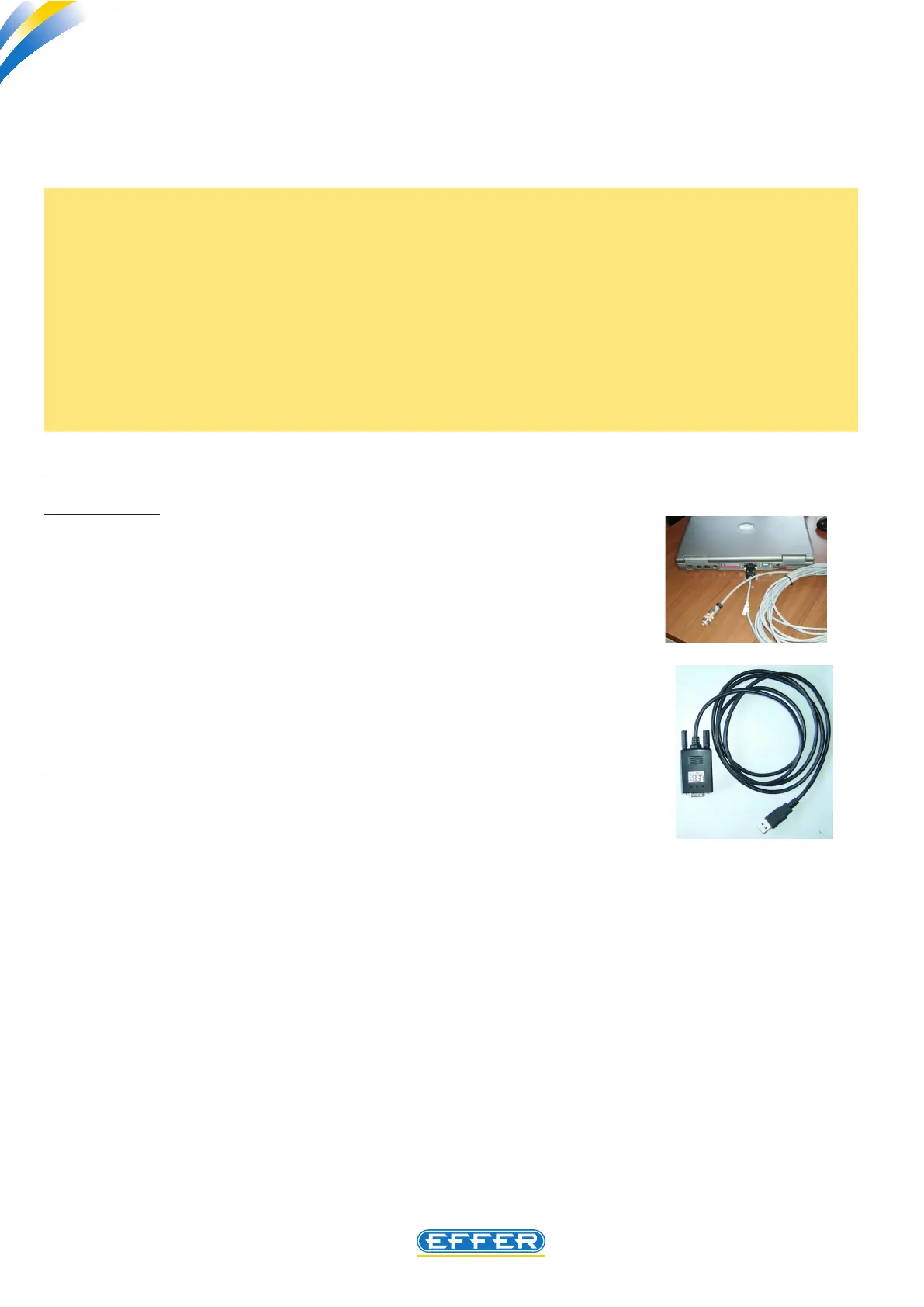
- n. 1 electrical cable for PC connection to DMU (code 9395261 l=10 M)
The following optional items may be supplied:
- n. 1 USB serial port adapter (code 9395668)
The software must be installed on your PC hard disk (portable computer recommended); it is not pos-
sible to start the programme directly from the CD-ROM.
Sol.Ge S.p.A. - 40013 Castel Maggiore (Bologna) - Italy
Via Bonazzi, 12/14 - Ph. + 39_(0)51_4181211 - Fax + 39_(0)51_701492
www.effer.it - e-mail: info@effer.it
The purpose of this manual is to provide all the workshops that are part of the assistance network
of EFFER cranes with instructions for the use of the new software to run DMU2000, DMU3000
and DMU3000PLUS.
NOTE: The first version of load electronic control system fitted to EFFER cranes is called DMU
2000. Subsequently, all the electrical wiring was redesigned, different electrical components
were used and the logic to check crane boom uplifting was introduced. The system was named
DMU 3000.
At the end of the year 2007 the DMU 3000 PLUS was designed and installed as a standard fea-
ture on some crane models. This electronic system, unlike the previous ones, also runs the crane
maximum operating speed allowed according to load applied to the hook and the geometric
configurations which the crane has when working.
Please note that with the interface software DMU Suite 1.3 you can connect all types of DMU de-
vices mentioned above, to edit the preset parameters or diagnostic operations.



 To Next Page