EasyManua.ls Logo

Ego Power+ STA1600 - User Manual

Ego Power+ STA1600
16 pages
Print Icon
To Next Page IconTo Next Page
Loading...
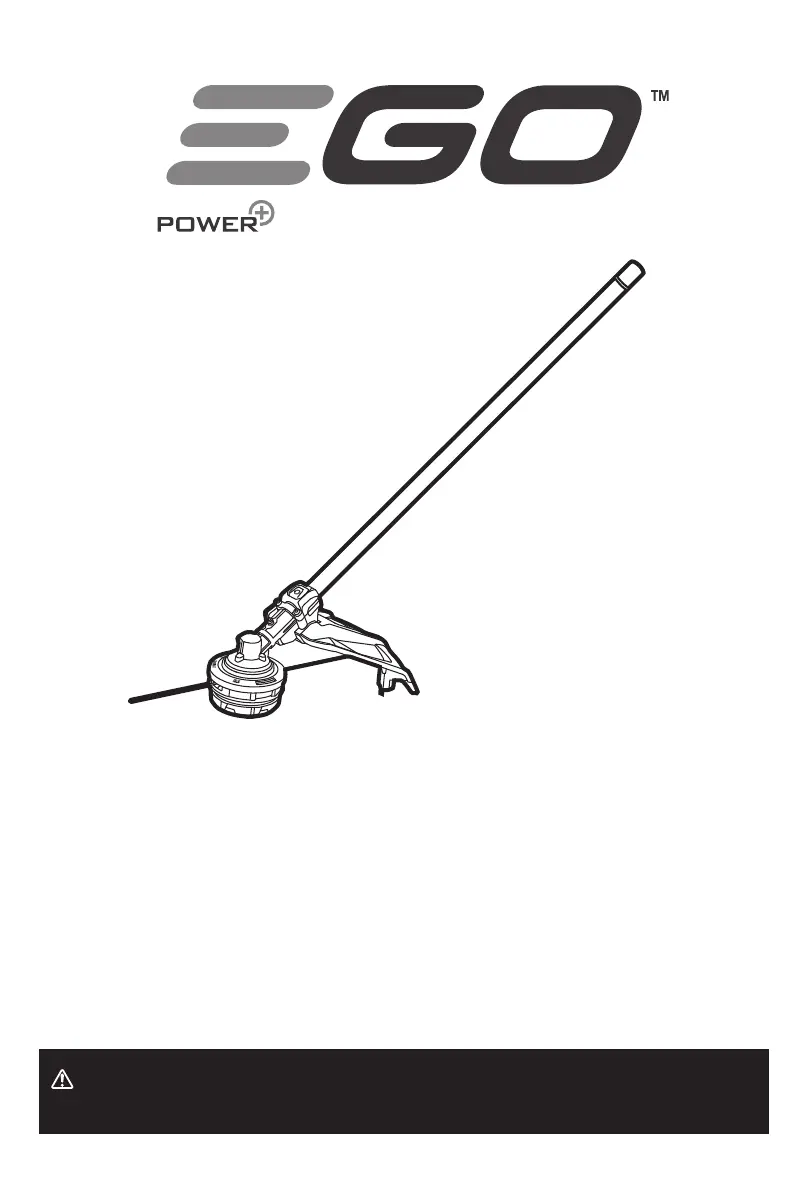
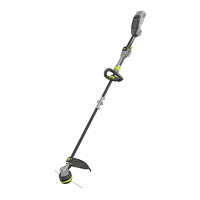
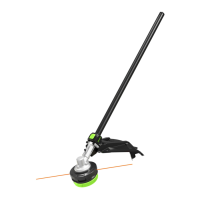
LINE TRIMMER ATTACHMENT
OPERATOR'S MANUAL
56 VOLT LITHIUM-ION
LINE TRIMMER ATTACHMENT
MODEL NUMBER STA1600
WARNING: To reduce the risk of injury, the user must read and understand the
Operator’s Manual before using this product. Save these instructions for future reference.
MNL_EGO_STA1600_AV01.01_230413

Other manuals for Ego Power+ STA1600

Questions and Answers

  • J
    Jacqueline RandallSep 15, 2025
    How to sharpen the blade on Ego Power+ STA1600?
    • J
      Joseph NormanSep 15, 2025
      If the blade on your Ego Power+ Trimmer isn't cutting the line, it's likely that the line-cutting blade on the edge of the guard has become dull. You can sharpen it with a file or replace it with a new blade.
  • E
    Emily PerkinsNov 22, 2025
    How to fix Ego Power+ Trimmer head that won't advance line?
    • F
      fhansonNov 22, 2025
      If the trimmer head on your Ego Power+ Trimmer isn't advancing the line, it could be due to a few reasons. First, the motor shaft or trimmer head might be bound with grass; stop the trimmer, remove the battery, and clean them. Second, there might not be enough line on the spool; in this case, remove the battery and replace the cutting line, following the instructions in the “RELOADING THE CUTTING LINE” section of this manual. Another possibility is that the trimmer head is dirty; remove the battery and clean the spool, lower cover assembly, and upper cover. The line could also be tangled in the trimmer head assembly; remove the battery, remove the line from the spool, and rewind it, again referring to the “RELOADING THE CUTTING LINE” section. Finally, the line might be too short; remove th...
  • F
    fthompsonDec 1, 2025
    What to do if my Ego Power+ STA1600 stops while cutting?
    • A
      Amy YoungDec 1, 2025
      If your Ego Power+ Trimmer stops while cutting, consider the following: * The guard might be missing, leading to an overly long cutting line and motor overload. Attach the guard after removing the battery pack. * You might be using heavy cutting line. Use only recommended nylon cutting line with a diameter of 2.4 mm or less. * Grass might be binding the motor shaft or trimmer head. Stop the trimmer, remove the battery, and clear any grass. * The motor may be overloaded. Remove the trimmer head from the grass to allow it to recover. Cut in shorter bursts, removing no more than 20 cm of length in a single pass. * The battery pack or trimmer may be too hot. Allow them to cool down below 67°C. * The battery pack may have become disconnected. Re-install the battery pack. * The ba...

Summary

Operators Manual

READ ALL INSTRUCTIONS!

READ OPERATORS MANUAL

User must read and understand the operator's manual before using the product.

SAFETY INSTRUCTIONS

Read and understand all safety instructions and symbols before using the tool.

GENERAL MACHINE SAFETY WARNINGS

Read all safety warnings, instructions, illustrations and specifications provided with this machine.

SAVE WARNINGS AND INSTRUCTIONS FOR REFERENCE

BATTERY TOOL USE AND CARE

SPECIAL SAFETY WARNINGS FOR LINE TRIMMER

Avoid bad weather, inspect area for wildlife/objects, wear PPE, dress properly.

PRODUCT SPECIFICATIONS

ASSEMBLY

CONNECTING THE LINE TRIMMER ATTACHMENT TO THE POWER HEAD

OPERATION

PRE-OPERATION CHECKS

Check trimmer head, guard, and front handle for damage before each use.

USING THE LINE TRIMMER WITH POWER HEAD

Dress properly to reduce injury risk when operating the tool.

TO START;STOP THE TOOL

ADJUSTING CUTTING LINE LENGTH

TRIMMER HEAD REPLACEMENT

MAINTENANCE

STORING THE UNIT

TROUBLESHOOTING

Line trimmer fails to start

Addresses issues like battery not attached, no contact, depleted charge, or incorrect trigger use.

Line trimmer stops while cutting

Covers causes like grass binding, overload, overheating, or battery issues.

Ego Power+ STA1600 Specifications

General IconGeneral
BrandEgo Power+
ModelSTA1600
CategoryTrimmer
LanguageEnglish

Related product manuals