26
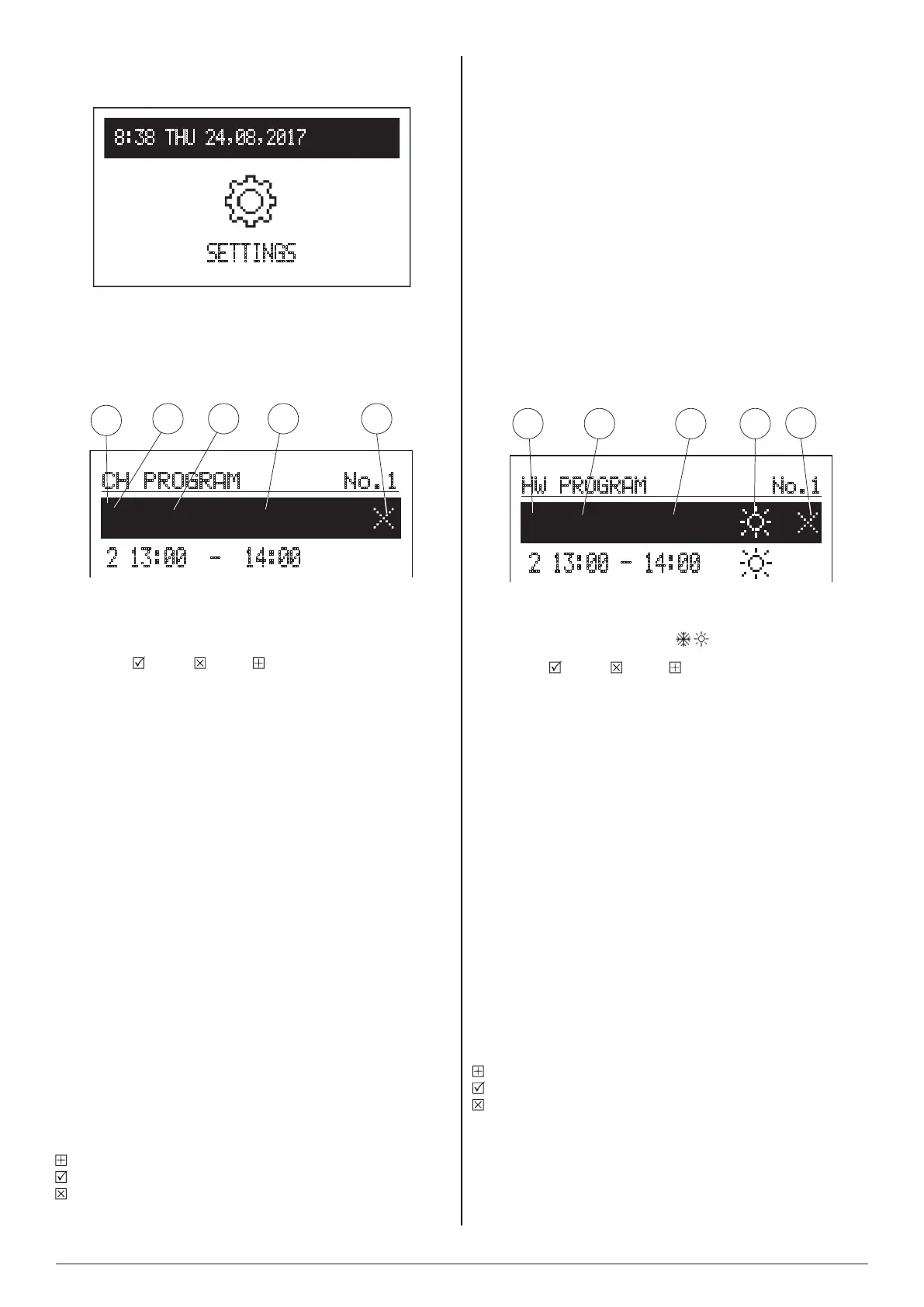
8:38 THU 24,08,2017
SETTINGS
SETTINGS optional settings with O/S (outside
sensor) and I/S (NTC sensor activated)
• CH PROGRAM – working program of CH installation
- WEEKLY selection of the daily programs for each day of the
week
Default settings of the boiler: program NO 1 for all week
days (editable).
[1]-timeperiodpanel
[2]-no.oftimeframeaccordingtoschedule(max5)
[3]-timeofstartingtheselectedtemperature
[4]-timeofnishingtheselectedtemperature
[5]-command(activewhenediting):
accept delete add
- NO 1 is a pre-set daily schedule, which operates within the
following time frames:
06:30am to 07:30am
13:00pm to 14:00pm
20:00pm to 21:00pm
The boiler will maintain COMFORT temperature within these
time frames. Outside dened time frames the boiler will be
set at ECONOMY TEMP.
There are 2 additional temperature settings: COMFORT
MINUS, COMFORT PLUS which can be selected while
dening time frames.
To adjust temperature parameter for COMFORT, COMFORT
PLUS, COMFORT MINUS, ECONOMY TEMP go to
SETTINGS> ROOM TEMP. The time frames are editable.
- NO 2 … NO 7 daily schedules to be adjusted in accordance
with user’s preferences
Tochangetheparametersforthedailyprogramsselectchosen
programnumberandpressnavigationdial.
Therstparameterashes(startingtime)-usethenavigationdial
tosetthenewtimeframevaluehourandminutesseparately)by
turningthedialleft/rightandconrmitbypressingthedialagain.
Atthesametimenextscreenstartstoashallowingeditionof
nextparameters.(nishingtime).
Lasteditablepositionisacommand.Toconrmchangesusethe
dialtoselectacommand:
addanewtimeframe
acceptandnish
delete
Iftherearenodenedtimeframes,thenafterselecting‘new’the
timeframe00:00amto23:59pmwill beset,which shouldbe
editedinaccordancewithuser’sneeds.
Thedailyprogramwillbesavedtotheboiler’ssettingsbypressing
thecommand‘END’
• HW PROGRAM - working program of DHW
- WEEKLY selection of the daily programs for each day of
the week.
Default settings of the boiler: program NO 1 for all week
days (editable)
NOTE: in order to achieve energy efciency class C
(in accordance with ErP directive) program 8 must be set
No 8 ECO Program Schedule
00:00 - 10.00 Tcwu = 40°C
10:01 - 11.00 Tcwu = 64°C
11:01 - 20:00 Tcwu = 40°C
20:01 - 21:35 Tcwu = 64°C
21:36 - 23:59 Tcwu = 40°C
[1]-no.oftimeframeaccordingtoschedule(max5)
[2]-timeofstartingtheselectedtemperature
[3]-timeofnishingtheselectedtemperature
[4]-temperatureselection: ,
[5]-command(activewhenediting):
accept delete add
- NO 1 is a pre-set daily schedule, which operates within the
following time frames:
04:00am to 05:00am
13:00pm to 14:00pm
The boiler will maintain COMFORT temperature in the tank
within these time frames. Outside dened time frames the
tank will be set at ECONOMY TEMP.
- NO 2 … NO 7 daily schedules to be adjusted in accordance
with user’s preferences.
Tochangetheparametersforthedailyprogramsselectchosen
programnumberandpressnavigationdial.
Therstparameterashes(startingtime)-usethenavigationdial
tosetthenewtimeframevalue(hourandminutesseparately)by
turningthedialleft/rightandconrmitbypressingthedialagain.
Atthesametimenextscreenstartstoashallowingeditionof
nextparameters.(nishingtime).
Lasteditablepositionisacommand.Toconrmchangesusethe
dialtoselectacommand:
addanewtimeframe
acceptandnish
delete
Iftherearenodenedtimeframes,thenafterselecting‘new’the
timeframe00:00amto23:59pmwillbeset,whichshouldbeedited
inaccordancewithuser’sneeds.
Thedailyprogramwillbesavedtotheboiler’ssettingsbypressing
thecommand‘END’.
CH PROGRAM
No.1
1 06:30 - 07:30
2 13:00 - 14:00
2
3
4
5
1
HW PROGRAM No.1
1 04:00 - 05:00
2 13:00 - 14:00
1
2
3
4
5


 To Next Page