27
● ROOM TEMP (not available when cooperating with external
room thermostat (RT):
- Economy, Comfort -, Comfort, Comfort+: setting room
temperature values in available schedules ( , , , ),
- Boost, Holidays: choose what temperatures are to be set in
the programs BOOST , , and HOLIDAYS , .
● HW TEMPERATURE – temperature selection for DHW
- setting economy temperature parameter,
- setting comfort temperature parameter.
● TANK CLEANSING
- Temperature: temperature of the storage tank during
cleansing,
- Week day: day of the week of automatic cleansing,
- Time: time of automatic cleansing,
- Working time: cleansing duration,
- Automatic mode: start cleansing automatically at a given
time (hour, week day): ON/OFF,
- Activate now: start cleansing manually (irrespective of a day
and time set previously) TURN ON/CANCEL.
● TIME/DATE:
- setting current system time.
● INTERFACE:
- Brightness MIN: setting the brightness of the display in stand
by mode.
- Brightness MAX: setting the brightness of the display in
working mode.
- Sound: yes > on / no > off the acoustic signaling of the dial
ON/OFF.
- Dial sensitivity: 1-4.
● LANGUAGE:
- select menu language.
● SYSTEM:
- MSK program: shows the boiler controller program version,
- PW program: shows the panel software version,
- Max rated power: shows set boiler power,
- Automatic time change: YES/NO,
- Reset: restart the boiler,
- Factory settings: return to factory settings YES/NO.
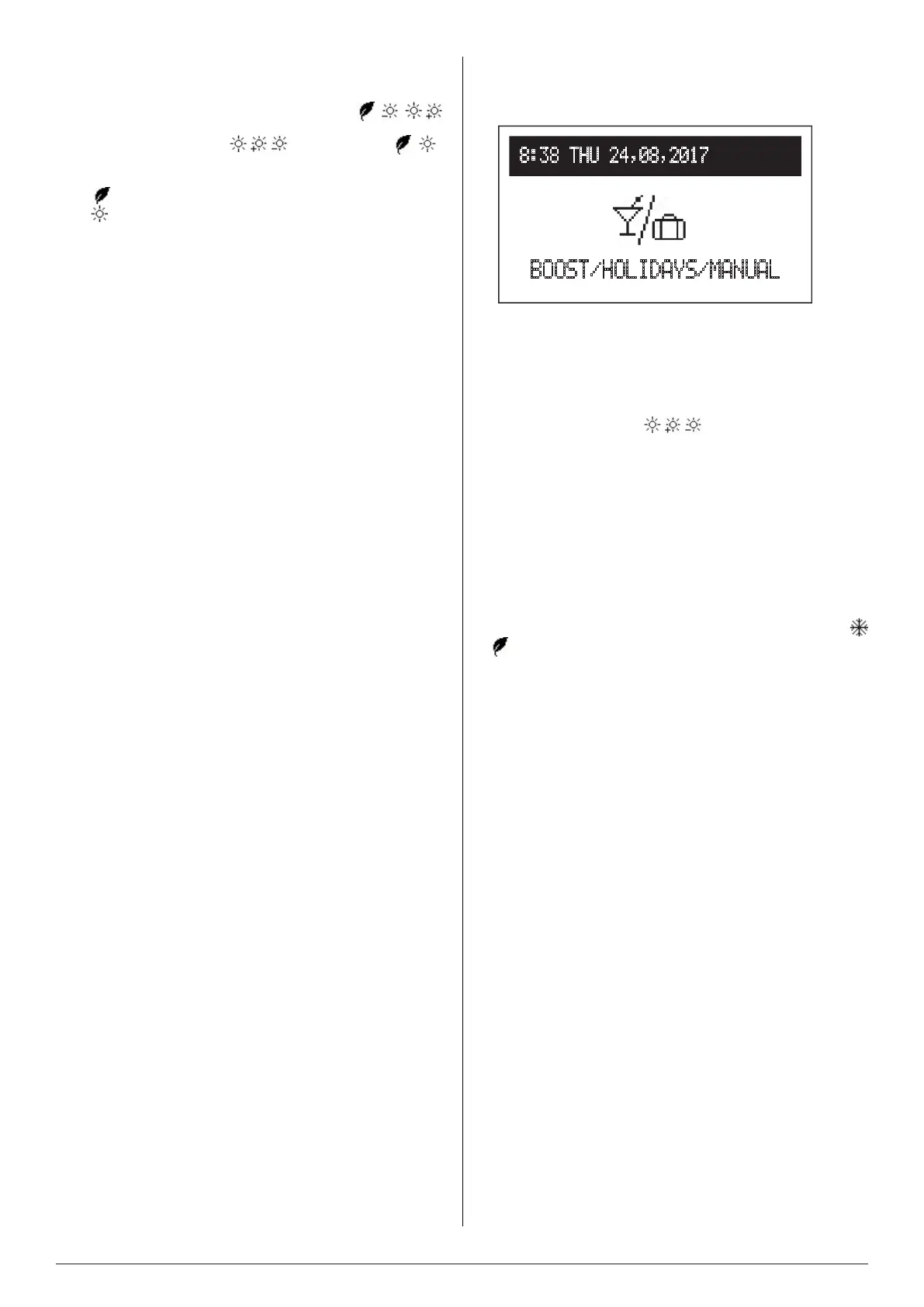
BOOST / HOLIDAYS / MANUAL
Below modes are available only when NTC sensor (I/S) is
activated.
● BOOST CENTRAL HEATING
If there is need for comofrtable heating conditions in the room
(irrespective of daily schedules settings) we can activate BOOST
CENTRAL HEATING mode. It can be activated for 1, 2, or 3 hours
and it will maintain the temperature value adjusted in SETTINGS
> ROOM TEMP > BOOST ( , , )
● BOOST HOT WATER
If there is need for domestic hot water (irrespective of daily sched-
ules settings) we can activate BOOST HOT WATER mode. It can
be activated for 1, 2, or 3 hours and it will maintain COMFORT
temperature in the tank.
● HOLIDAYS
HOLIDAY mode can be set during longer absence in the facility
(selecting time period from 1 to 60 days or until cancelled) The
temperature in the facility will be maintained in accordance with
selected value in SETTINGS> ROOM TEMP > HOLIDAY > (
or )
● MANUAL
If the need for required temperature in the facility is different than
the one dened in the daily schedules, MANUAL mode will allow
selection of manually adjusted temperature, which will be main-
tained until cancelled.
● TURBO
Quick heating up mode with the maximal heating parameters until
required room temperature is reached.
*Modesymbolisindicatedonthemainfunctionscreen.
8:38 THU 24,08,2017
BOOST/HOLIDAYS/MANUAL


 To Next Page