14
9.7 Calibration
1.Install the contra angle into the E-CONNECT handpiece
Note:Do not insert the file.
2,Enter the calibration option interface(See 9.5 Additional function settings),
choose ’ON’
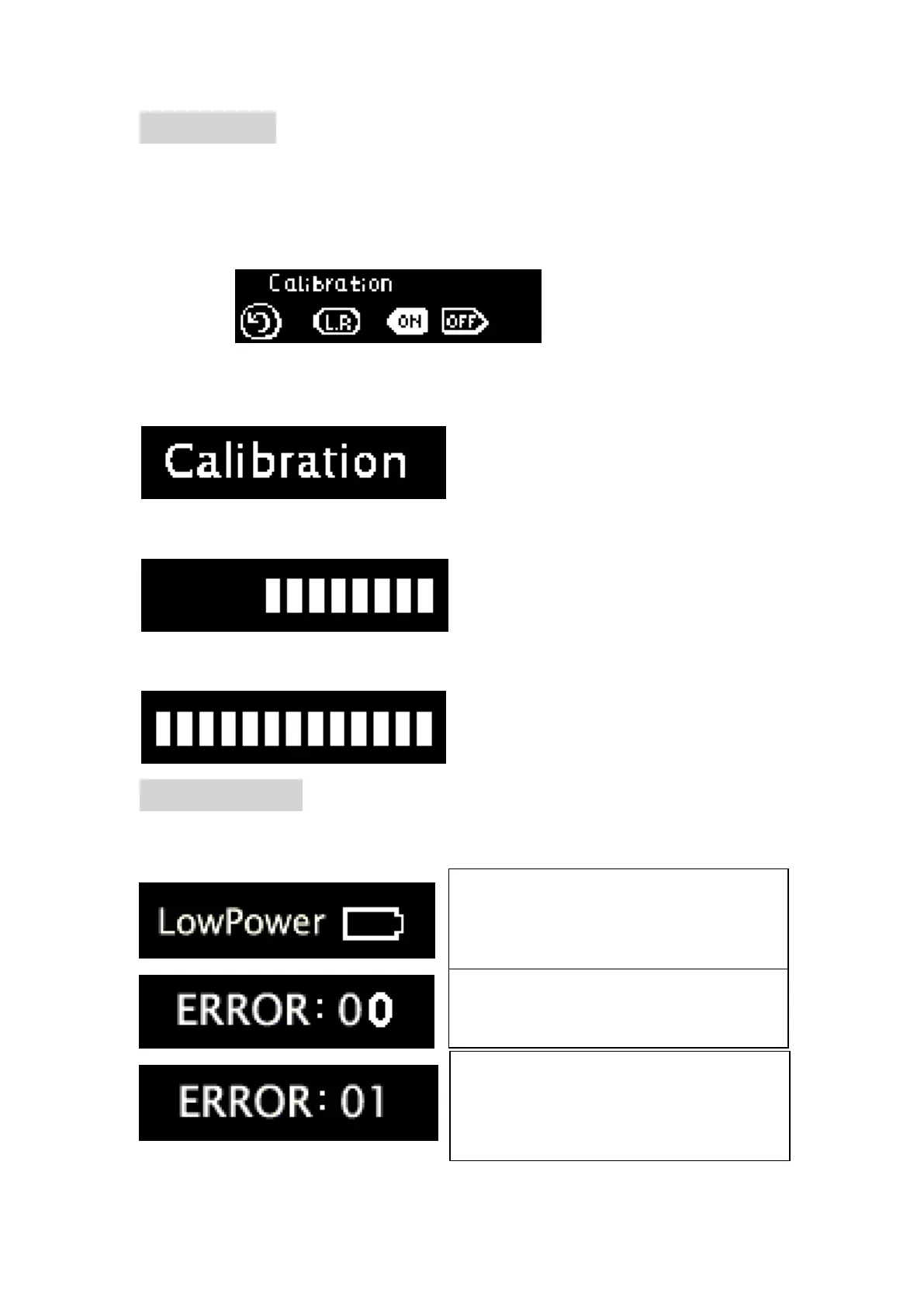
3,press Main switch KEY enter calibration mode,now display will show
“calibration”.
4,In calibration,it will display the progress
5 After calibration,the progress bar will be full,accompany 2 buzzing sound.
9.8 Error warning
while operating, E-CONNECT will detects the real time performance of the system,
if the state is unsuitable, the device will self protect and inform user.
The power is too low, there will be auto
power off, charge the device
immediately.
Error code 01,means the continuous
operation time is too long,motor is over
heated, stop using the device for some
time.















 To Next Page