EasyManua.ls Logo

Eighteeth Helios 600 - User Manual

Eighteeth Helios 600
53 pages
Print Icon
To Next Page IconTo Next Page
Loading...
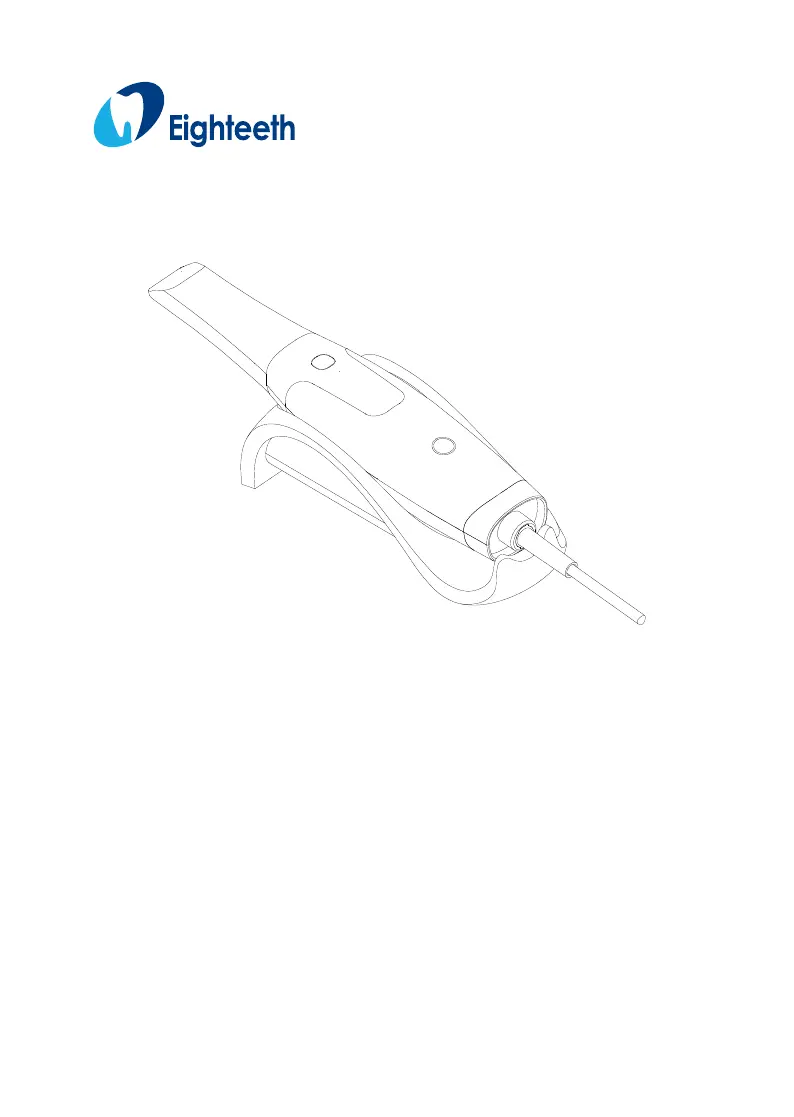
Helios 600
USER MANUAL
Changzhou Sifary Medical Technology Co., Ltd

Table of Contents

Questions and Answers

Summary

Helios 600 Components

Symbols

Introduction

Indications for Use

Describes the intended use of the HELIOS 600 scanner for dental applications.

Contraindications

Lists conditions or patient types for which the scanner should not be used.

Safety Instructions

Provides critical safety information and warnings for using the scanner.

Product Installing

Installation Environment Requirements

Specifies the necessary environmental conditions for installing the scanner.

Connecting the Helios 600 to the Computer Terminal

Details the steps for connecting the scanner to a computer.

Product Installing

Software Installing

Provides step-by-step instructions for installing the HELIOS software.

Software Update

Explains the process for updating the HELIOS 600 software.

Helios 600 Mounting

Describes how to mount the HELIOS 600 using the provided bracket.

Software Introduction

HELIOS Interface Overview

Provides a detailed overview of the HELIOS software interface and its components.

Software Introduction

Toolbar Overview

Explains the functions of the various toolbars within the HELIOS software.

Software Introduction

Option Menu Overview

Details the options available in the HELIOS software's option menu.

Preference Dialog Overview

General

Configures general settings like language and tooth numbering system.

Scan

Sets scanning-specific preferences such as diameter and bite adjustment.

Preference Dialog Overview

Display

Customizes display settings for the 3D model and user interface.

Preference Dialog Overview

Save

Configures options for saving scan data and history.

Tools

Accesses tools for creating support files for after-sales service.

Getting Started

Accessing the HELIOS User Interface

Guides users through logging into and accessing the HELIOS software interface.

Getting Started

Start Acquiring 3 D Models

Explains audio prompts and the process of starting 3D model acquisition.

Preparing the Teeth

Provides instructions on preparing the patient's teeth before scanning.

Preparing the Scanner

Details the necessary cleaning and disinfection procedures for the scanner.

Getting Started

Scanning Approach

Recommends the best method and angle for scanning teeth for optimal results.

Scanning Protocol

Outlines the recommended 3-sweep protocol for comprehensive data coverage.

Acquiring a 3 D Model for Orthodontics

To Acquire a 3 D Model, Follow These Steps

Lists the sequential steps for acquiring a 3D orthodontic model.

Scanning the Upper and Lower Jaw

Details the procedure for scanning the upper and lower dental arches.

Acquiring a 3 D Model for Orthodontics

Scanning the Buccal Bite Registration

Explains how to capture the bite registration for orthodontic models.

Refining and Checking the 3 D Model

Describes how to refine and verify the accuracy of the 3D model.

Acquiring a 3 D Model for Orthodontics

Completing and Saving the 3 D Model

Details the final steps to complete and save the acquired 3D model.

Acquiring a 3 D Model for Restoration

Scanning the Upper and Lower Jaw

Guides scanning the upper and lower jaws for restoration purposes.

Acquiring a 3 D Model for Restoration

Scanning the Buccal Bite Registration

Explains capturing the bite registration for restoration models.

Marking the Preparation Areas

Details how to mark preparation areas on the 3D model.

Acquiring a 3 D Model for Restoration

Refining and Checking the 3 D Model

Describes refining and verifying the accuracy of the restoration 3D model.

Acquiring a 3 D Model for Restoration

Completing and Saving the 3 D Model

Details the final steps to complete and save the restoration 3D model.

Acquiring a 3 D Model for Implant

To Acquire a 3 D Model, Follow These Steps

Lists the sequential steps for acquiring a 3D implant model.

Scanning the Upper and Lower Jaw

Guides scanning the upper and lower jaws for implant procedures.

Acquiring a 3 D Model for Implant

Scanning the Buccal Bite Registration

Explains capturing the bite registration for implant models.

Acquiring a 3 D Model for Implant

Marking the Implant Areas

Details how to mark implant areas on the 3D model.

Acquiring a 3 D Model for Implant

Installing and Scanning the Scan Body

Guides on installing and scanning the scan body for implant cases.

Acquiring a 3 D Model for Implant

Refining and Checking the 3 D Model

Describes refining and verifying the accuracy of the implant 3D model.

Acquiring a 3 D Model for Implant

Completing and Saving the 3 D Model

Details the final steps to complete and save the implant 3D model.

Cleaning, Disinfecting, and Sterilizing

Cleaning the Scanner

Provides instructions for cleaning the scanner unit.

Disinfecting the Scanner

Details the process for disinfecting the scanner between uses.

Cleaning, Disinfecting, and Sterilizing

Visually Inspecting the Scanner for Damage

Explains how to visually inspect the scanner for any signs of damage.

Cleaning and High-Level Disinfecting Tips

Provides guidance on cleaning and disinfecting the scanner tips.

Cleaning, Disinfecting, and Sterilizing

Manually cleaning HELIOS 600 Tips

Details the manual cleaning procedure for the HELIOS 600 tips.

Cleaning the HELIOS 600 Tips in an Automatic Washer

Explains how to clean HELIOS 600 tips using an automatic washer.

High-Level Disinfection for HELIOS 600 Tips

Provides instructions for high-level disinfection of HELIOS 600 tips.

Cleaning, Disinfecting, and Sterilizing

Cleaning and Sterilizing Tips

Outlines the cleaning and sterilization procedures for scanner tips.

Manually cleaning HELIOS 600 Tips

Details the manual cleaning procedure for the HELIOS 600 tips.

Cleaning the HELIOS 600 Tips in an Automatic Washer

Explains how to clean HELIOS 600 tips using an automatic washer.

Sterilization for HELIOS 600 Tips

Provides instructions for sterilizing HELIOS 600 tips in a steam autoclave.

Cleaning, Disinfecting, and Sterilizing

Visually Inspecting the Mirror in the Scanner Tip

Guides on visually inspecting the scanner tip's mirror for clarity.

Visually Inspecting the Scanner Tips for Damage

Instructs on visually inspecting scanner tips for any signs of damage.

Troubleshooting

Electromagnetic Compatibility Precautions

Guidance and Manufacturers Declarations

Provides guidance and declarations regarding electromagnetic compatibility (EMC).

Equipment and Systems

Details the equipment and systems requirements for EMC compliance.

Electromagnetic Compatibility Precautions

EMC Standards for the HELIOS 600

Lists the EMC standards that the HELIOS 600 complies with.

Accessories

Discusses the use and implications of using accessories with the scanner.

Other Equipment

Provides precautions regarding the use of other equipment near the scanner.

Regulatory Information

Lists the regulatory compliance and certifications for the HELIOS 600.

Compliance with European and International Standards

Technical Specification

Model

Specifies the model name of the scanning device.

HELIOS 600 Technical Specifications

Lists detailed technical specifications for the HELIOS 600 scanner.

Helios 600 Environmental Requirements

Eighteeth Helios 600 Specifications

General IconGeneral
BrandEighteeth
ModelHelios 600
CategoryDental equipment
LanguageEnglish

Related product manuals