Page 34 / 53
10.Acquiring a 3D Model for Implant
To use the common scan workflow to obtain a 3D model for implant use, you
should first acquire images of the upper jaw, lower jaw, and the buccal bite registration.
After that you should rescan the jaw with the scan body in place.
In some cases, you can acquire images of a single arch (partial or full) and not
obtain a buccal bite registration (for example, if there are no teeth in the opposing arch),
but it is recommended that you acquire both arches and a buccal bite registration when
possible.
10.1 To acquire a 3D model, follow these steps:
Scan the upper and lower jaw.
Scan the buccal bite registration.
Mark the implant areas
Install and scan the scan body
Refine and check the 3D model.
Complete and save the 3D model.
10.2 Scanning the Upper and Lower Jaw
To scan a 3D model of the upper and lower jaw, follow these steps:
10.2.1. Dry the teeth thoroughly before starting an acquisition.
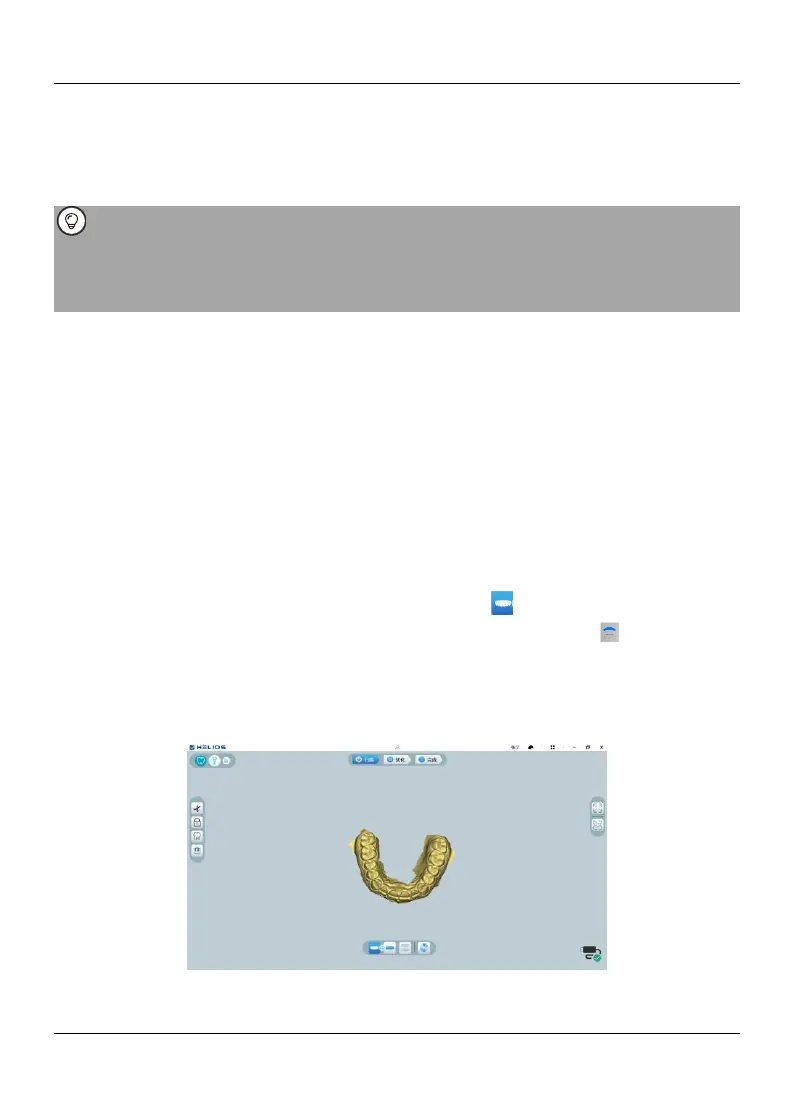
10.2.2. On the HELIOS interface, select the Upper Jaw acquisition mode OR Press
the mode button on the scanner to select the upper jaw scan mode .
10.2.3. Place the tip of the scanner on the surface of the tooth to stabilize the scanner
and press the Start Scan button. Wait until a 3D image appears in the 3D model display
screen, and then slowly move it along the arch at 0-5mm from the teeth. The image
will be automatically scanned and displayed in the 3D model display area.
10.2.4. Slowly move the tip of the scanner along the occlusal surface to scan the















 To Next Page