Page 18 / 53
6.Preference Dialog Overview
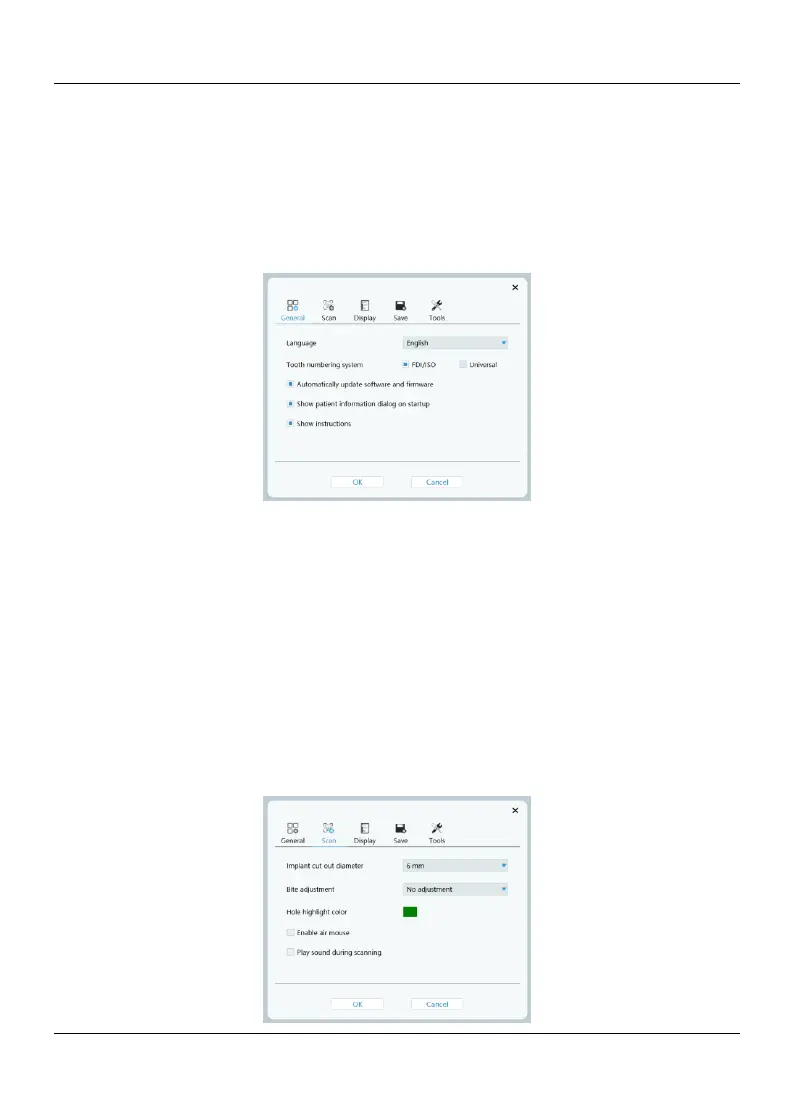
The Preferences dialog enables you to select the Acquisition interface and scanner settings
6.1 General
6.1.1 Language: Select the user interface language.
6.1.2 Tooth numbering system: Select the FDI/ISO or Universal as the tooth numbering
system.
6.1.3 Automatically update software and firmware: When selected, Automatically
update software version and firmware when connected to the network.
6.1.4 Show patient information dialog on startup: When selected, the patient
information dialog will pop up when HELIOS opens.
6.1.5 show instructions: When selected, the screen displays an indication of the correct
scanning method When scanning 3D image of the bite
6.2 Scan















 To Next Page