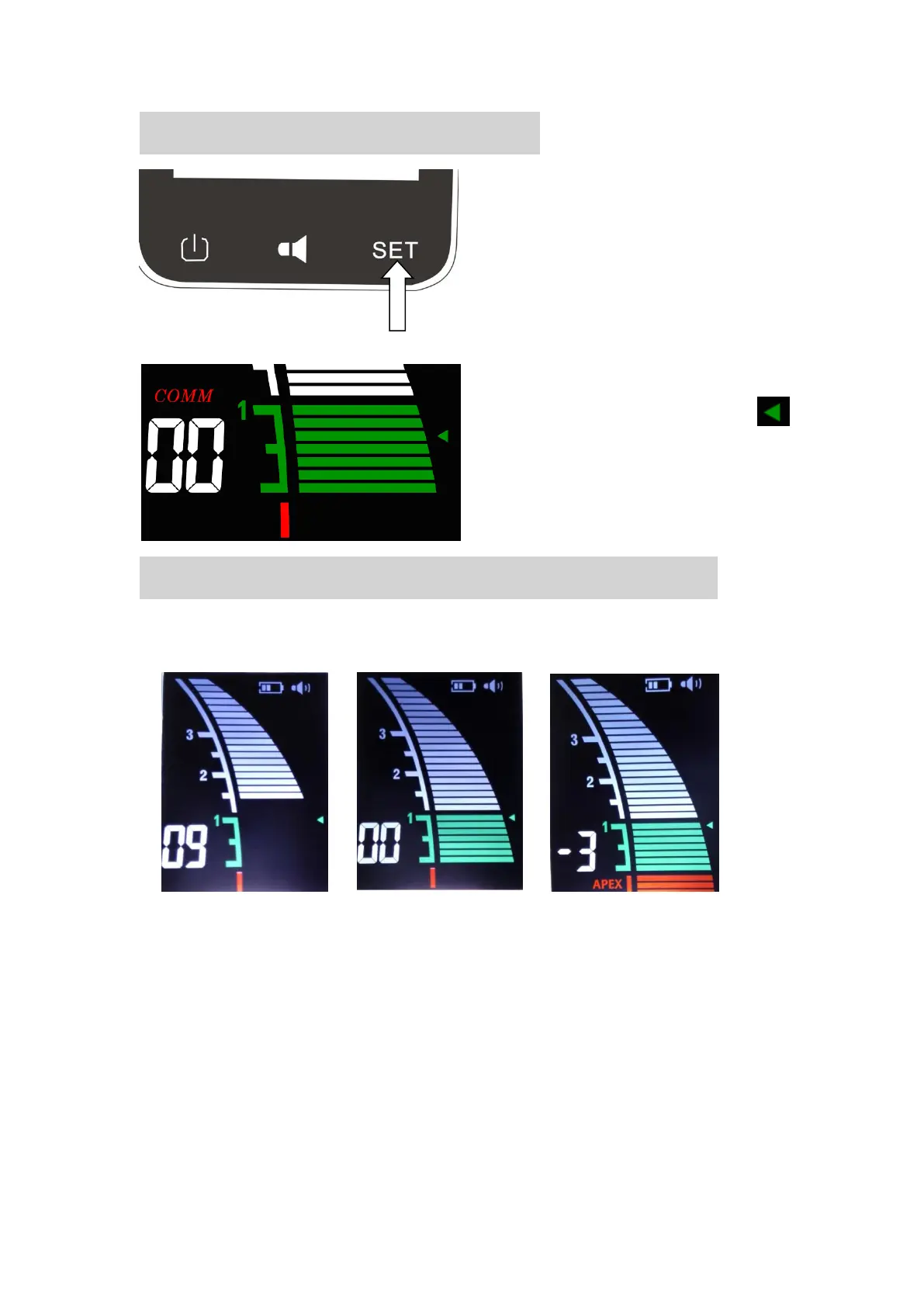
1、 When the file reaches the front region of the apical
foramen, the screen displays the white indicated strips (As
shown in picture 1).
2、 When the file reaches the position near by the apical
foramen, the screen displays the green indicated strips (As
shown in picture 2).
3、 When the screen light the red indicated strips, means the
file has exceeded the apical foramen, a rapid bee sound
will be generated at the same time (As shown in picture3).















 To Next Page