20
17、Function checking of APEX LOCATOR
⑴
⑵
⑶
Note
When installing the connecting wire, please pay attention to the orientation pf
the slots in the attachment part and do not apply too much force while adapting
it.
Incorrect connection will result device measurement inaccurate, even cannot be
used.
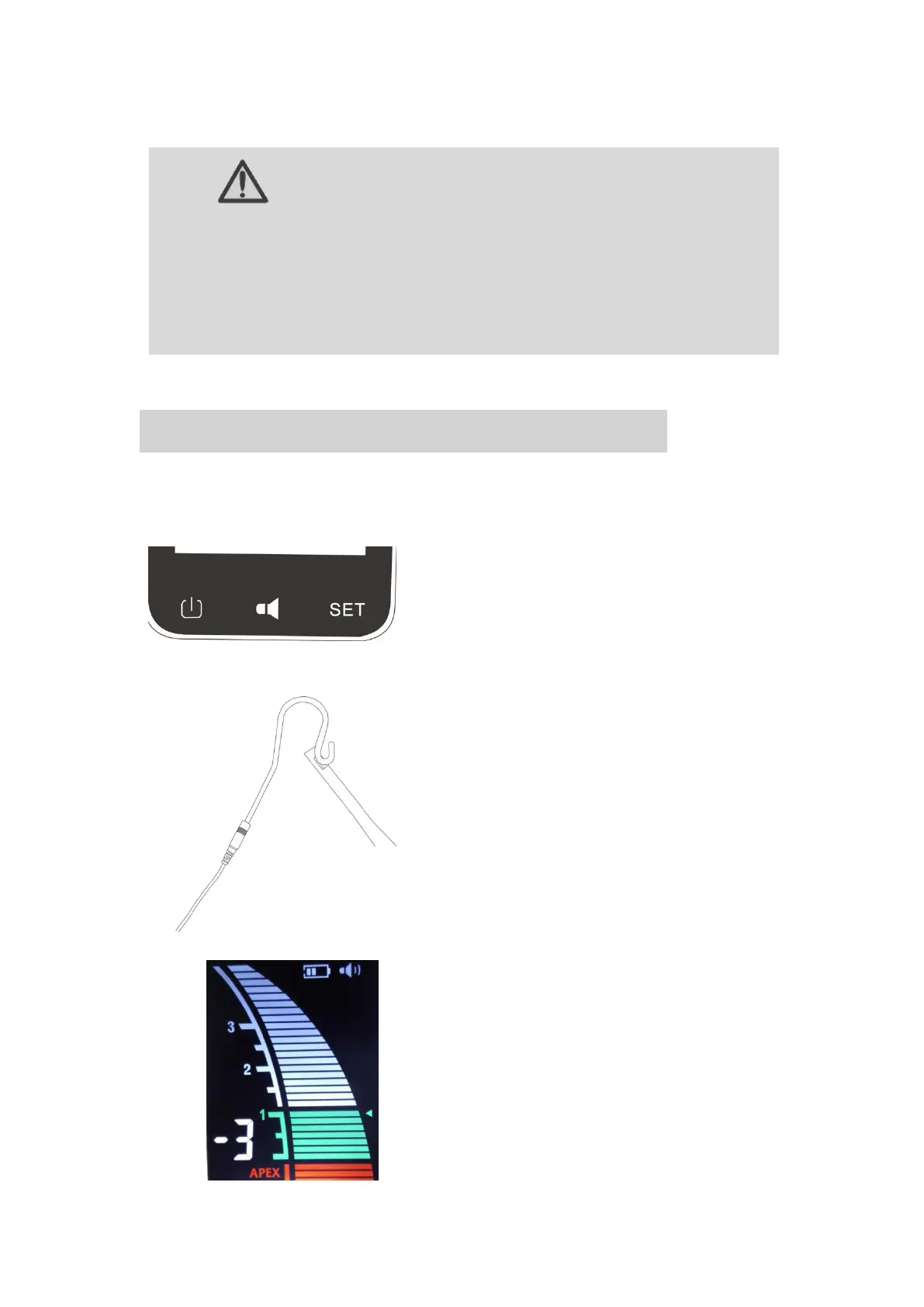
2、Check the measuring wire, file clip, lip
hook and APEX LOCATOR are connecting
properly. Make file clip hook with lip hook
(short circuit)
3、Observing APEX LOCATOR display,
the root canal length strip will be all
lighted, and a rapid beep sound will be
generated at the same time, the ‘APEX’
sign will be flashed. That means the
APEX LOCATOR is working normally.
1. Press Power-Key to start APEX
LOCATOR, now the display will show
measuring interface.
(10 minutes without any operation, will
automatically shut down the device)















 To Next Page