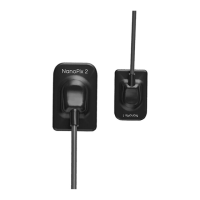
4. Product Installing
Page 10 / 66
4. Product Installing
4.1 Installation Environment Requirements
Since this product is not equipped with a computer, during the installation of
this product, customers need to provide an additional laptop or desktop computer.
The specific performance requirements of the computer are as follows:
1. Hardware requirements
2. Operating system requirements
z Microsoft Windows 7/8/10 32-bit/64-bit
4.2 Cybersecurity
1. Network: NanoPix only needs to connect to the network when there is a
new version update, and there is no need to connect to the network during use.
Make sure your Internet connection is stable when upgrading. The new software
installation package will be transferred to the nide computer via the tcp/ip protocol.
Particularly, please turn on anti-virus software when upgrading to prevent network
attacks.



 To Next Page