4.5 Software Update
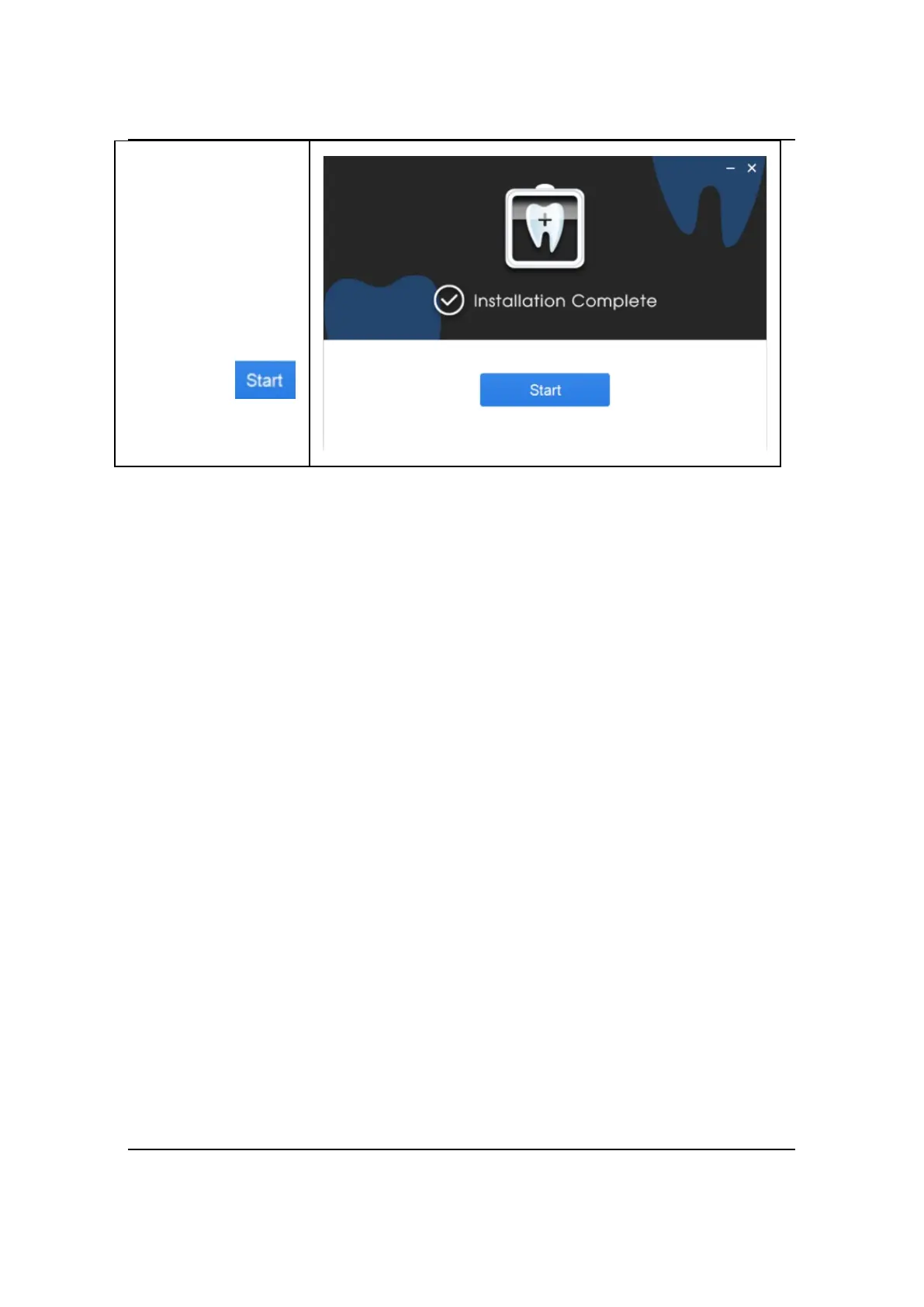
If there is an update of NanoPix software, the computer terminal will pop up
the following dialog box, users could choose to update it or ignore it. No network
configuration is required and only network connection. If the connection is
interrupted during the upgrade process, please reconnect to the Internet to upgrade.
The interruption will not cause user data loss. If user really cannot connect to the
Internet or upgrade, please contact the supplier, who will contact the manufacturer
to solve the problem.



 To Next Page