9 Troubleshooting
Page 56 / 66
9. Troubleshooting
When a problem or malfunction occurs, please check the machine with the
table below before contacting the dealer to quickly eliminate common problems or
malfunctions. If the problem or malfunction is not solved, please contact the
dealer.
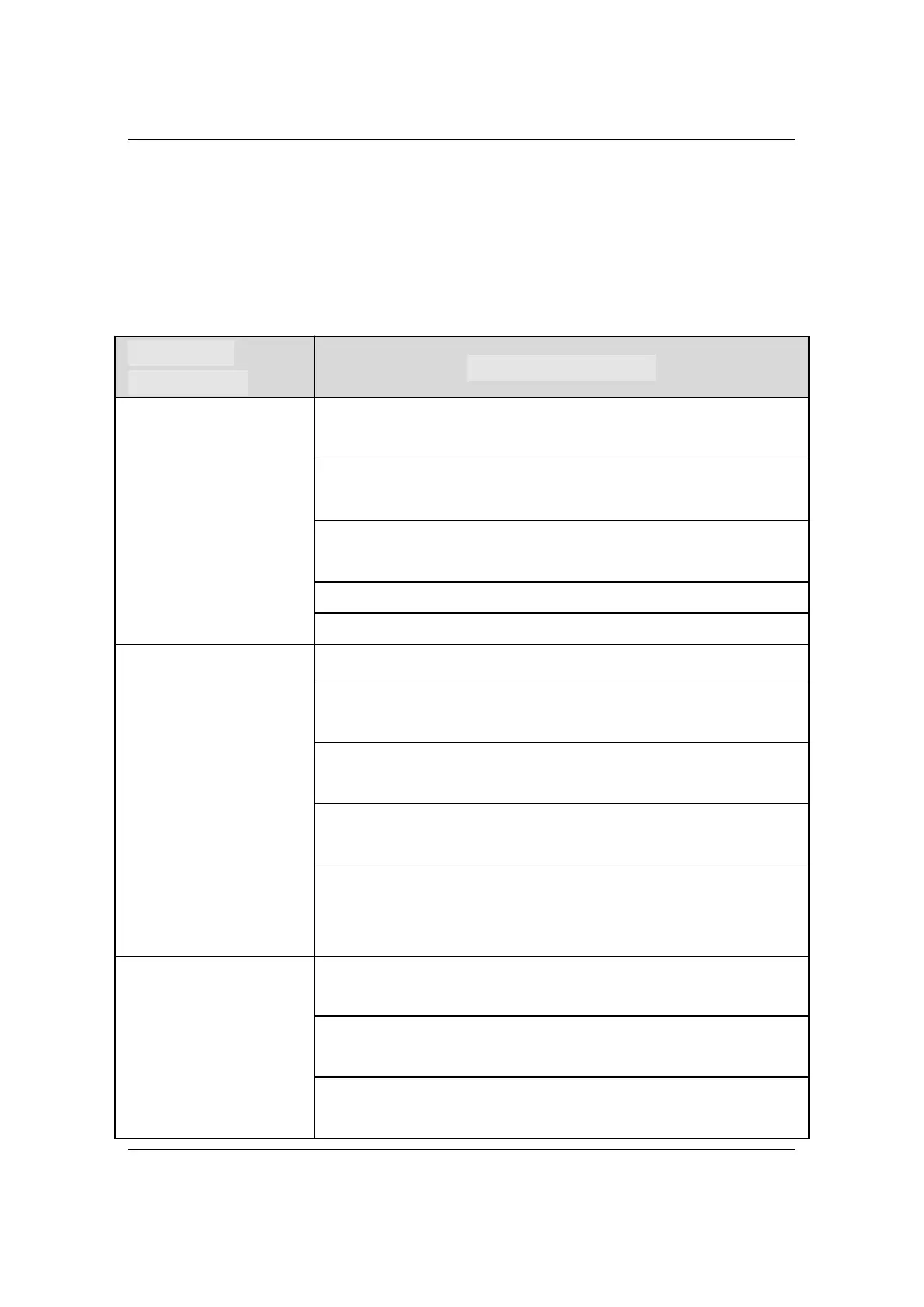
After triggering
X-ray, no image is
displayed
Check whether the connection between the sensor and the
computer is normal.
Check if the sensor's X-ray receiver is facing the X-ray
generator.
In the software setting interface, try to set other exposure
thresholds, the operation could refer to section 5.3.
Close and reopen the software.
Unplug the sensor and plug it in again.
The X-ray image is
dim and textured
Exposure time is too short, increase exposure time.
The selected acquisition mode does not correspond to the
X-ray dose.
The voltage of the high voltage generator is too low (less
than 60kVrms), check the high voltage generator.
The distance between the high voltage generator and the
patient is too far to match the selected dose.
Check the contrast and brightness settings of the
computer to ensure that there is no problem with the
screen display.
The X-ray image is
too dark
The exposure time is too long, shorten the exposure time.
The selected acquisition mode does not correspond to an
X-ray dose.
Check the contrast and brightness settings of the
computer to ensure that there is no problem with the



 To Next Page