4. Product Installing
Page 11 / 66
2. Security Software: NanoPix supports anti-virus software and/or use of
firewall for proper protection against viruses, malware, and intrusions. The
security software should be an effective version that can ensure the security of the
computer system.
3. Data Interface and Transfer Protocol: USB2.0
4. Data Format: JPEG、PNG、BMP、DICOM、JPG
5. User Access Control:
Account Setting: NanoPix software adopts account settings when starting,
and users can open the software only after entering the correct user name and
password.
Encryption and Binding: NanoPix is encrypted and bound with Intraoral
Digital Imaging Sensor. Only when the license file and sensor calibration file are
included, the user can use the software normally.
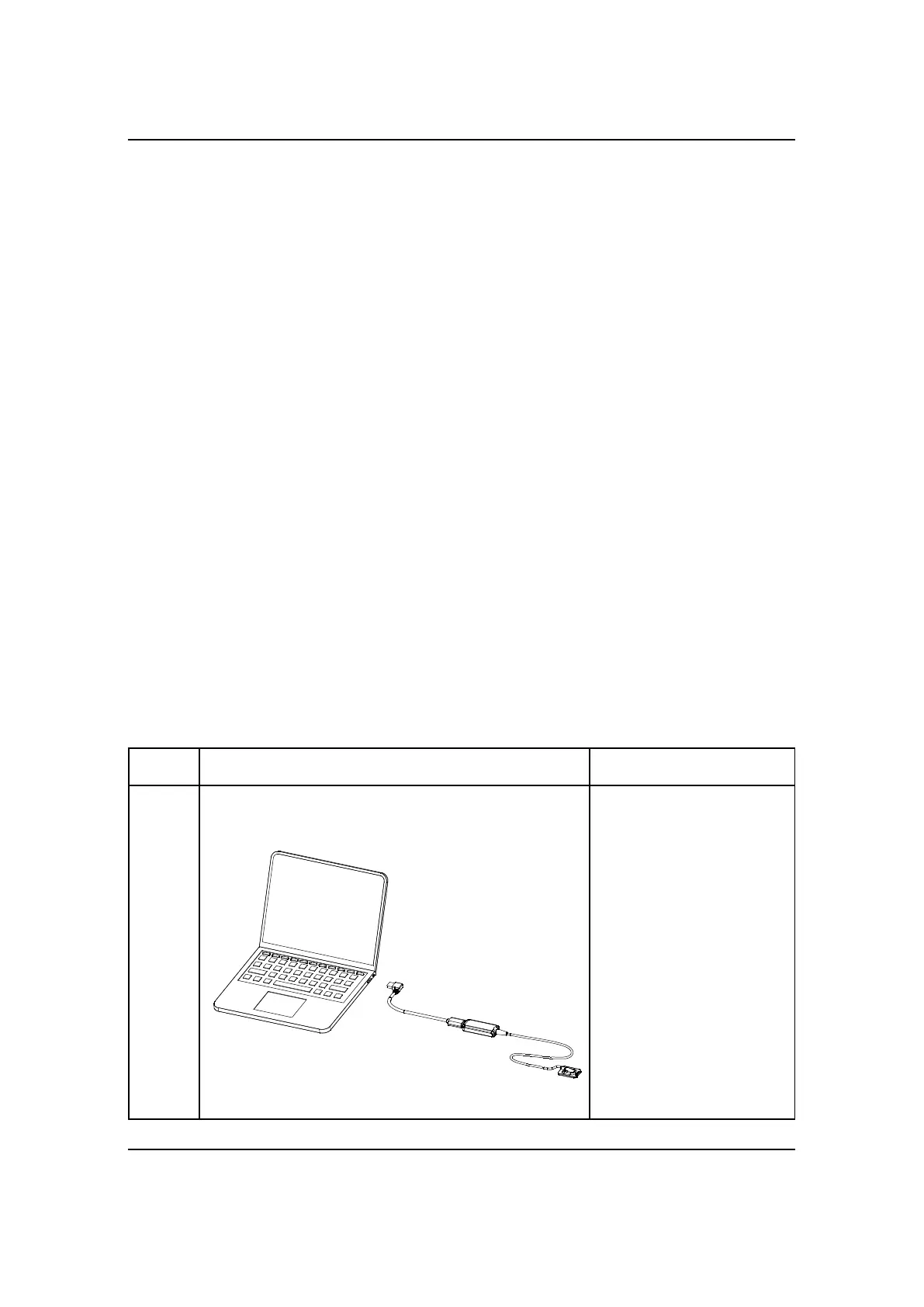
4.3 Connecting the Sensor to the Computer
Terminal.



 To Next Page