6 Operating Instructions
Page 40 / 66
7. Checks the image quality, if it is not good, adjust the X-ray transmitter
parameters(refer to chapter 7), repeat step 5-6.
Please read the following warning carefully before using:
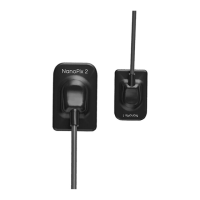
1. Before starting the experiment, please keep the sensor receiving board clean and
wrap it with a disposable sleeve before putting it in the patient's mouth.
2. Before step 6, make sure that the X-ray transmitter is turned on and the sensor
USB terminal is connected to the computer.
3. Before step 6, set the exposure time of the X-ray transmitter according to the
actual needs.



 To Next Page