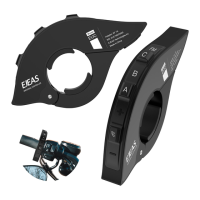
Connect the product to the PC using USB. Download and open
the "EJEAS Upgrade.exe" upgrade software. Click on the "Upgrade"
button to start the upgrade and wait for the upgrade to complete.
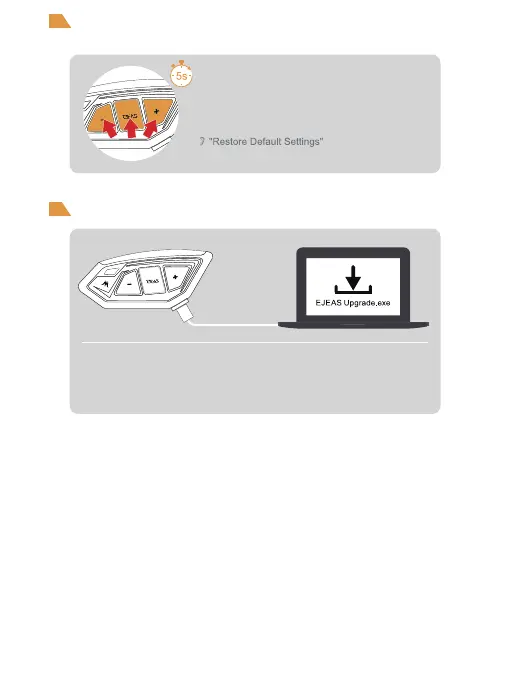
Press and hold <Phone/Power key> + <Volume +> +
<Volume -> for about 5s, the voice prompts "Restore
Default Settings" to delete the pairing record, and
then automatically reboot the phone.
14
Restore Default Settings
Firmware upgrades


 To Next Page