7
B
A
FM
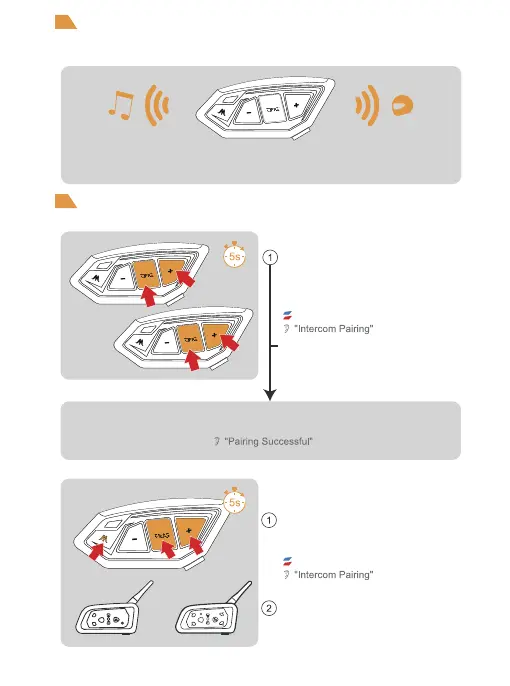
When entering the Mesh network, Bluetooth music can be played at the same time,
when someone speaks, it will automatically switch to Mesh intercom, no one speaks after
a period of time will automatically playback the music.
Mesh Intercom
Bluetooth Intercom
How to pair with the device
Compatible with older model pairings
Simultaneously press and hold <Phone/Power
Button> + <Volume +> + <Intercom Button> for
approx. 5 seconds to start pairing (red and blue
lights flash alternately).
or
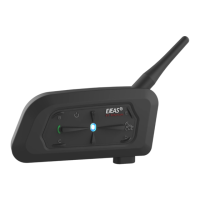
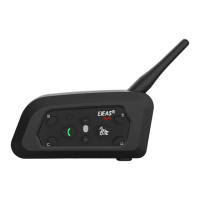
For older models (V6/V4) follow the instructions to enter
the search Wait for successful pairing.
After switching on the phone, press and hold
<Phone/Power Button> + <Volume +> (about 5s)
until the red and blue lights flash alternately, and the
pairing voice prompts "Intercom Pairing". Wait for
connection to other intercoms.
Red light and blue light flashing alternately
Red light and blue light flashing alternately
The other intercom enters the pairing state using the
same operation. After the two intercoms discover each
other, one of them will initiate the pairing connection.
The connection is successful and the intercom begins.


 To Next Page