Electronic convection oven rev. 5 _________________________________________MODELS EKF 464 TC – EKF 511 TC
_________________________________________________________________________________________ page 25
4.3.7.7.1 Using programs stored in the “EKA RECIPE BOOK”
To use a program/recipe (see paragraph 15 “RECIPE BOOK”):
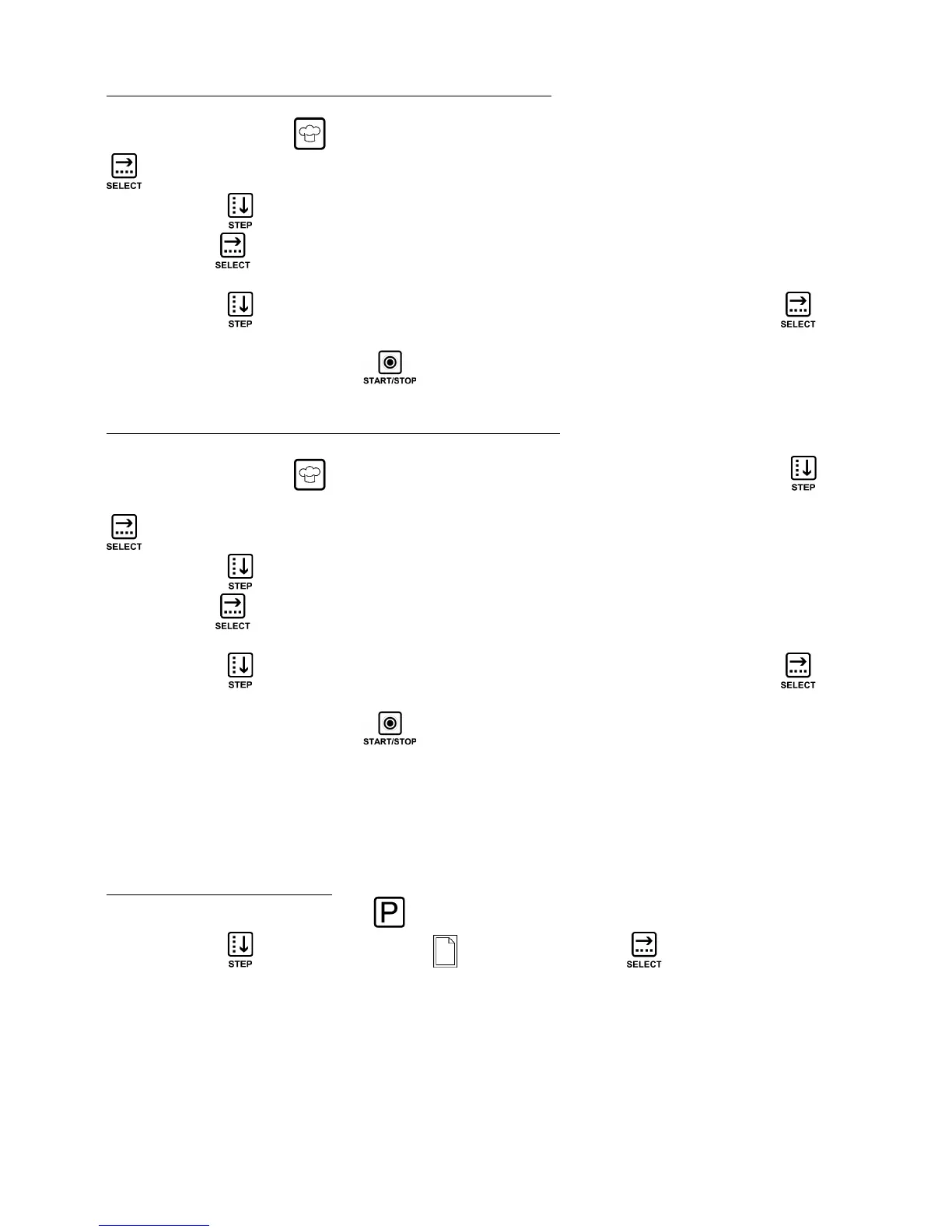
Use the key with symbol to bring up the “EKA RECIPE BOOK” screen. Use the “SELECT”
key: the “RECIPE BOOK” screen will be displayed (product type icons).
Use the “STEP” key to select the food type the name of the recipe to be used belongs to. Use
the “SELECT” key to confirm the product type. The “RECIPE SELECTION RECIPE BOOK”
screen is displayed.
Use the “STEP” key to select the name of the recipe to be used. Touch key “SELECT” to
confirm the selection. The overview screen of the cooking cycle with the recipe name will be
displayed. Use the “START/STOP” key to activate the cooking cycle.
4.3.7.7.2 Using programs stored in the “CHEF RECIPE BOOK”
To use a program/recipe (see paragraph 15 “RECIPE BOOK”):
Use the key with symbol to bring up the “EKA RECIPE BOOK” screen. Use the “STEP”
key to select the word “CHEF” (the “CHEF RECIPE BOOK” screen is displayed). Use the “SELECT”
key: the “RECIPE BOOK” screen will be displayed (product type icons).
Use the “STEP” key to select the food type the name of the recipe to be used belongs to. Use
the “SELECT” key to confirm the product type. The “RECIPE SELECTION RECIPE BOOK”
screen is displayed.
Use the “STEP” key to select the name of the recipe to be used. Touch key “SELECT” to
confirm the selection. The overview screen of the cooking cycle with the recipe name will be
displayed. Use the “START/STOP” key to activate the cooking cycle.
Important
The values of a stored program (recipe) parameters may be modified either before starting the
cooking cycle or with the cooking cycle in progress.
The original values will still remain in the oven's memory.
4.3.7.8 “NEW RECIPE” option
To store a NEW RECIPE use the key : the “PROGRAMMING MENU” screen is displayed.
Use the “STEP” key and select the icon . Touch the “SELECT” key to confirm the
selection .
The TIME parameter screen is displayed: set the values of the various cooking parameters of the
new recipe (paragraph 4.3.6). Store the new recipe (paragraph 4.3.7.1).












 To Next Page