TECNOEKA Srl ___________________________________________________________ operating and instruction manual
page 38 _____________________________________________________________________________________________
- The temperature in the cooking
chamber exceeds 100°C
- The automatic
washing cycle cannot
be activated
- Cool the cooking
chamber: open the door
and touch key to
activate automatic
cooling.
BLACKOUT
(during the cooking
cycle)
- Mains power supply outage
- The oven is
deactivated
- Use the “SELECT”
key to reactivate oven
operation
- The display temperature is
higher than the permissible
value: LCD breakage hazard
- The oven continues
the cooking cycle.
- Use the “SELECT”
key to remove the alarm.
Contact a qualified
technician to eliminate
the cause of the alarm.
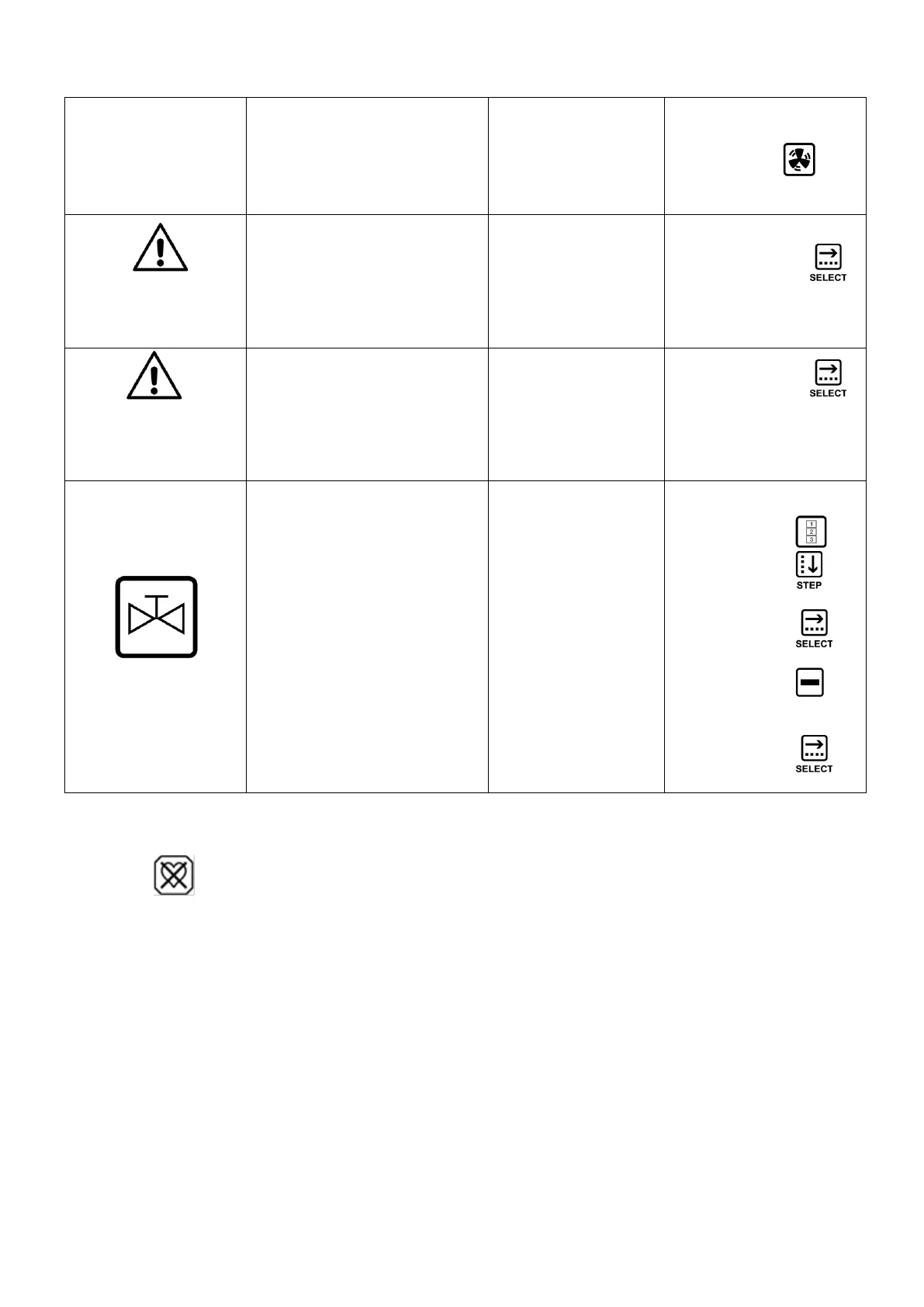
CHECK POSITION OF
FAT-COLL.VALVE
- Activated the function “fat
collection valve“ without the
exhaust valve supplied.
- The oven is
deactivated
To reactivate the oven
operate as follows:
- Push the button
- Push the button and
select the icon “4” .
- Push the button
“SELECT” to confirm
- Push the button to
deactivate the function
“fat coolection valve“
- Push the button
“SELECT” to confirm
Important
The alarm may only occur when the needle shaped core probe is used (optional)












 To Next Page