22
TUNE LIVE TV - PREPARATION (RF ANTENNA)
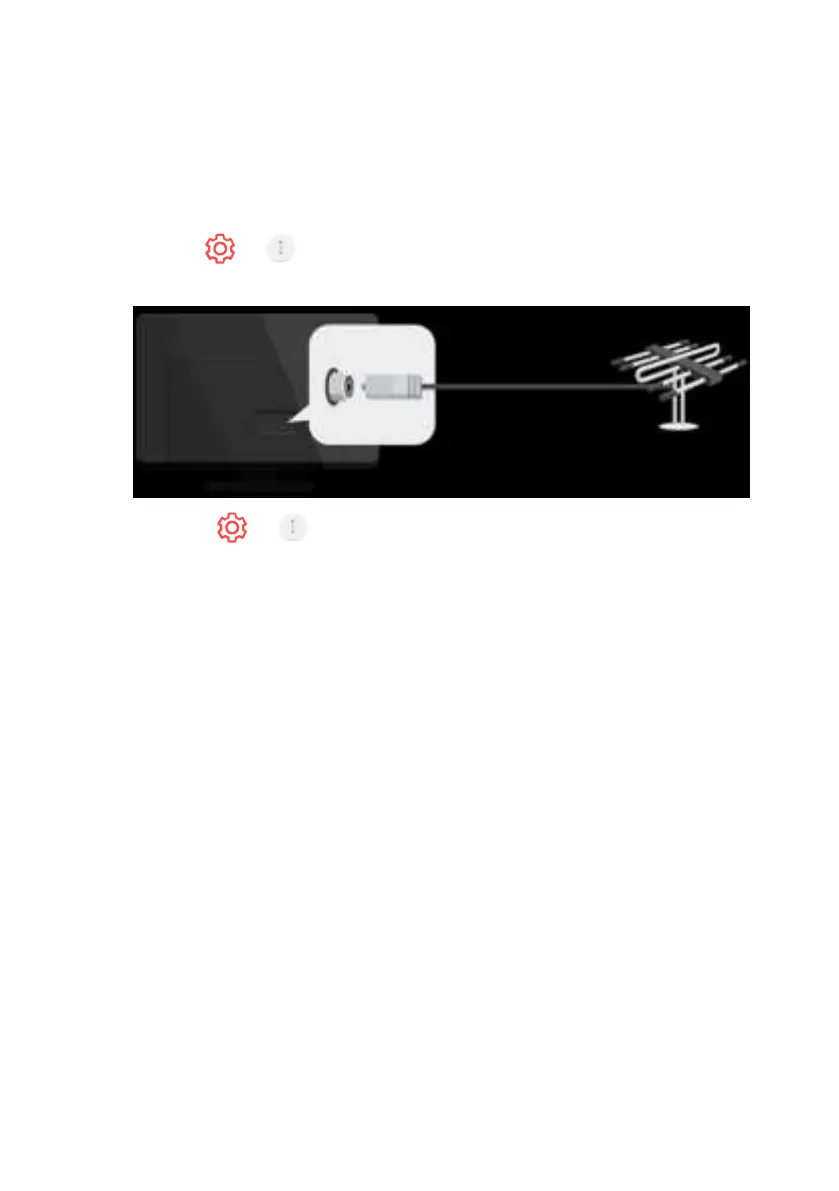
1. Connect the broadcast antenna to the TV.
You can also connect a piece of equipment that can receive
broadcasting such as a set-top box instead of the antenna.
Launch > > Connection > Device Connection Settings -
Universal Control Settings.
2. Start the > > Programmes - Programme Tuning
(Programme Tuning & Settings) Auto Tuning.
Finds and adds only programmes being broadcast.
To solve a problem related to this function, refer to the Troubleshooting
section of User Guide.
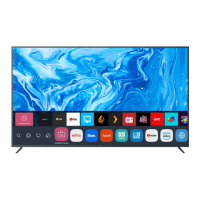
webOS GUIDE (Cont.)


 To Next Page