35
HOME TUTORIAL
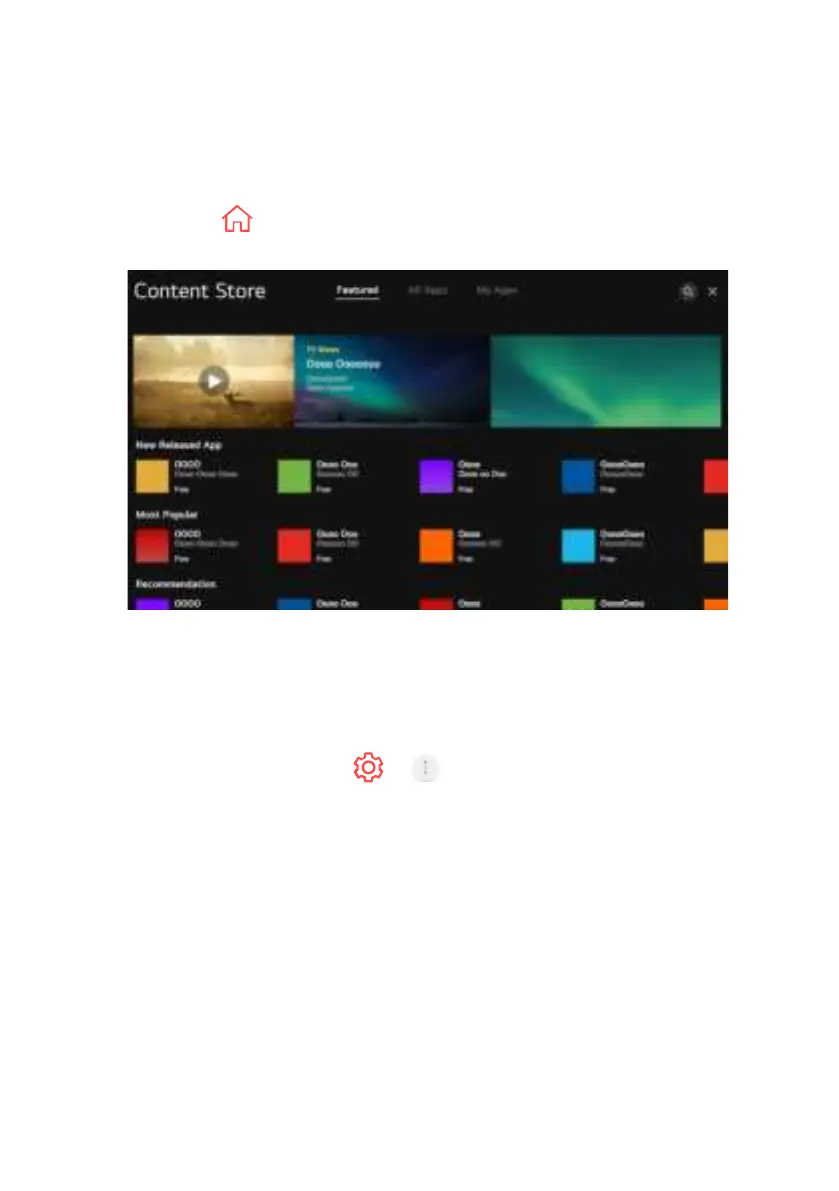
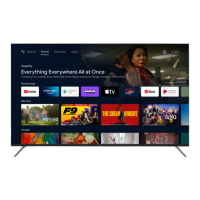
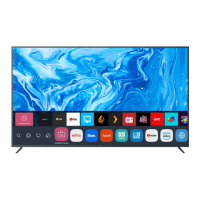
You can download and use apps from various categories such as education, en-
tertainment, lifestyle, news, and games.
1. Press the HOME button on the remote control.
2. Launch Content Store.
- Depending on the model, the provided contents may dier or some
features may be limited.
- Exercise caution when in use by children. Children may have access
to inappropriate online content through this product. You can block in
appropriate online content by restricting access to some apps.
Configure the settings in > > General > Safety >
Application Locks.
ENJOY CONTENT STORE


 To Next Page