33
Elcomed settings – Documentation (only for REF 15933100 / REF 15933101)
Documentation
Activate documentation setting
Activate or deactivate documentation
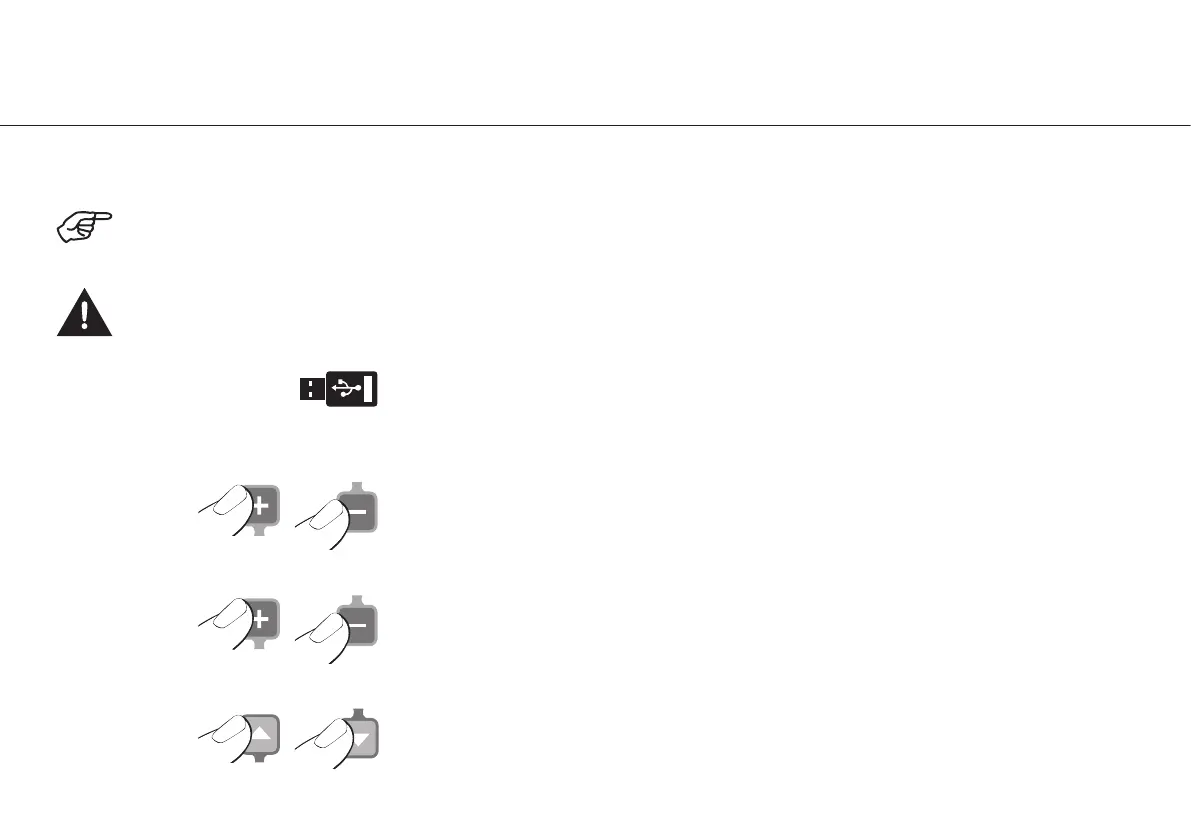
Switch between programs (P 1, 2, 3, 4, 5, 6)
or exit the documentation setting
Documentation On / Off
The documentation for each program must be activated or deactivated. The On / Off documentation applies to both directions
of rotation. Insert a USB flash drive to save the documentation.
Never connect or disconnect the USB flash drive when the motor is running.


 To Next Page