Limits (T)
During the inspection process surfaces can often have specified
maximum levels of soluble salts.
Users can program an upper warning limit into the Elcometer 130
gauge by selecting Menu/Set Limits/Set Upper.
To switch the limit on, the user should ensure that the Enable Limits
radio button is checked.
When an Upper Limit has been set up and enabled the “ ” icon is
displayed.
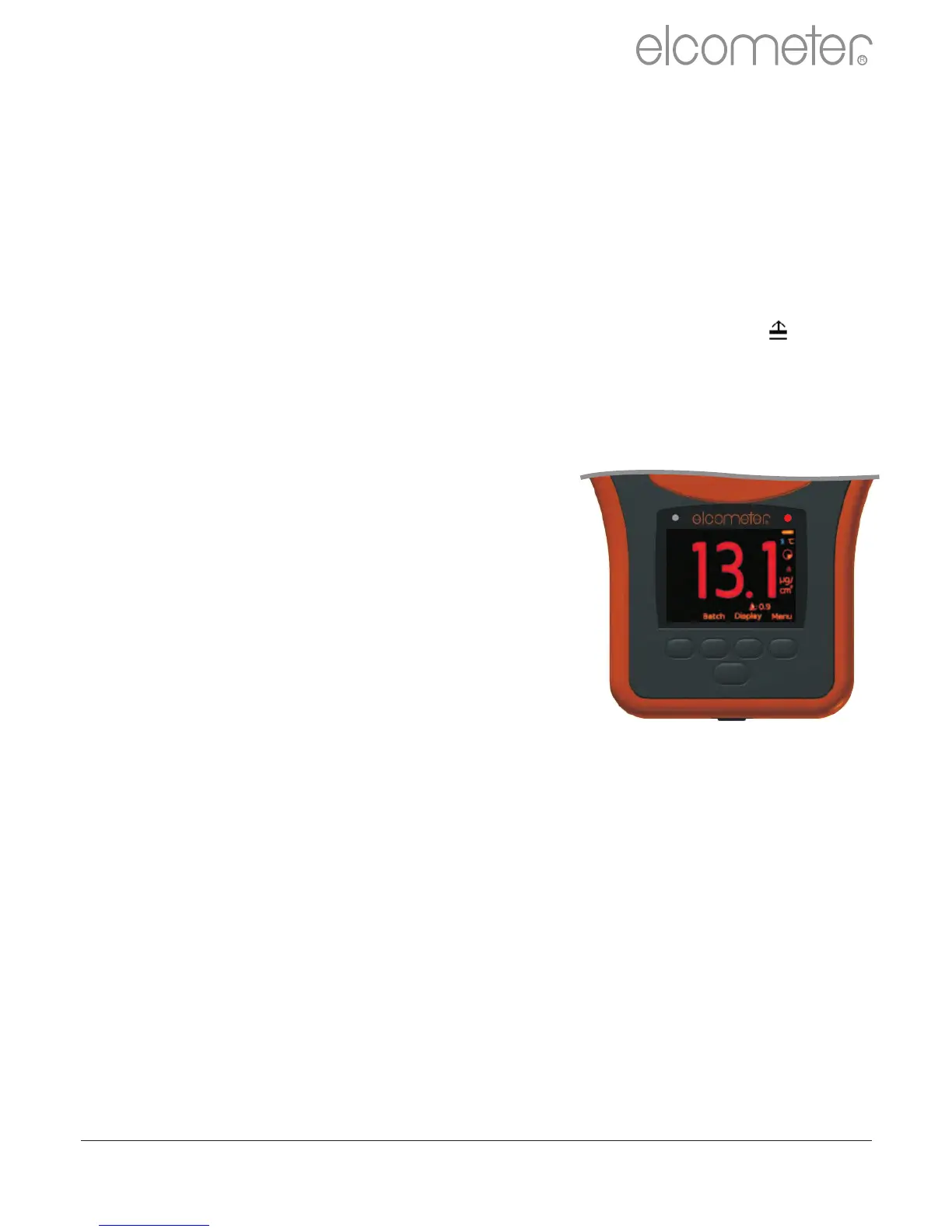
When the Elcometer 130 gauge takes a reading which is outside
the set limit the following occurs:
The Red LED flashes
The reading is displayed in red
The alarm beeps 3 times
The limit icon turns red
In addition, the number of readings above
limit statistic is incremented when readings
are stored into memory and the reading is
tagged with the limit icon. For more
information see Batching on page 21.
To switch off the upper limit go to Menu/Set Limits and un-check the
Enable Limits radio button.
The programmed limit value can be displayed on the reading screen
via Display/Statistics/Select Statistics and checking the
appropriate radio button.
Individual upper limits can also be set for each batch. For more
information see Batching on page 21.
www.elcometer.com 20
R
en



 To Next Page