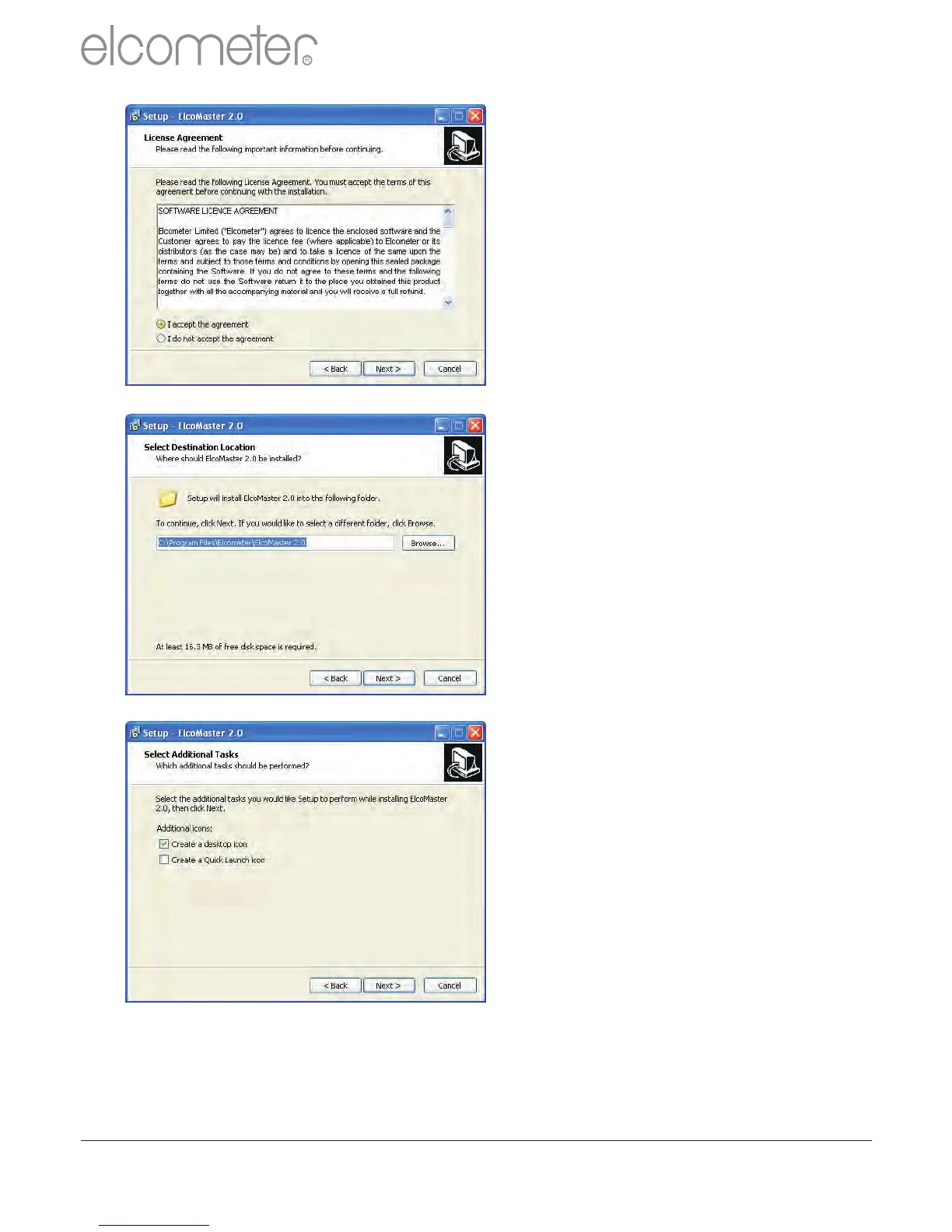
It is important to read the License
Agreement carefully and if the
terms are acceptable, select the
‘I accept this agreement’ radio
button and click ‘Next>’
ElcoMaster 2.0 will automatically
select a default destination
location for the software to be
installed.
Click the ‘Browse...’ button to
select an alternate file location.
Click ‘Next >’ to continue
Choose any additional tasks, by
selecting the appropriate check
box and press ‘Next >’ to continue
R
en
www.elcometer.com
29



 To Next Page