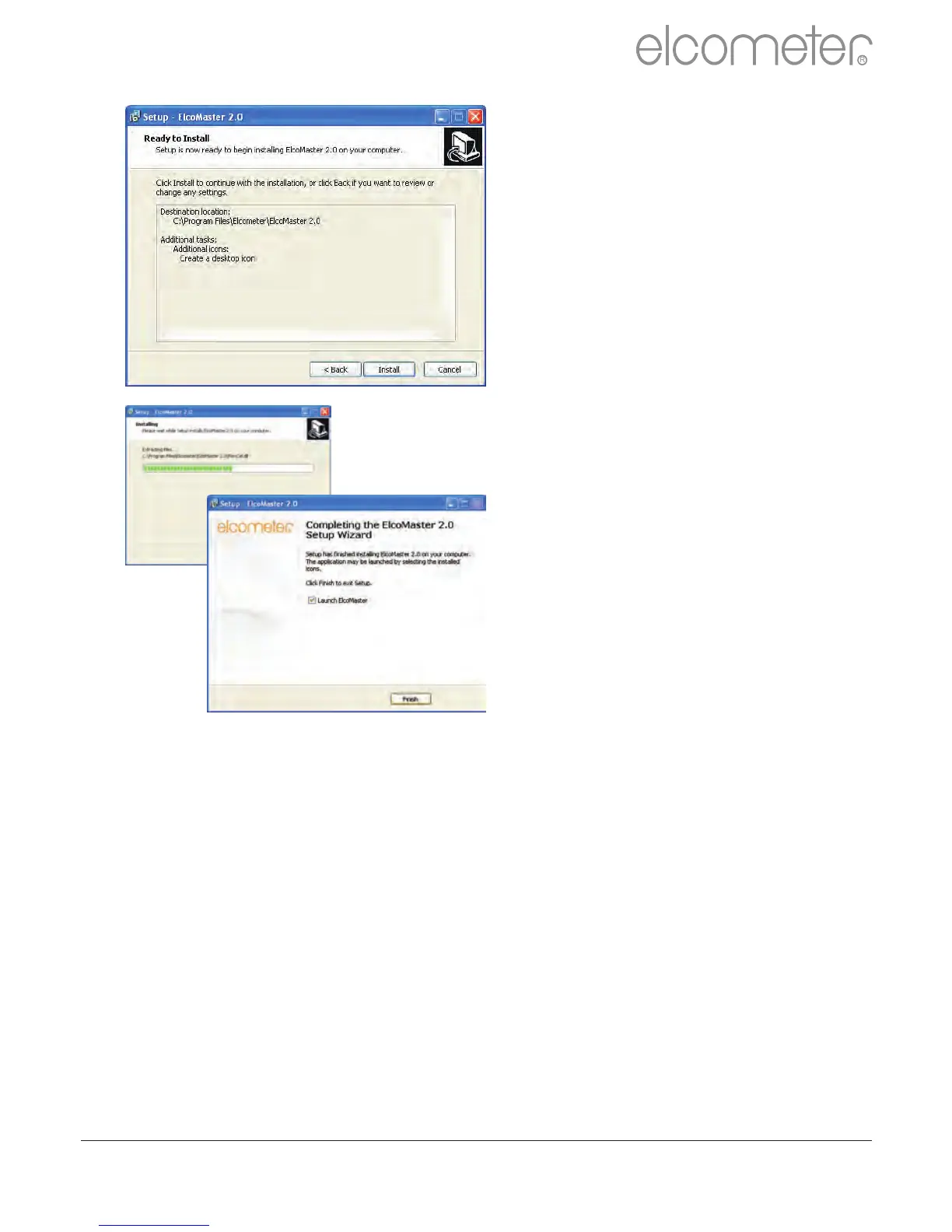
The ElcoMaster™ 2.0 wizard
now provides a list of the settings
that have been selected.
Click ‘Install’ to undertake the
installation or ‘< Back’ to review
or alter any settings.
ElcoMaster™ 2.0 will now install.
Press ‘Finish’ to exit Setup.
R
en
www.elcometer.com 30



 To Next Page