9-5
HOW TO USE YOUR MOTORHOME’S EQUIPMENT
USER’S SETTING
•To enter the set mode, press the “PROG”
button (ref. 3) for more than 2 seconds
from the main clock screen.
• Select, by pushing the arrow keys ref. 1
and 2, the setting menu you want to
operate and then confirm by pushing the
“PROG” button ref. 3;
- by selecting “CLOCK” you operate the
menu to set only the parameters clock
and alarm clock
- by selecting “SYSTEM” you operate the
menu to set all parameters.
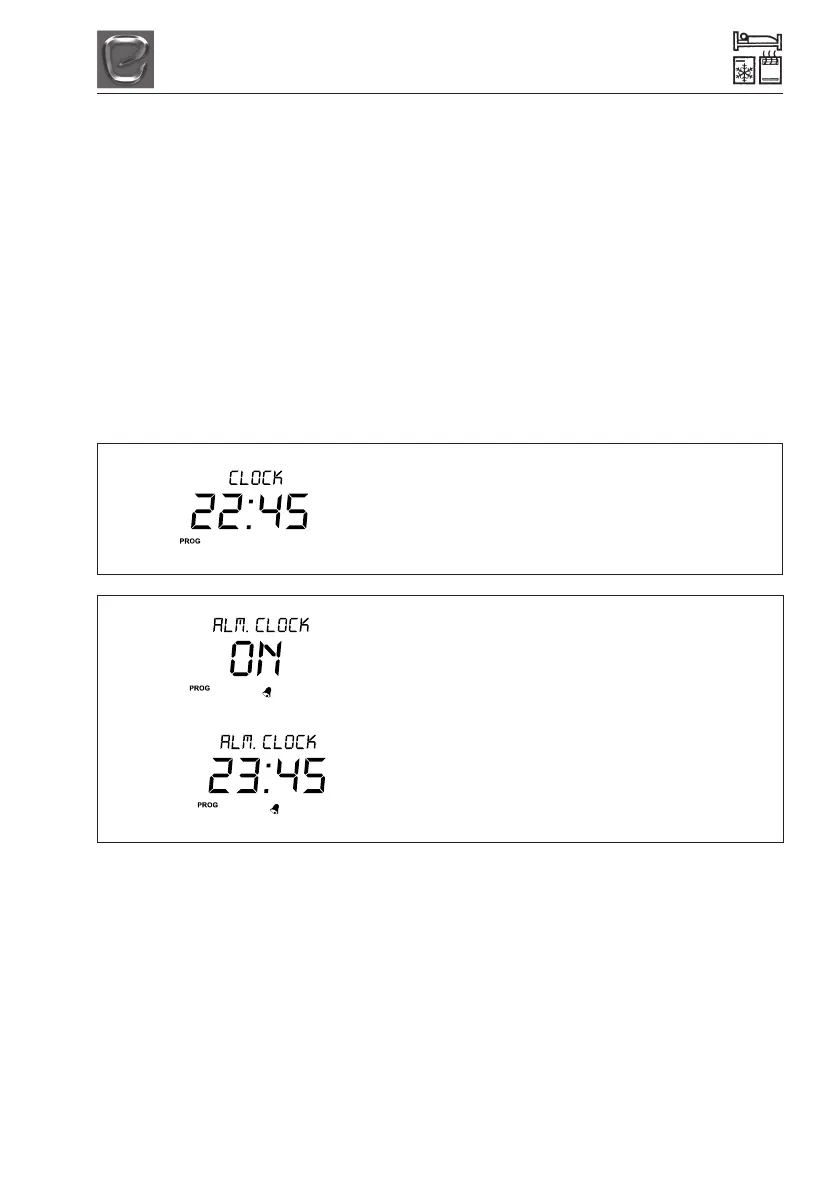
•Clock setting
- HOURS (blinking)
- MINUTES
(blinking)
• Activation of alarm clock
- ON (activation)
- OFF (deactivation)
• Set alarm clock time (only if alarm
clock has been previously activated)
- ON (activation)
- OFF (deactivation)
• By using the arrow keys ref. 1 and 2 you
can modify the setting of the parameters.
• Confirm the setting by pushing the
“PROG” button (ref. 3), you then go
automatically to next parameter.
• Press the “PROG” button (ref. 3) more
than once to save the settings and exit
the setting mode.
•To exit without saving wait 30 seconds
without pressing any key.
CLOCK SETTING



 To Next Page