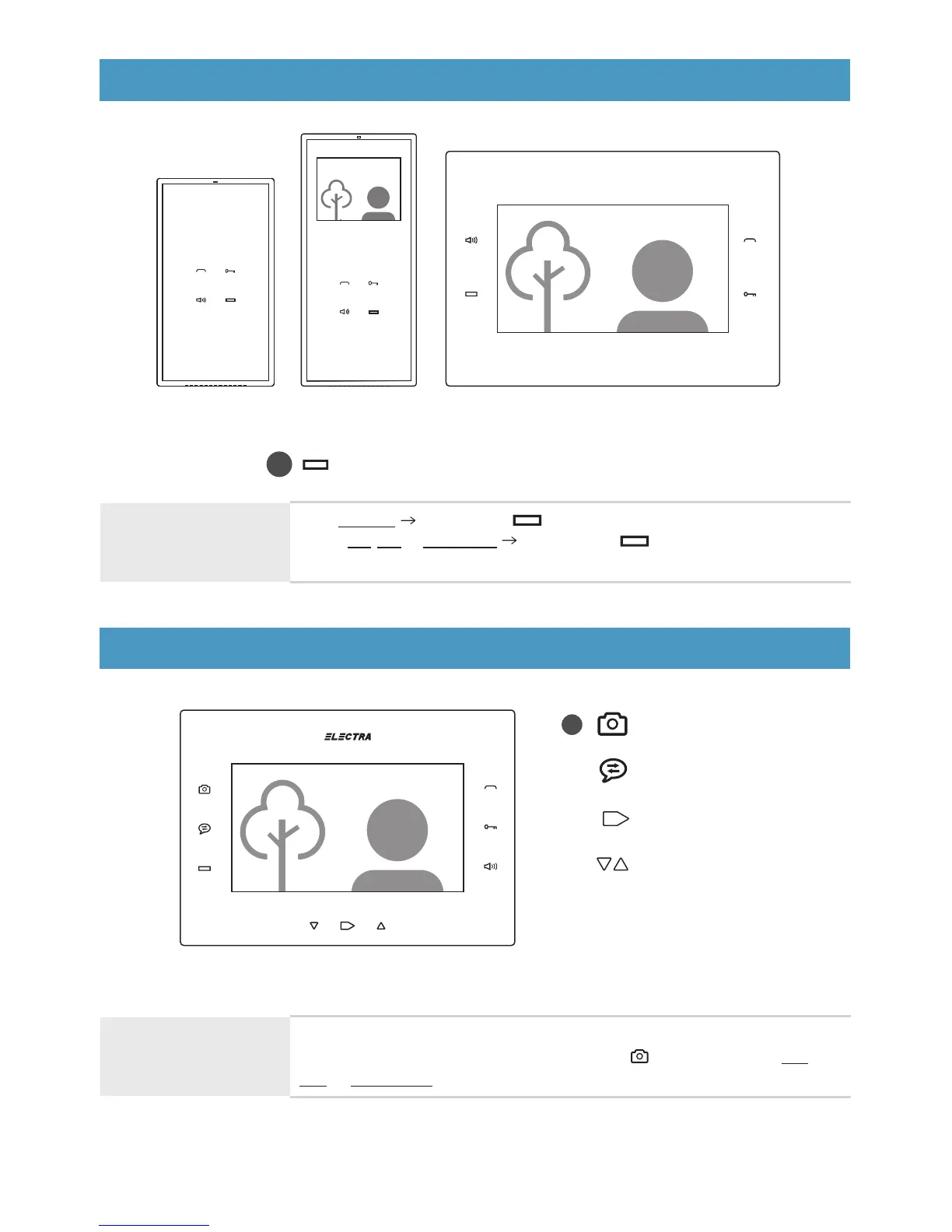
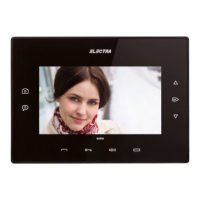
audio smart + video 3.5” smart + video 7” smart +
AUX command (auto gate, external lighting etc.)
+
smart + Terminals
extra Terminal
ok
ok
Pictures taking
Intercommunication
Menu / ok
Navigation
+
video 7” extra
PICTURES TAKING
Terminal during call, talk
or monitoring
Implicitly, for each call from the outdoor panel one picture is taken.
For deliberate picture taking, short touch of any time during call,
talk or monitoring.
AUX COMMAND
Terminal in stand-by or during
call, talk or monitoring
From stand-by Long press of .
During call, talk or monitoring Short touch of any time. The command
is signaled acoustically also, with a specific confirmation song.
45


 To Next Page