22
ADJUSTMENT FOR WINDOWS 7
AND SOME VISTA SYSTEMS ONLY
If do not have the fluctuant wave on the Audacity interface or the sound is low or distorted
during recording, adjust the recording level as follows:
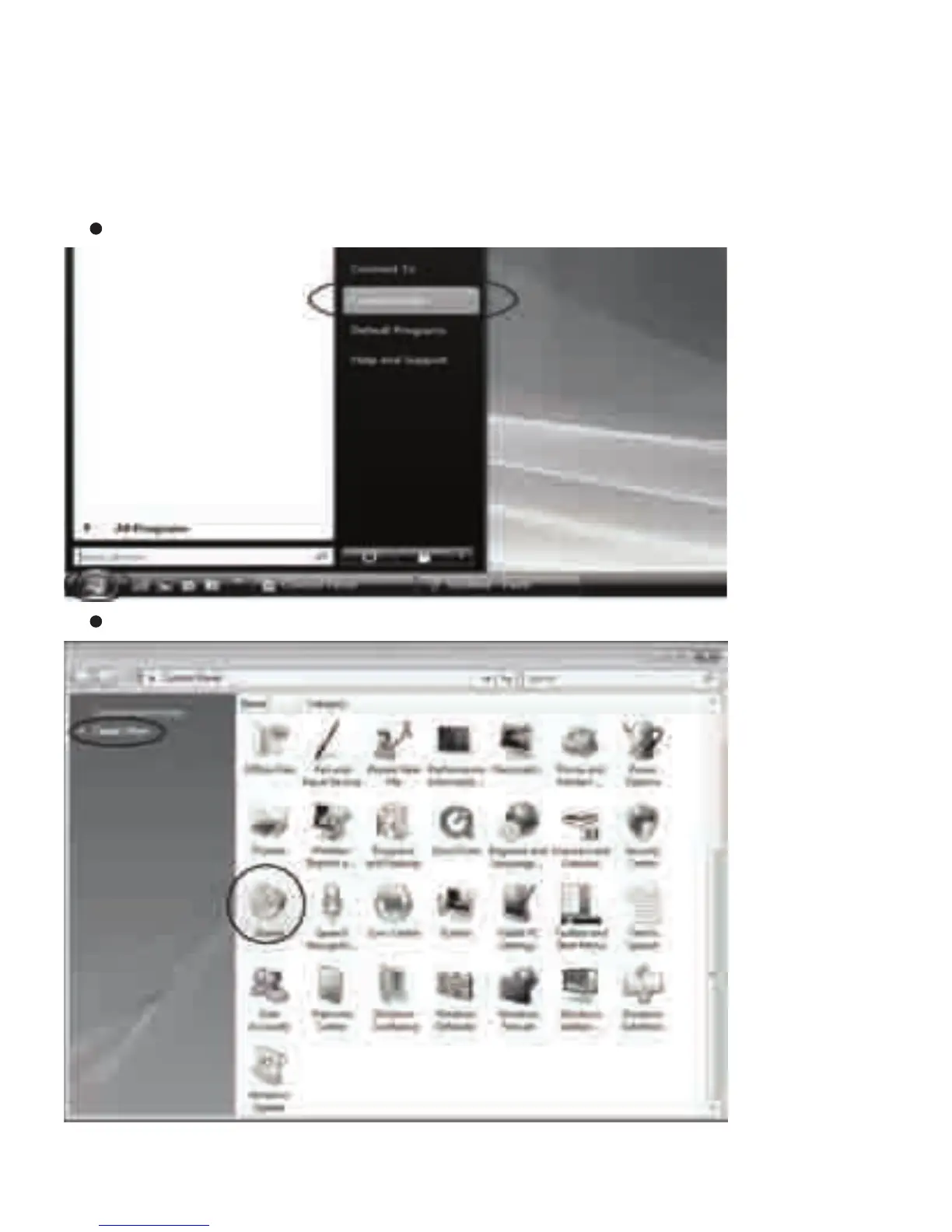
Click “Start” at the lower le corner, go to the Control Panel.
In Classic View, double click the Sound icon.


 To Next Page