9
AUDACITY FOR WINDOWS USERS
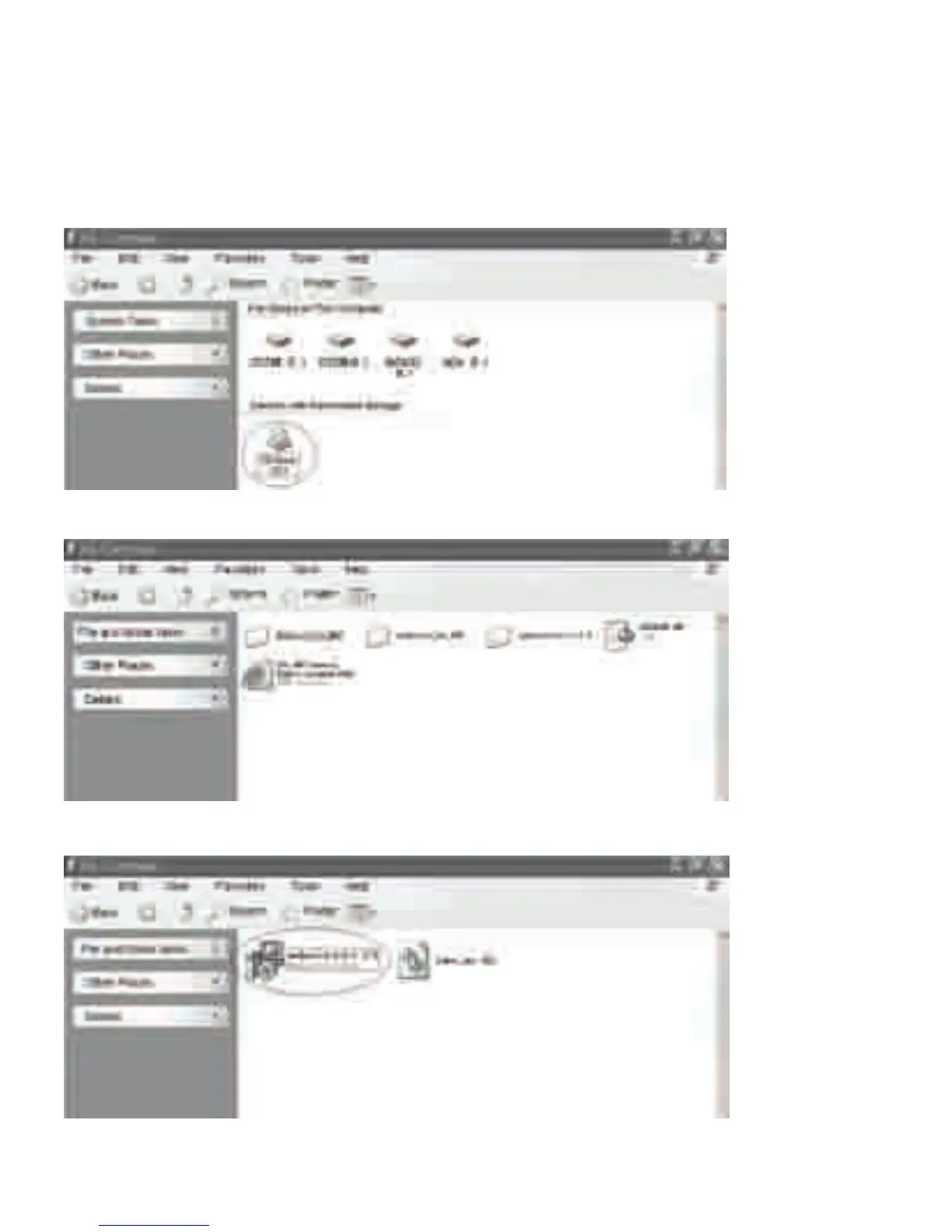
1. Please insert the Audacity soware disk that comes with your unit. Go to “My Computer”
and double click the CD ROM Drive.
NOTE: If the CD automacally launches the Set Up Wizard, please skip and refer to ‘Installing
the Audacity Soware’.
2. There are five folders in the Audacity disk. Select Audacity_for_WIN for Windows system,
and select Audacity_for_MAC for Macintosh system.
3. Double click the Audacity_for_WIN for Windows system, and double click the
audacity-win-1.2.6 to install the Audacity Soware.



 To Next Page