40
DIVIDING TRACKS
1. Press ( ) buon to return to the beginning of the first song.
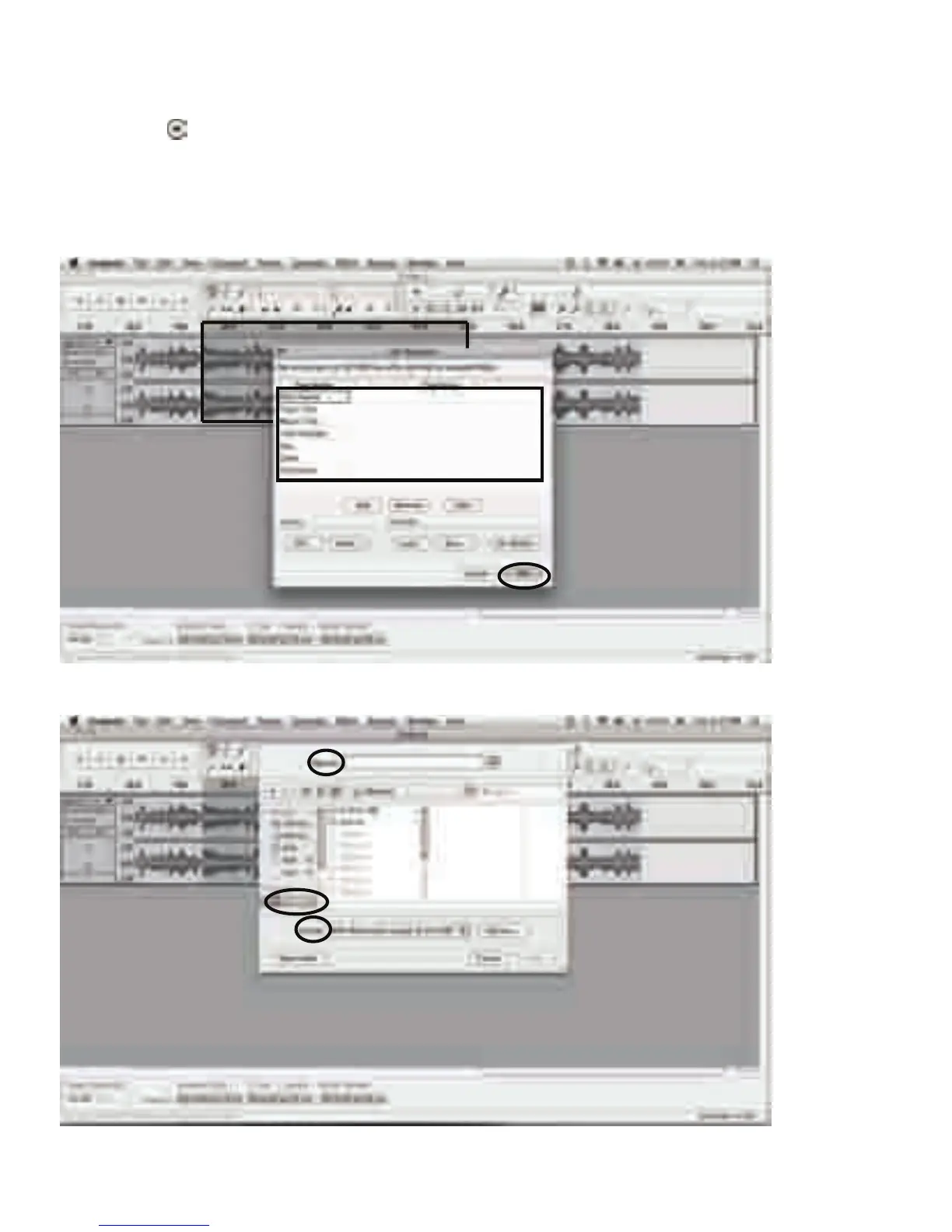
2. Move cursor to the wave graphic area, le click mouse and hold then drag from le to right.
Release the mouse when the highlighted reach end of first song.
3. Click "file" tab then select "EXPORT SELECTION".
4. The window will pop up a dialog box for you to complete the Metadata. Click OK buon
aer you type in.
5. Then a window appears. Select your music file locaon and format, and type in your file
name. Click “Save” and the song is saved on the computer.



 To Next Page