41
EXPORT AND SAVE FILES (AFTER RECORDING IS COMPLETED)
When the recording is finished, click the ( ) on the screen. Then stop the cassee
playback.
You have a music download on your computer now.
You may play back the song through your computer.
Simply click the (
) to play.
NOTE: You may visit the Audacity website at hp://audacity.source forge.net.
For more detailed informaon and operaon, etc.
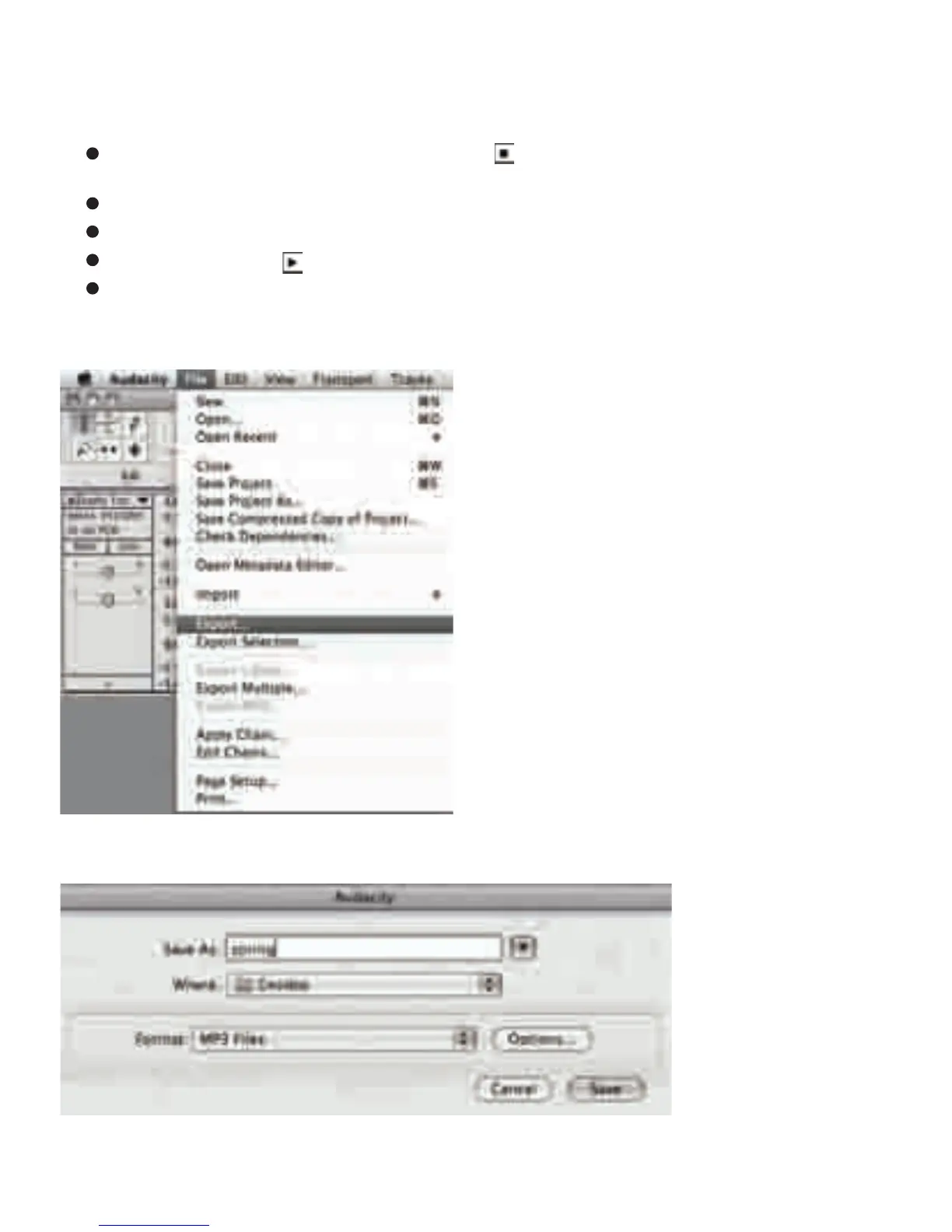
1. Click the file tab on the audacity interface. Select “Export” to save the file.
2. A window will pop up aer clicking Export. It will default the MP3 format, but you also can
select other formats. You only need to click the arrow located at the right of the MP3 Files.



 To Next Page