33
CONFIGURING AUDACITY FOR MAC
Audacity Interface for Mac
Audacity Interface---Sengs and controls
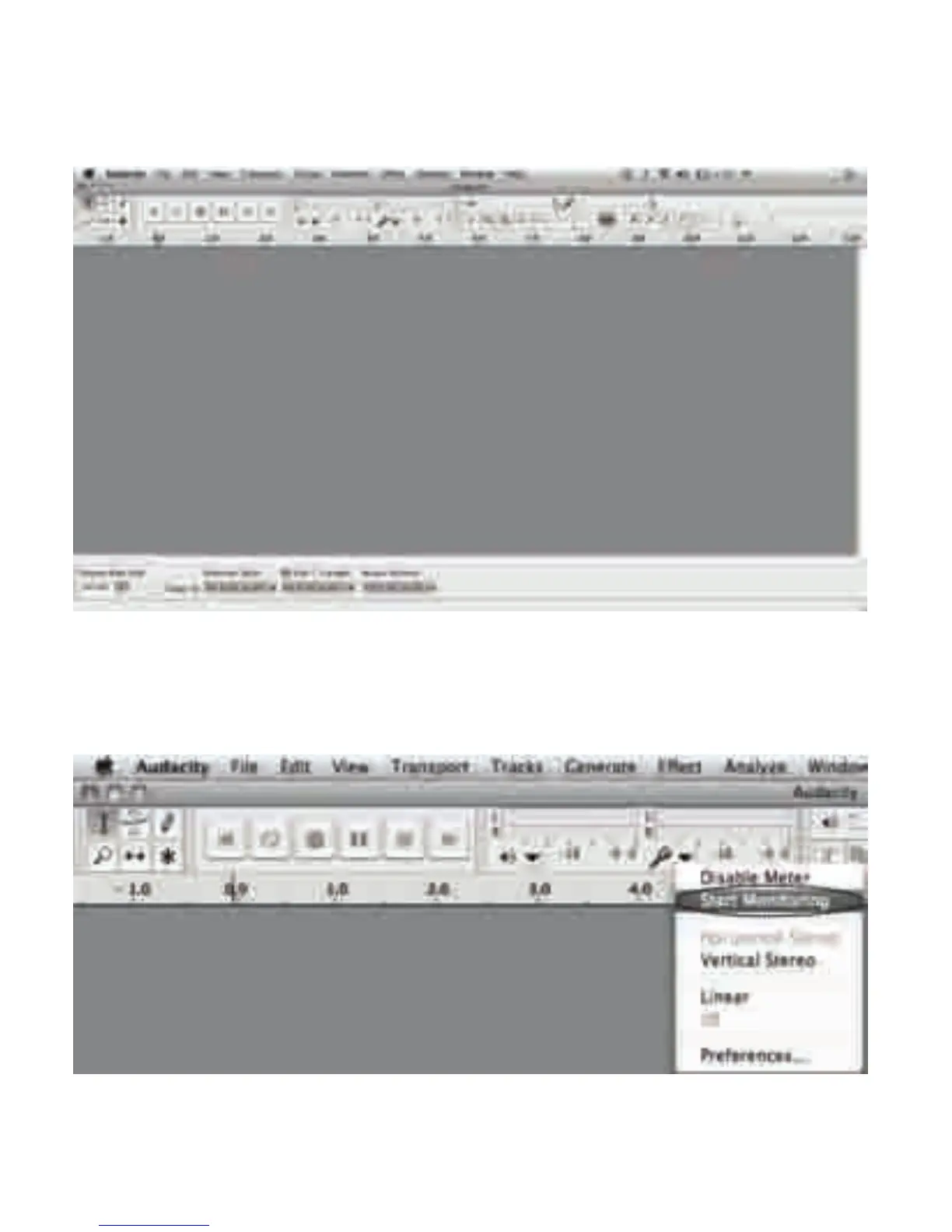
At the top of the main Audacity window, to the right of the play control buons, you will see the
input and output level meters (labeled L and R). Under the output level meter, is an icon that
looks like a microphone. Next to the microphone is a black arrow that points down. Click this
arrow and select Start Monitor. (If you don't see the input and output level meters, open your
Preferences again as described above.)



 To Next Page