35
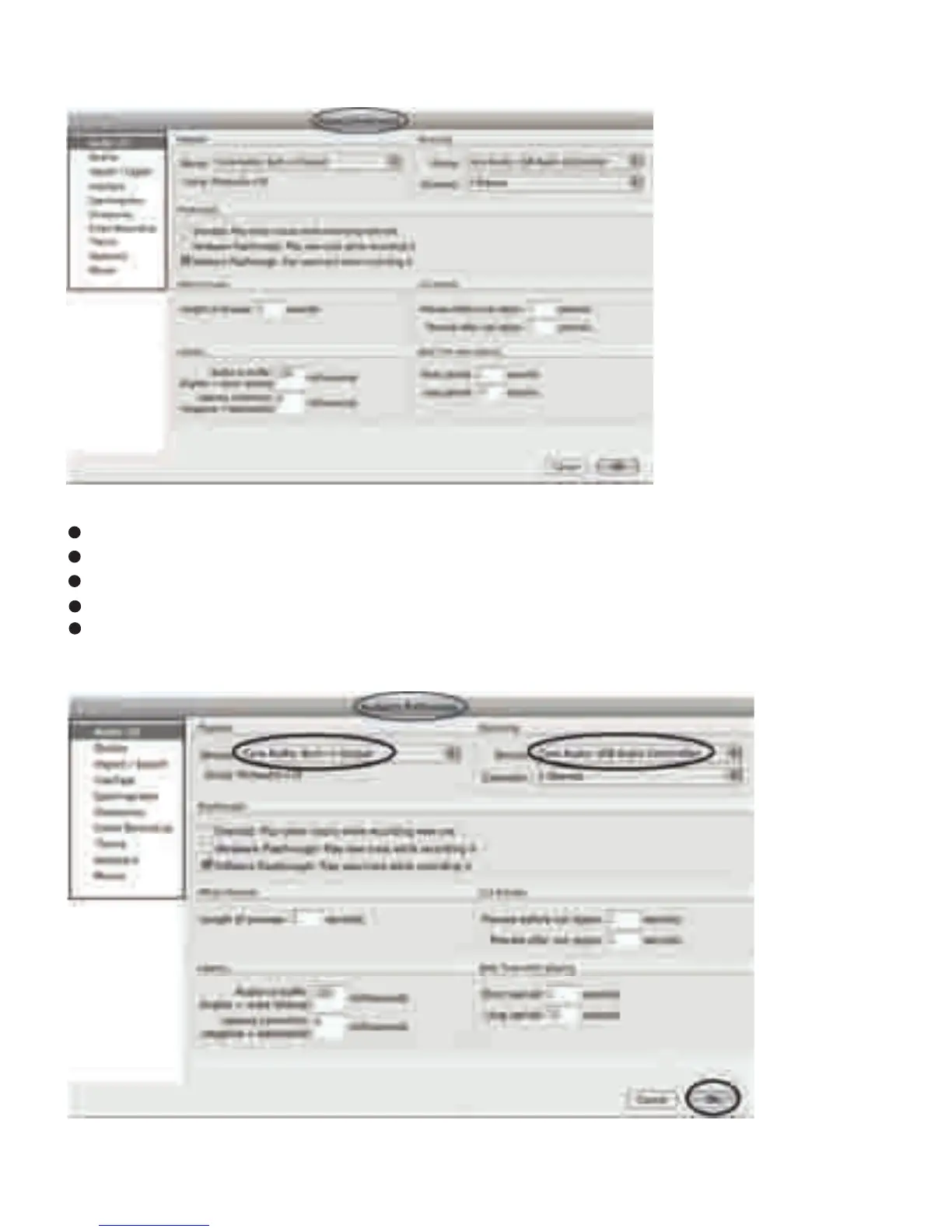
2. Select the recording device: Core Audio (USB Audio Controller)
Click the “Audio I/O” at the Audacity Preferences interface.
Click the Recording “Device” and select “Core Audio (USB Audio Controller)”.
Click the “Channels” and select 2 (stereo).
Click the “OK”.
Note: If you couldn't find the "Core Audio (USB Audio Controller)" from the Device list, close
the Audacity Soware and re-open then try again or insure the turntable is connected to the
computer.



 To Next Page