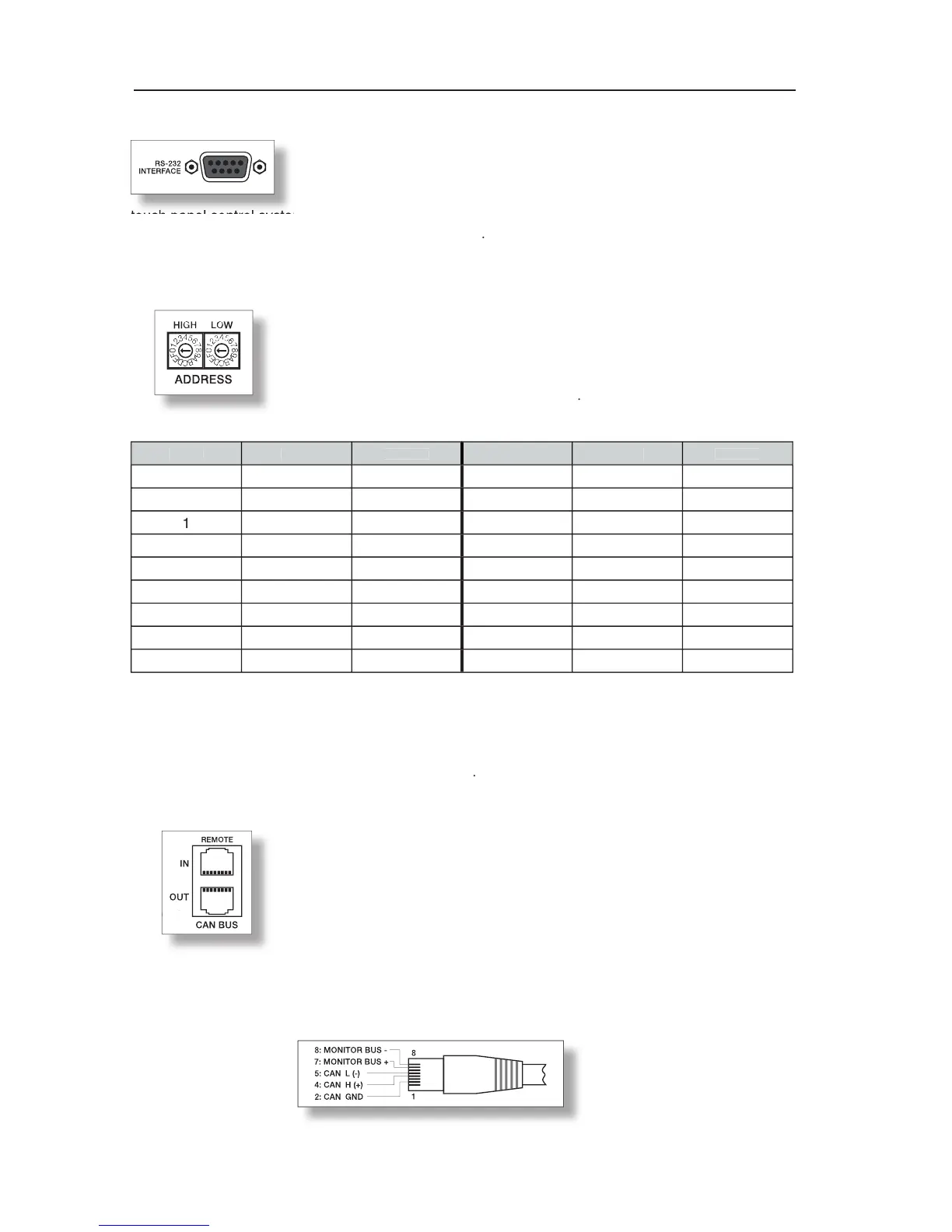
The RS-232 interface is for connecting media control systems as well as
building management systems providing control and monitoring of all
parameters. Communication is established via an easily to implement ASCII-
protocol allowing trouble-free integration of Remote Amplifiers in media and
touch panel control systems. For a programmer’s guide and complete protocol description, please refer
to the documentation accompanying the IRIS software
The address selection switch allows setting the amplifier’s network address,
which, within a CAN-network, can range from 01 to 250 (FA hex). Caution:
Each address may exist only once within a network. Otherwise network
conflicts might occur. Address setting has to be performed in hexadecimal
code. The selection switch LOW represents the low-value digit while the
HIGH-switch represents the high-value digit
Address 0 (00 hex, factory-pre-set) ensures that the amplifier is separated from the remote
communication, so that it does not appear in the system set-up even though it might be connected
to the CAN-bus. When the amplifier is powered-on with its address set to “0”, all internal parameters
are set to “0” respectively to bypass and the routing is set to 2-in-2. In that case the amplifier behaves
absolutely linear, i.e. signal processing is deactivated
Each amplifier employs two RJ-45 sockets for Remote CAN-bus connection.
The sockets are parallel connected and serve as input as well as for
connecting through of the Remote network. Common RJ-45 patch
cables can be used for rack-shelf cabling. The CAN-bus needs to be
terminated at both ends using a 120ohms termination plug. Detailed
guidelines concerning cabling and bus length are provided in the chapter
“REMOTE CONTROL NETWORK”.
Both RJ-45 sockets additionally carry the balanced audio monitor signal. The
nominal output level is +6dBu (1.55V) while the maximum output level is +21dBu (8.7V).
Connector Pin-Assignment:
touch panel control systems. For a programmer’s guide and complete protocol description, please refer



 To Next Page