EasyManua.ls Logo

Electro-Voice PSX600 - Page 19

Electro-Voice PSX600
21 pages
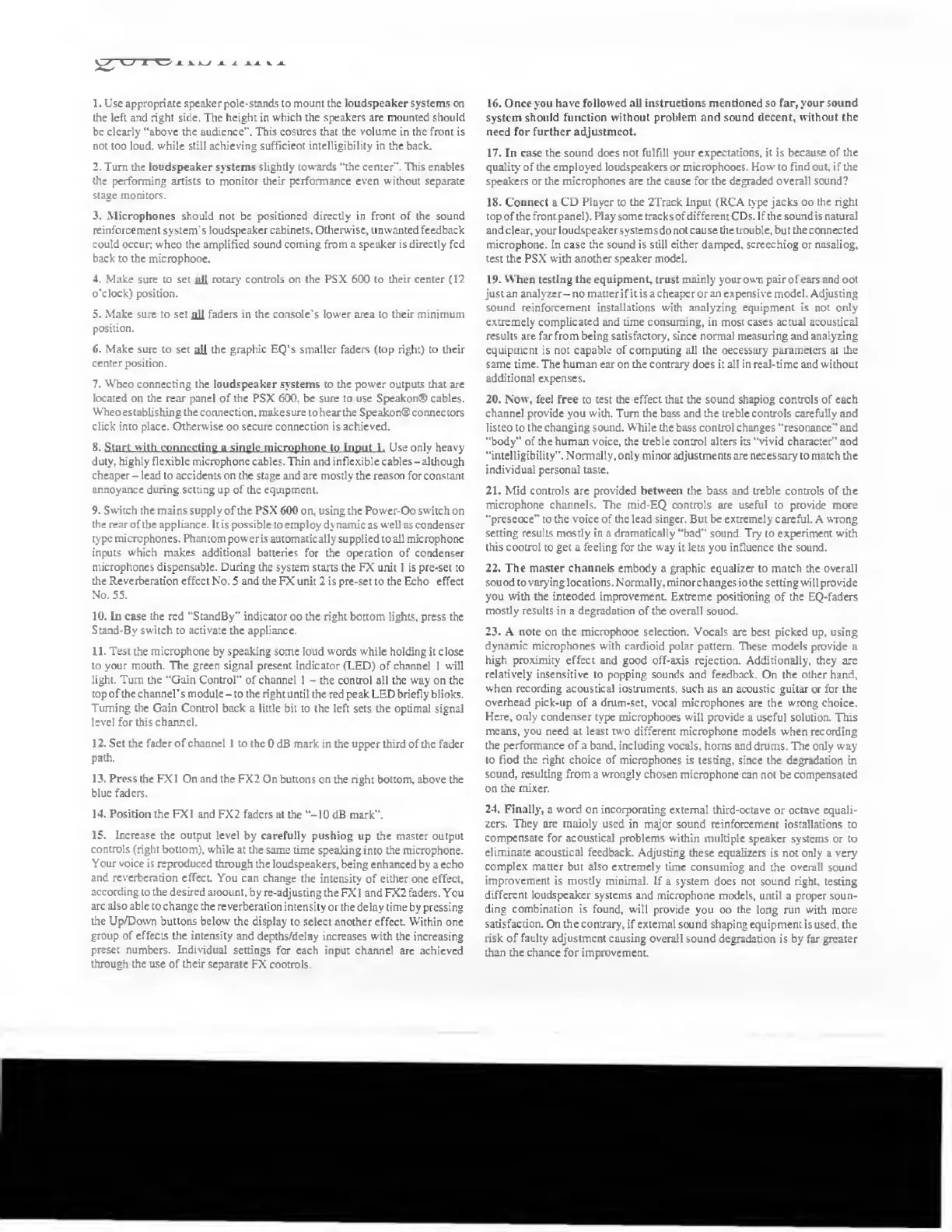
Print Icon
To Next Page IconTo Next Page
To Previous Page IconTo Previous Page
Loading...
yy
W
X
A.
W
A
i
*
A
V
A
1.
Use
appropriate
speaker
pole-stands
to
mount
the
loudspeaker
systems
on
the
left
and
right
side.
The
height
in
which
the
speakers
are
mounted
should
be
clearly
"above
the
audience".
This
ensures
that
the
volume
in
the
front
is
not
too
loud,
while
still
achieving
sufficient
intelligibility
in
the
back.
2.
Turn
the
loudspeaker
systems
slightly
towards
"the
center".
This
enables
the
performing
artists
to
monitor
their
performance
even
without
separate
stage
monitors.
3.
Microphones
should
not
be
positioned
directly
in
front
of
the
sound
reinforcement
system’s
loudspeaker
cabinets.
Otherwise,
unwanted
feedback
could
occur;
when
the
amplified
sound
coming
from
a
speaker
is
directly
fed
back
to
the
microphone.
4.
Make
sure
to
set
all
rotary
controls
on
the
PSX
600
to
their
center
(12
o'clock)
position.
5.
Make
sure
to
set
all
faders
in
the
console's
lower
area
to
their
minimum
position.
6.
Make
sure
to
set
all
the
graphic
EQ's
smaller
faders
(top
right)
to
their
center
position.
7.
When
connecting
the
loudspeaker
systems
to
the
power
outputs
that
are
located
on
the
rear
panel
of
the
PSX
600,
be
sure
to
use
Speakon®
cables.
When
establishing
the
connection,
make
sure
to
hear
the
Speakon®
connectors
click
into
place.
Otherwise
no
secure
connection
is
achieved.
8.
Start
w
ith,
connecting
a
single
m
icrophon
e
to
Input
1.
Use
only
heavy
duty,
highly
flexible
microphone
cables.
Thin
and
inflexible
cables
-
although
cheaper
-
lead
to
accidents
on
the
stage
and
are
mostly
the
reason
for
constant
annoyance
during
setting
up
of
the
equipment.
9.
Switch
the
mains
supply
of
the
PSX
600
on,
using
the
Power-On
switch
on
the
rear
of
the
appliance.
It
is
possible
to
employ
dynamic
as
well
as
condenser
type
microphones.
Phantom
power
is
automatically
supplied
to
all
microphone
inputs
which
makes
additional
batteries
for
the
operation
of
condenser
microphones
dispensable.
During
the
system
starts
the
FX
unit
1
is
pre-set
to
the
Reverberation
effect
No.
5
and
the
FX
unit
2
is
pre-set
to
the
Echo
effect
No.
55.
10.
In
case
the
red
"StandBy"
indicator
on
the
right
bottom
lights,
press
the
Stand-By
switch
to
activate
the
appliance.
11.
Test
the
microphone
by
speaking
some
loud
words
while
holding
it
close
to
your
mouth.
The
green
signal
present
indicator
(LED)
of
channel
1
will
light.
Turn
the
“Gain
Control”
of
channel
1
-
the
control
all
the
way
on
the
top
of
the
channel's
module
-
to
the
right
until
the
red
peak
LED
briefly
blinks.
Turning
the
Gain
Control
back
a
little
bit
to
the
left
sets
the
optimal
signal
level
for
this
channel.
12.
Set
the
fader
of
channel
1
to
the
0
dB
mark
in
the
upper
third
of
the
fader
path.
13.
Press
the
FX1
On
and
the
FX2
On
buttons
on
the
right
bottom,
above
the
blue
faders.
14.
Position
the
FX1
and
FX2
faders
at
the
“-I0
dB
mark".
15.
Increase
the
output
level
by
carefully
pushing
up
the
master
output
controls
(right
bottom),
while
at
the
same
time
speaking
into
the
microphone.
Your
voice
is
reproduced
through
the
loudspeakers,
being
enhanced
by
a
echo
and
reverberation
effect.
You
can
change
the
intensity
of
either
one
effect,
according
to
the
desired
amount,
by
re-adjusting
the
FX
1
and
FX2
faders.
You
arc
also
able
to
change
the
reverberation
intensity
or
the
delay
time
by
pressing
the
Up/Down
buttons
below
the
display
to
select
another
effect
Within
one
group
of
effects
the
intensity
and
depths/delay
increases
with
the
increasing
preset
numbers.
Individual
settings
for
each
input
channel
are
achieved
through
the
use
of
their
separate
FX
controls
16.
Once
you
have
followed
all
instructions
mentioned
so
far,
your
sound
system
should
function
without
problem
and
sound
decent,
without
the
need
for
further
adjustment.
17.
In
case
the
sound
does
not
fulfill
your
expectations,
it
is
because
of
the
quality
of
the
employed
loudspeakers
or
microphones.
How
to
find
out,
if
the
speakers
or
the
microphones
are
the
cause
for
the
degraded
overall
sound?
18.
Connect
a
CD
Player
to
the
2Track
Input
(RCA
type
jacks
on
the
right
top
of
the
front
panel).
Play
some
tracks
of
different
CDs.
If
the
sound
is
natural
and
clear,
your
loudspeaker
systems
do
not
cause
the
trouble,
but
the
connected
microphone.
In
case
the
sound
is
still
either
damped,
screeching
or
nasaling,
test
the
PSX
with
another
speaker
model.
19.
When
testing
the
equipment,
trust
mainly
your
owm
pair
of
ears
and
not
just
an
analyzer-no
matter
ifit
is
a
cheaper
or
an
expensive
model.
Adjusting
sound
reinforcement
installations
with
analyzing
equipment
is
not
only
extremely
complicated
and
time
consuming,
in
most
cases
actual
acoustical
results
are
far
from
being
satisfactory,
since
normal
measuring
and
analyzing
equipment
is
not
capable
of
computing
all
the
necessary
parameters
at
the
same
time.
The
human
ear
on
the
contrary
does
it
all
in
real-time
and
without
additional
expenses.
20.
Now,
feel
free
to
test
the
effect
that
the
sound
shaping
controls
of
each
channel
provide
you
with.
Turn
the
bass
and
the
treble
controls
carefully
and
listen
to
the
changing
sound.
While
the
bass
control
changes
“resonance”
and
"body"
of
the
human
voice,
the
treble
control
alters
its
“vivid
character"
and
“intelligibility".
Normally,
only
minor
adjustments
are
necessary
to
match
the
individual
personal
taste.
21.
Mid
controls
are
provided
between
the
bass
and
treble
controls
of
the
microphone
channels.
The
mid-EQ
controls
are
useful
to
provide
more
“presence"
to
the
voice
of
die
lead
singer.
But
be
extremely
careful.
A
wrong
setting
results
mosdy
in
a
dramatically
“bad"
sound.
Try
to
experiment
with
this
control
to
get
a
feeling
for
the
way
it
lets
you
influence
the
sound.
22.
The
master
channels
embody
a
graphic
equalizer
to
match
the
overall
sound
to
varying
locations.
Normally,
minor
changes
in
the
setting
will
provide
you
with
the
intended
improvement.
Extreme
positioning
of
the
EQ-faders
mosdy
results
in
a
degradation
of
the
overall
sound.
23.
A
note
on
the
microphone
selection.
Vocals
are
best
picked
up,
using
dynamic
microphones
with
cardioid
polar
pattern.
These
models
provide
a
high
proximity
effect
and
good
off-axis
rejection.
Additionally,
they
are
relatively
insensitive
to
popping
sounds
and
feedback.
On
the
other
hand,
when
recording
acoustical
instruments,
such
as
an
acoustic
guitar
or
for
the
overhead
pick-up
of
a
drum-set,
vocal
microphones
are
the
wrong
choice.
Here,
only
condenser
type
microphones
will
provide
a
useful
solution.
This
means,
you
need
at
least
two
different
microphone
models
when
recording
the
performance
of
a
band,
including
vocals,
horns
and
drums.
The
only
way
to
find
the
right
choice
of
microphones
is
testing,
since
the
degradation
in
sound,
resulting
from
a
wrongly
chosen
microphone
can
not
be
compensated
on
the
mixer.
24.
Finally,
a
word
on
incorporating
external
third-octave
or
octave
equali¬
zers.
They
are
mainly
used
in
major
sound
reinforcement
installations
to
compensate
for
acoustical
problems
within
multiple
speaker
systems
or
to
eliminate
acoustical
feedback.
Adjusting
these
equalizers
is
not
only
a
very
complex
matter
but
also
extremely
time
consuming
and
the
overall
sound
improvement
is
mostly
minimal.
If
a
system
does
not
sound
right,
testing
different
loudspeaker
systems
and
microphone
models,
until
a
proper
soun¬
ding
combination
is
found,
will
provide
you
on
the
long
run
with
more
satisfaction.
On
the
contrary,
if
external
sound
shaping
equipment
is
used,
the
risk
of
faulty
adjustment
causing
overall
sound
degradation
is
by
far
greater
than
the
chance
for
improvement

Related product manuals